 MeloAuto-Trusted PLC & DCS Parts Supplier
Seamless Rack Expansion for S5 Systems
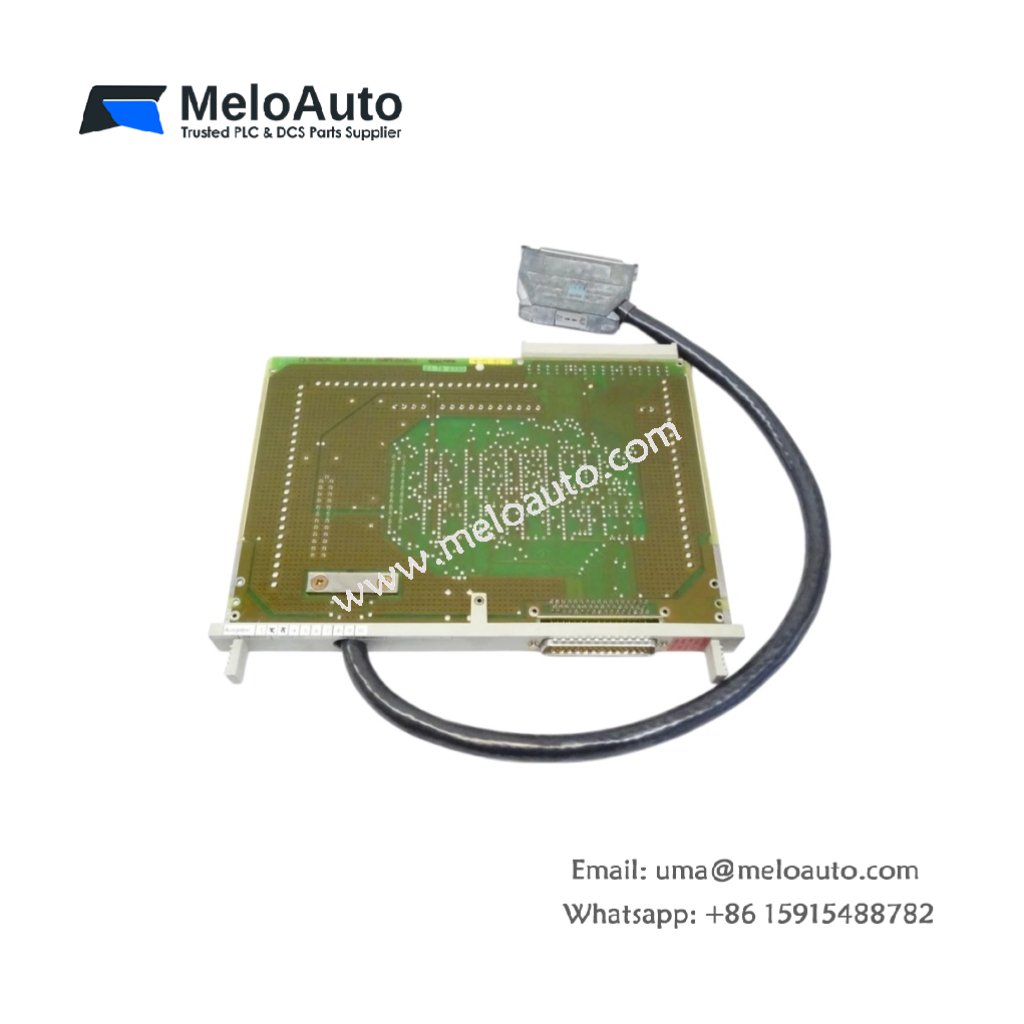
The Siemens 6ES5312-3AB11 extension unit interface module connects central controllers with remote expansion racks. This module transmits all I/O data and control signals between multiple chassis. Large automation configurations require reliable rack interconnection, and this unit delivers that functionality consistently.
Communication Performance and Data Handling
This interface module operates on a 5 V DC backplane supply, drawing a maximum current of 300 mA. The unit handles data exchange at 187.5 kbps, maintaining synchronization across all connected racks. An internal 4 KB FIFO buffer manages data flow during peak communication periods. Furthermore, the module supports daisy-chaining of up to 4 expansion units per controller.
| Parameter | Specification |
|---|---|
| Model | Siemens 6ES5312-3AB11 |
| Supply Voltage | 5 V DC (from backplane) |
| Current Consumption | 300 mA (max) |
| Transmission Rate | 187.5 kbps |
| FIFO Buffer Size | 4 KB |
| Expansion Units Supported | Up to 4 (daisy-chain) |
| Interface Type | RS-485 (isolated) |
| Connector Type | 15-pin D-sub (female) |
| Cable Type | Shielded twisted pair |
| Dimensions (W x H x D) | 40 mm x 125 mm x 118 mm |
| Weight | 0.38 kg |
| Compatible Racks | S5-115U, S5-135U, S5-155U |
Signal Isolation and Protection Features
The Siemens 6ES5312-3AB11 provides 1500 V AC isolation between the backplane and the extension cable. This isolation protects the central controller from electrical disturbances in remote racks. The module also includes transient suppression diodes on the communication lines. Additionally, a built-in cable fault detector alerts the CPU when the extension cable loses connection.
Physical Design and Connector Layout
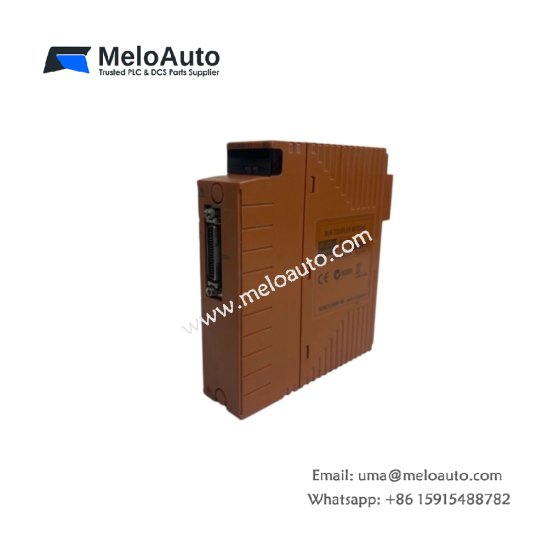
This interface module features a compact 40 mm housing that occupies one slot in the central rack. The unit weighs approximately 0.38 kilograms, allowing straightforward installation and removal. A 15-pin D-sub female connector on the front panel provides the extension cable interface. The module includes two indicator LEDs for power and data transmission status.
Installation and Cabling Guidelines
You should install this module in the first slot adjacent to the CPU for optimal performance. Connect the extension cable to both the master and slave interface modules. Always use shielded, twisted-pair cables with an impedance of 120 ohms. Terminate both ends of the cable with the provided termination plugs for reliable communication.
Operational Modes and System Integration
This interface module operates in master or slave mode depending on its position in the rack. The master module in the central rack initiates all communication cycles. Slave modules in expansion racks respond to requests and transmit local I/O data. The CPU automatically detects the presence of connected expansion units during startup. The module supports both local and remote rack configurations without requiring parameter changes.











WeChat
Scan the QR Code with wechat