 MeloAuto-Trusted PLC & DCS Parts Supplier
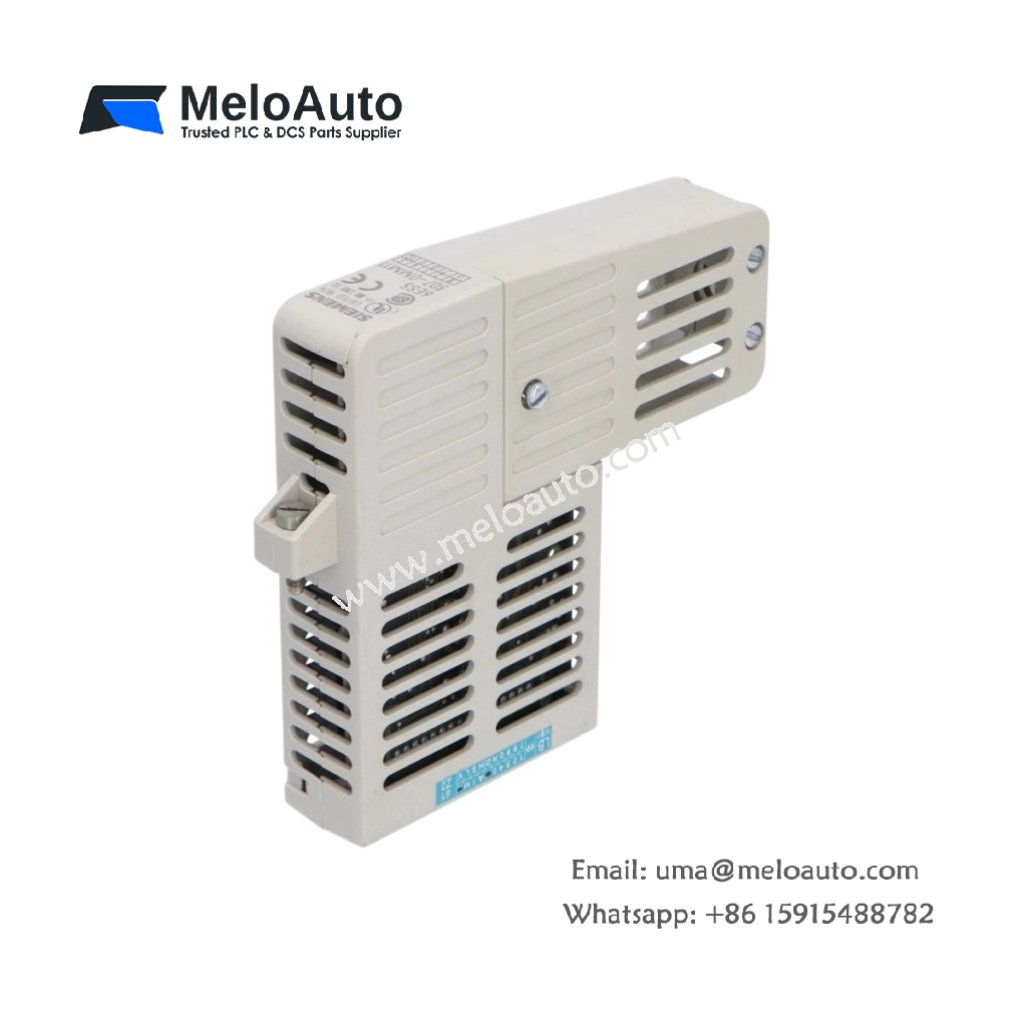
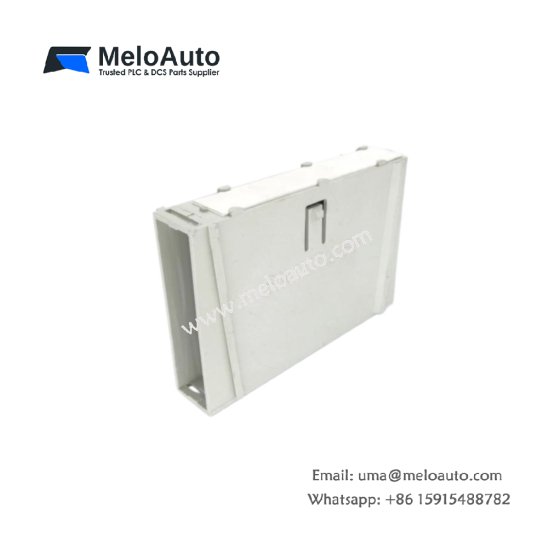
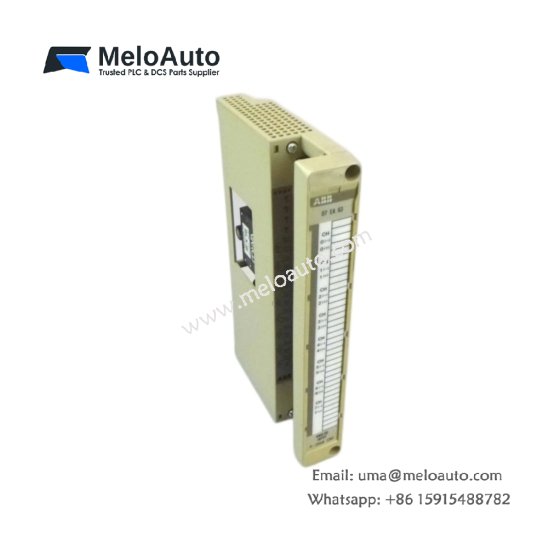
The 6ES5307-0MM11 functions as an optic media module for the Siemens SIMATIC S5 PLC system. This unit converts electrical signals to fiber optic light pulses for long-distance communication. It enables noise-immune data transmission between remote PLC racks. Therefore, this module provides reliable networking in electrically noisy industrial environments.
Technical Specifications
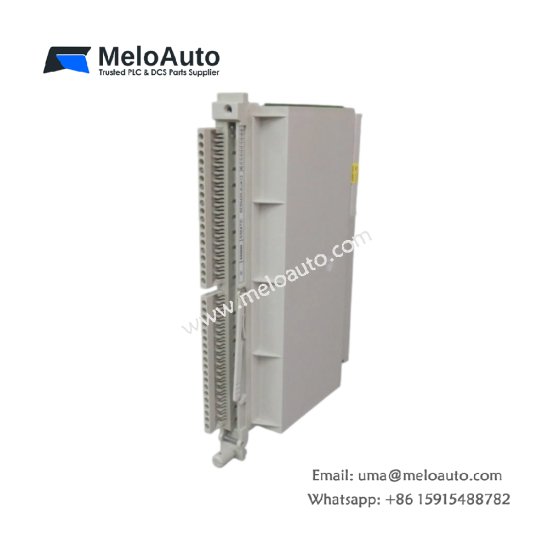
We engineered this optic media module for interference-free data transmission. Its single-slot design fits directly into a standard S5 rack. Moreover, the module supports both glass and plastic fiber optic cables.
| Parameter | Specification |
|---|---|
| Dimensions (H x W x D) | 8.9 x 1.5 x 5.1 inches (226 x 38 x 130 mm) |
| Weight | 0.45 kg (1.0 lbs) |
| Fiber Type | Glass (62.5/125 μm) or plastic (1 mm) |
| Wavelength | 660 nm (visible red light) |
| Transmission Distance (Glass) | 1000 meters (3280 feet) |
| Transmission Distance (Plastic) | 50 meters (164 feet) |
| Data Rate | 12 Mbps maximum |
| Connector Type (Glass) | ST (straight tip) |
| Connector Type (Plastic) | Simplex snap-in |
| Number of Ports | 2 (transmit and receive) |
| Optical Power Budget | 15 dB typical |
| Internal Power Draw | 150 mA from 5V DC backplane |
| Operating Temperature | 0°C to 60°C (32°F to 140°F) |
Signal Conversion Technology
The 6ES5307-0MM11 uses an LED transmitter for electrical-to-optical conversion. A PIN photodiode receives incoming light pulses and converts them back to electrical signals. The module includes automatic gain control for varying cable lengths. Consequently, you get reliable communication even with older or dirty fiber connectors.
Fiber Optic Cable Options
This optic media module accepts both glass and plastic fiber optic cables. Glass fiber allows distances up to 1000 meters between network nodes. Plastic fiber works for shorter runs up to 50 meters at lower cost. Therefore, you can select the appropriate cable based on your distance requirements.
Noise Immunity and Signal Integrity
The 6ES5307-0MM11 provides complete electrical isolation between connected devices. Fiber optic cables carry no electrical current, eliminating ground loops. The module rejects all electromagnetic interference from motors, drives, and welders. Hence, this media module ensures error-free communication in the harshest electrical environments.
Network Topology and Connections
This optic media module connects two S5 racks in a point-to-point configuration. You can also create a daisy-chain network using multiple modules. The ST connector uses a bayonet-style coupling for secure fiber attachment. Consequently, vibration will not disconnect the fiber cable from the module.
Diagnostic Capabilities
The 6ES5307-0MM11 includes LED indicators for rapid troubleshooting. A green Power LED confirms the presence of backplane voltage. The Transmit LED flashes when the module sends data to the fiber. The Receive LED lights when the module detects incoming optical signals. Therefore, maintenance personnel can verify communication without special test equipment.
Energy Storage and Power Requirements
This optic media module contains no battery or capacitor energy storage components. It draws 150 mA from the 5V DC backplane during normal operation. The module does not require any external power supply for the fiber LEDs. Hence, the module powers entirely from the PLC rack backplane.
Installation and Fiber Handling
Mount the 6ES5307-0MM11 into any SIMATIC S5 rack slot securely. Clean the fiber optic connectors with lint-free wipes and isopropyl alcohol. Insert the fiber into the ST connector and twist to lock in place. Do not bend fiber cables beyond their minimum bend radius of 30 mm. Always install dust caps on unused fiber connectors to prevent contamination. Verify the red light appears at the receiving end before commissioning the link.



WeChat
Scan the QR Code with wechat