 MeloAuto-Trusted PLC & DCS Parts Supplier
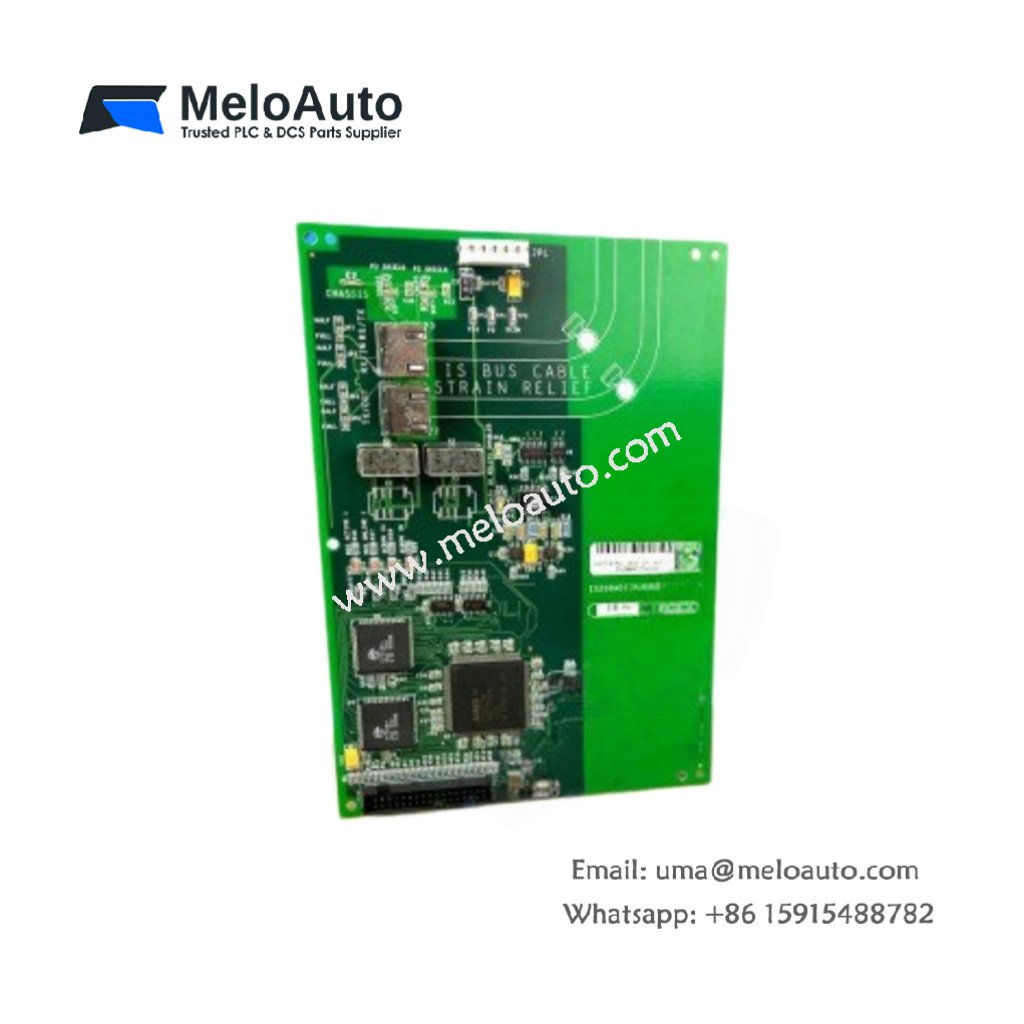
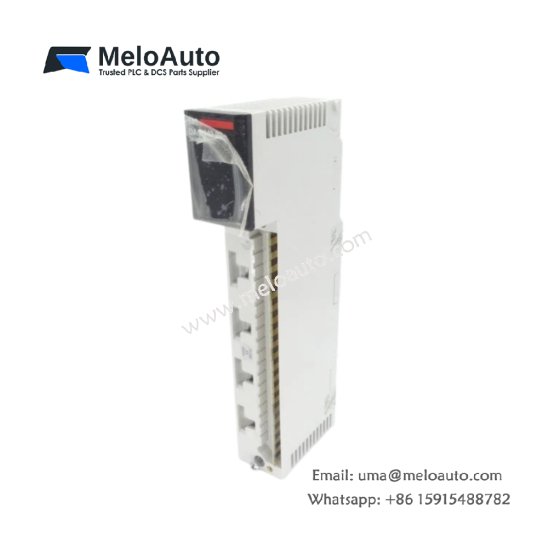
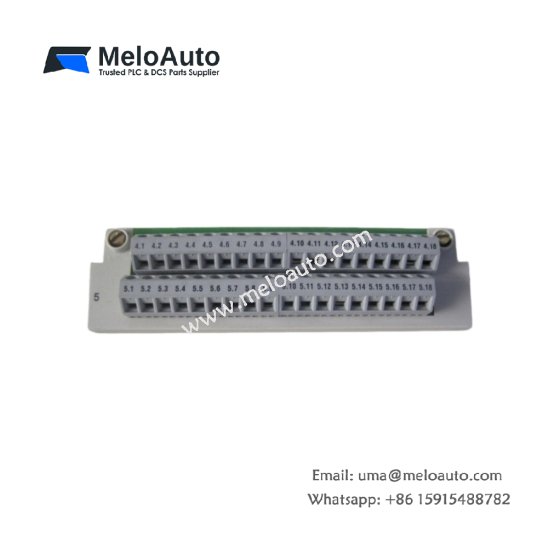
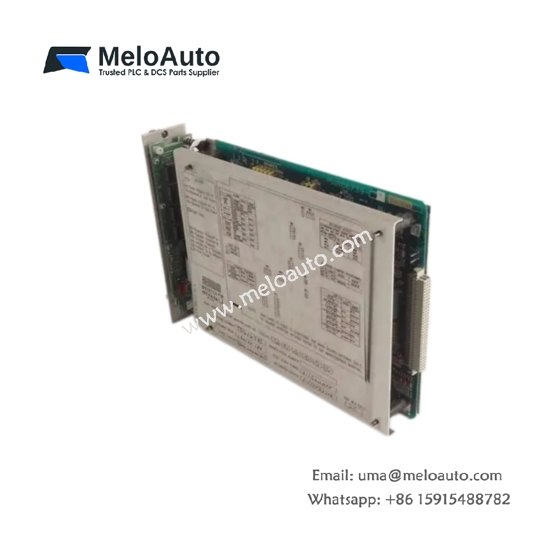
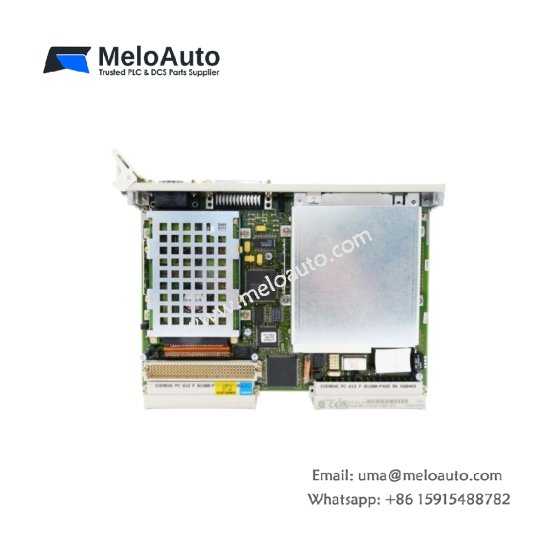
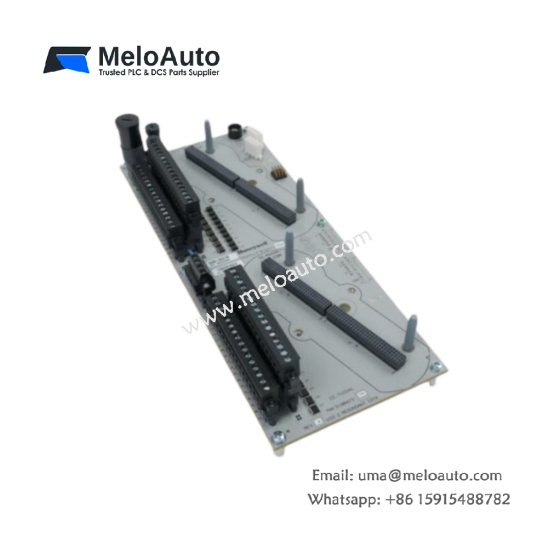
This GE DS200DDTBG2A Auxiliary I/O Terminal Board provides screw terminal connections for auxiliary field signals. The board interfaces between sensors and the main Mark V control system. You will find this component in many GE turbine control cabinets globally. This board does not have a second variant suffix.
Technical Specifications
| Parameter | Specification |
|---|---|
| Full Model | GE DS200DDTBG2A Auxiliary I/O Terminal Board |
| Category | Auxiliary I/O Terminal Board |
| Terminal Points | 60 Screw-Type Terminals |
| Maximum Voltage | 250 V AC or DC |
| Maximum Current | 5 A per Terminal |
| Wire Gauge | 28 AWG to 16 AWG |
| Isolation | 1500 V RMS between Groups |
| Dimensions (H x W) | 260 mm x 180 mm |
| Weight | Approximately 1.05 kg |
| Connectors | 2 x 37-Pin D-Sub, 1 x 20-Pin Header |
| Component Count | 16 Passive Components (Filters) |
| Energy Storage | None (Passive Board) |
Field Wiring and Signal Routing Features
The GE DS200DDTBG2A Auxiliary I/O Terminal Board organizes auxiliary field wiring into clear functional groups. Each terminal includes a labeled position for easy identification. The board routes signals directly to the D-Sub connectors for controller connection. Furthermore, it includes simple RC filter networks on sensitive analog inputs. Consequently, noise from auxiliary field cables does not reach the main processor.
Installation and Connection Steps
Mount this GE DS200DDTBG2A Auxiliary I/O Terminal Board in the lower section of any Mark V cabinet. First, secure the board using four M4 mounting screws at the corners. After that, attach field wiring to the screw terminals following the printed labels. Then, connect the two D-Sub cables to the corresponding controller boards. Finally, verify each connection before applying power to the system.
Energy Discharge and Safety Notice
This GE DS200DDTBG2A Auxiliary I/O Terminal Board stores no significant energy. Therefore, you can handle it immediately after power removal. However, field wiring may carry hazardous voltages from external sources. Always disconnect external power before touching any terminal.
Status Indication and Diagnostics
This auxiliary terminal board has no active indicators or LEDs. However, each terminal position includes a test point for meter connection. You can verify signal presence using these test points without removing wires. The clear labeling helps technicians identify channels quickly during troubleshooting.








WeChat
Scan the QR Code with wechat