 MeloAuto-Trusted PLC & DCS Parts Supplier
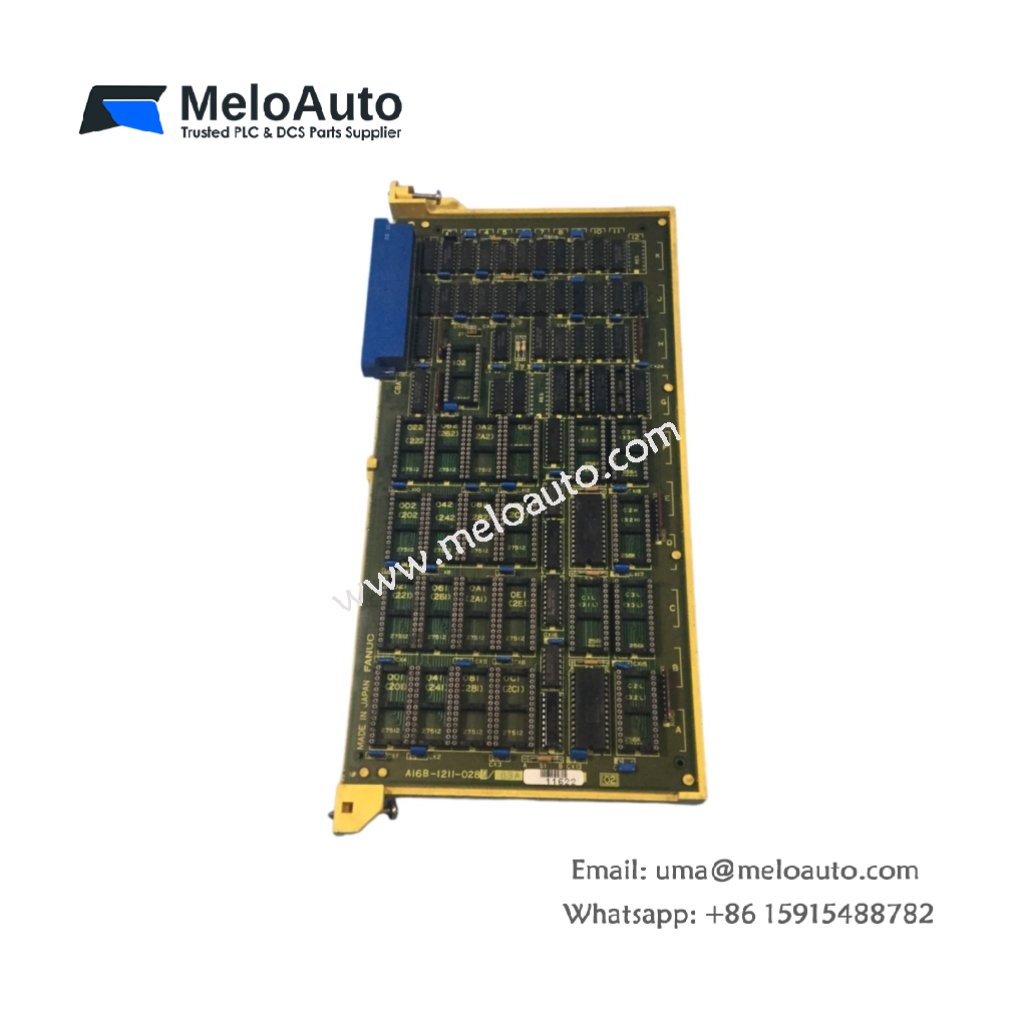
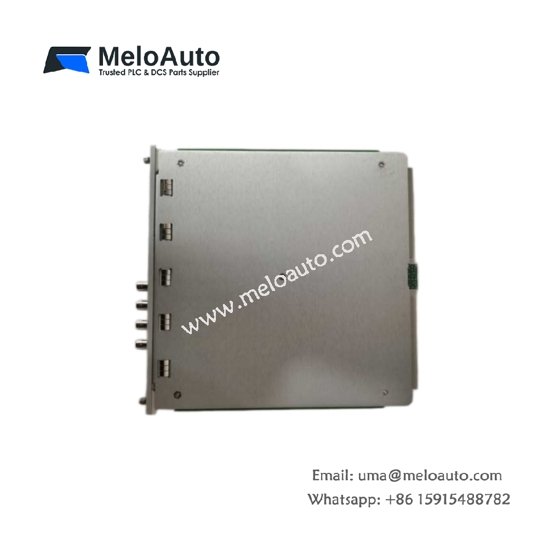
The GE DS200ADPBG1A DS200ADPBG1ABB connects Genius bus devices to the Mark V controller. This board translates between the proprietary Genius protocol and backplane signals. Therefore, it enables distributed I/O throughout your plant floor.
Product Overview
We equipped this adapter board with dual Genius bus ports for redundancy. Each port supports up to 32 remote I/O blocks on a single bus. Moreover, this unit handles both global and point-to-point data transfers.
Technical Specifications
| Parameter | Specification |
|---|---|
| Dimensions | 25.4 cm (length) x 16.5 cm (width) |
| Weight | 0.47 kg (approximately 1.04 lb) |
| Interface Type | Single 64-pin backplane plus two Genius bus connectors |
| Component Count | 188 components including bus controller ASIC |
| Energy Storage | 4 aluminum capacitors (220 µF, 25V) plus 6 ceramic |
| Bus Protocol | Genius LAN at 153.6 kbps |
| Ports | 2 redundant or independent ports |
| Nodes per Port | 32 maximum |
| Bus Cable Type | Shielded twisted pair with terminator |
| Maximum Distance | 7500 feet (2286 meters) with repeaters |
| Data Exchange | 128 bytes input, 128 bytes output per scan |
Communication Architecture
The GE DS200ADPBG1A DS200ADPBG1ABB manages all Genius bus timing and error handling. Its four aluminum capacitors filter power for the bus transceiver circuitry. Additionally, the board automatically detects bus terminations and cable faults. You get reliable communication even in electrically noisy environments.
Redundancy Features
Port A and Port B can operate in active/standby redundancy mode. The board switches to the backup port within one bus scan. A switchover occurs when the active port detects three consecutive errors. Furthermore, you can force a manual port switch through software. This redundancy ensures continuous operation during cable maintenance.
Energy Storage Purpose
The four aluminum capacitors maintain bus communication during brief power dips. They supply current for up to 10 ms of transmitter operation. The six ceramic capacitors filter high-frequency noise from the bus lines. Together, they ensure clean signal transmission across long cable runs. Therefore, data integrity remains high in industrial settings.
Installation Steps
Insert this board into a dedicated Genius adapter slot in the rack. Align the GE DS200ADPBG1A DS200ADPBG1ABB with its backplane guide rails. Push firmly until the ejector mechanism locks into position. Then connect the Genius bus cables to the front BNC or screw terminals. Terminate both ends of the bus with 120 ohm resistors.
Configuration Process
Set the bus address using the eight-position dip switch bank. Switch positions 1 through 5 define the node address from 1 to 31. Position 6 selects Port A only or redundant port operation. Cycle power after changing any switch settings.
Diagnostics
Monitor the four status LEDs for bus health information. LED1 green indicates Port A active communication. LED2 green shows Port B active communication. LED3 yellow flashes for each packet received correctly. LED4 red illuminates for any bus configuration error. The GE DS200ADPBG1A DS200ADPBG1ABB also reports faults through the backplane.
Typical Applications
This adapter board connects remote I/O racks in large facilities. Many power plants use the GE DS200ADPBG1A DS200ADPBG1ABB for distributed control. Its robust design handles extreme temperatures from -20°C to +70°C.









WeChat
Scan the QR Code with wechat