 MeloAuto-Trusted PLC & DCS Parts Supplier
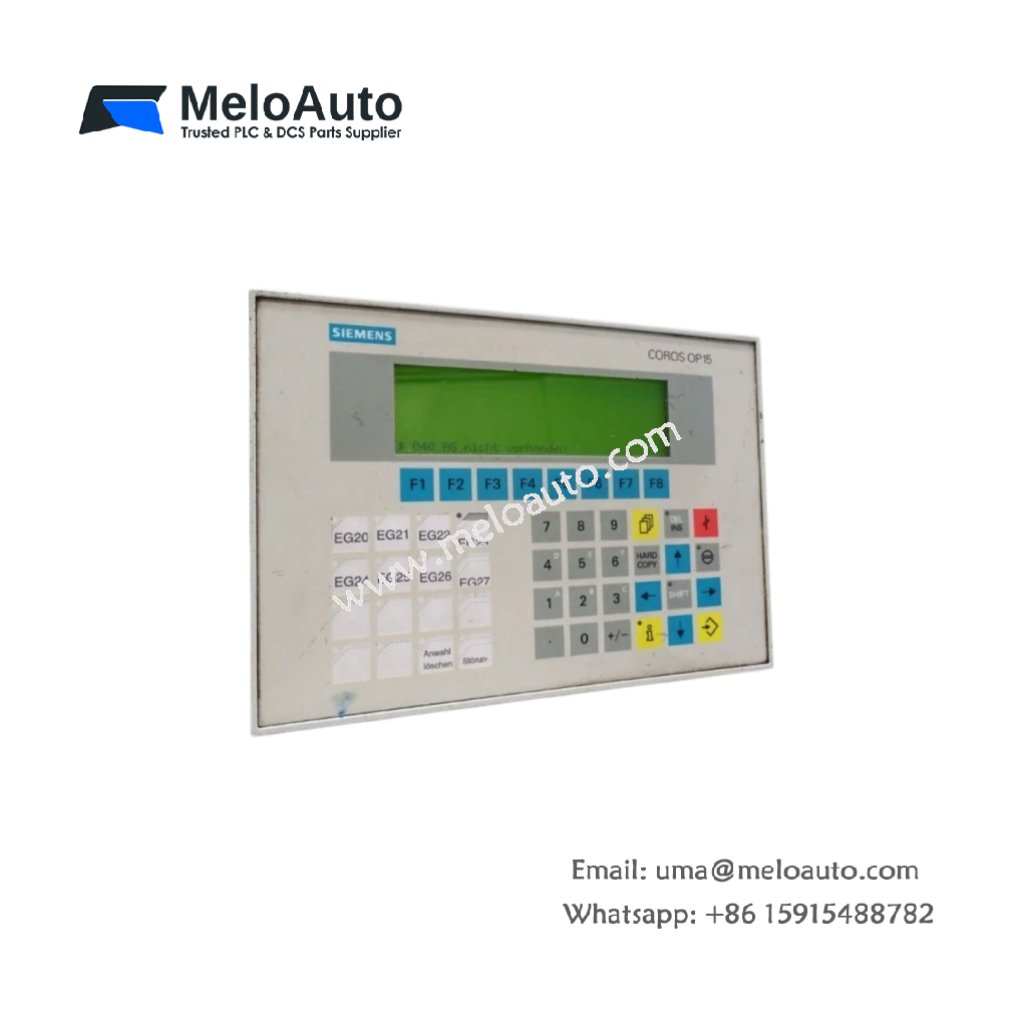
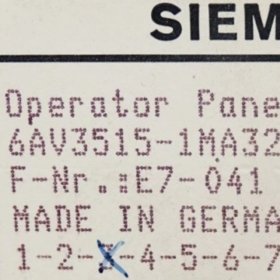
This panel offers a compact text-based interface for machine monitoring and control. The Siemens 6AV3515-1MA32 displays process data and accepts operator inputs through membrane keys. It measures 186 mm in width and 144 mm in height. This unit weighs approximately 0.75 kg for panel mounting.
Technical Specifications Table
| Parameter | Value |
|---|---|
| Product Model | Siemens 6AV3515-1MA32 |
| Category | Operator Panel / HMI |
| Display Type | Monochrome LCD with LED backlight |
| Display Size | 4.5 inches diagonal |
| Display Resolution | 4 lines x 20 characters |
| Character Size | 5 mm x 3 mm per character |
| Keys | 28 tactile membrane keys |
| Communication Ports | 1 x RS232, 1 x RS422/485 |
| Dimensions (W x H x D) | 186 mm x 144 mm x 55 mm |
| Panel Cutout | 172 mm x 130 mm |
| Weight | 0.75 kg |
| Internal Components | 1 x 8-bit CPU, 1 x flash memory chip |
| User Memory | 128 KB flash for configuration data |
| Energy Storage | 1 x 3 V lithium cell for real-time clock |
| Operating Voltage | 24 V DC external supply |
| Power Consumption | 8 W maximum |
Internal Architecture and Display Design
This operator panel uses an 8-bit processor for screen management and key scanning. A 4.5-inch monochrome LCD shows four lines of text with twenty characters each. The Siemens 6AV3515-1MA32 includes 28 membrane keys for navigation and data entry. Flash memory stores your HMI configuration without needing battery backup. A separate lithium cell maintains the real-time clock during power loss. This cell lasts approximately four years under normal operating conditions.
Installation and Connection Guide
First, cut a 172 mm x 130 mm opening in your cabinet door for mounting. Next, insert the panel from the front and secure it with the included brackets. Then, connect a 24 V DC power supply to the rear terminal block. Link the RS232 port to your PLC or programming PC for configuration. Use ProTool or OP15 configuration software to create your operator screens. The panel communicates with SIMATIC S5, S7, and third-party PLCs via RS422/485. Replace the lithium cell when the low battery warning appears on the display.










WeChat
Scan the QR Code with wechat