 MeloAuto-Trusted PLC & DCS Parts Supplier
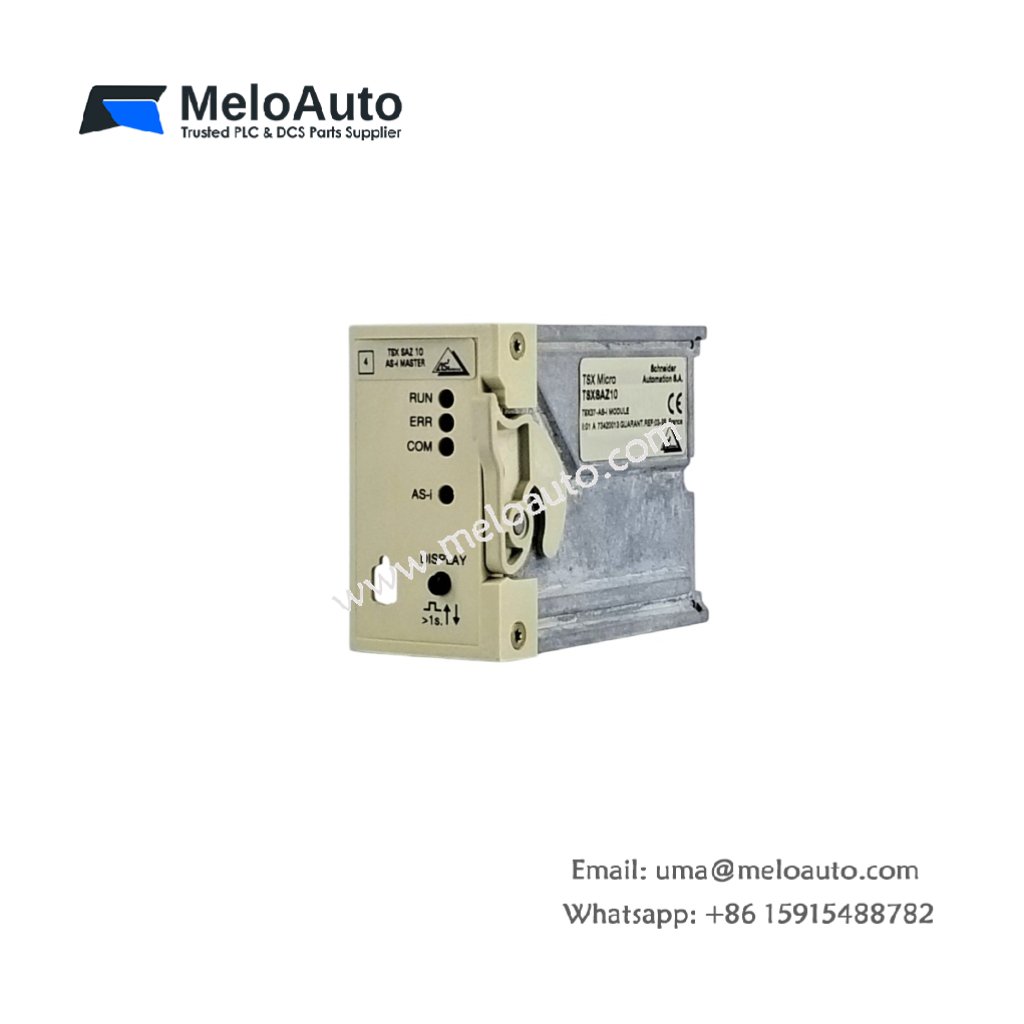
The Schneider TSXMC70E224 provides external program storage for Modicon M7 and Premium PLCs. This memory module uses non-volatile flash technology for reliable data retention. You will find it in systems requiring program backup or firmware updates. It stores both user logic and configuration parameters safely. Therefore, this unit simplifies system recovery after power failures.
This module measures 65 mm in height and 32 mm in width. Its depth reaches 20 mm for direct insertion into the CPU. The unit weighs approximately 0.04 kilograms. It contains one flash memory chip with 2 MB capacity. No internal battery maintains data in this module. Additionally, you get one write-protect switch for data security.
Key Technical Specifications
| Parameter | Value |
|---|---|
| Manufacturer | Schneider Electric (Telemecanique) |
| Model | TSXMC70E224 |
| Product Type | Memory Module |
| Memory Technology | Flash (non-volatile) |
| Storage Capacity | 2 MB |
| Data Retention | 10 years minimum |
| Write/Erase Cycles | 100,000 minimum |
| Access Time | 150 ns |
| Battery Requirement | None |
| Height | 65 mm |
| Width | 32 mm |
| Depth | 20 mm |
| Weight | 0.04 kg |
| Internal Components | 1 flash chip, PCB |
| Energy Storage | 0 Joules (none) |
| Write-Protect Switch | 1 (slide type) |
| Interface Type | 36-pin connector |
| Operating Temperature | 0°C to +60°C |
| Compatible CPUs | TSX M7, Premium |
Internal Architecture and Energy Storage
The Schneider TSXMC70E224 stores absolutely no electrical energy internally. It contains no capacitors or batteries at all. A single flash memory chip provides 2 MB of non-volatile storage. This chip retains data for at least 10 years without external power. A small PCB traces all 36 pins from the edge connector to the flash chip. The module uses parallel access for fast read and write operations. A mechanical write-protect switch prevents accidental data overwrites. When you slide the switch to PROTECT, the module becomes read-only. The CPU cannot write or erase any memory content in this mode.
Connection Interfaces and Usage Details
You will find a 36-pin edge connector at the bottom of this module. Insert this connector directly into the dedicated socket on the CPU. Align the module with the guide rails on the CPU front panel. Press firmly until the latch clicks into place. The Schneider TSXMC70E224 requires no external wiring or power supply. The CPU provides all necessary voltage and data signals through the connector. A small write-protect switch sits on the top edge of the module. Slide it left for normal read/write operation. Slide it right to prevent any modification to stored data. A label area allows marking the module with firmware version or date.
Installation and Replacement Steps
You power off the PLC system before inserting this memory module. First, locate the dedicated memory slot on the CPU front panel. Then, align the module with the plastic guide rails carefully. Push the module downward until the latch locks automatically. The Schneider TSXMC70E224 does not require battery backup for data retention. To remove, press the release latch and pull the module upward. Use the programming software to copy programs to the memory module. The CPU automatically detects the module at power-up. Verify successful detection by checking the system status word.











WeChat
Scan the QR Code with wechat