 MeloAuto-Trusted PLC & DCS Parts Supplier
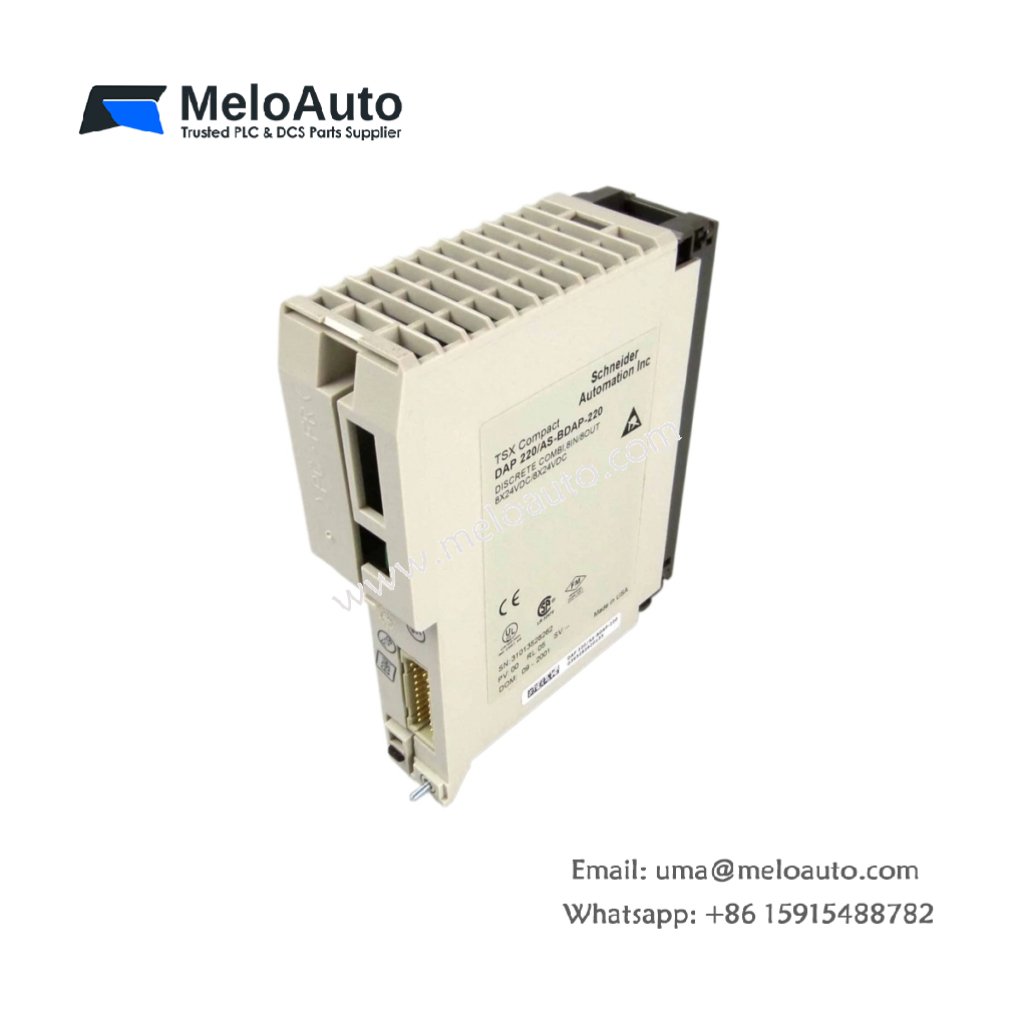
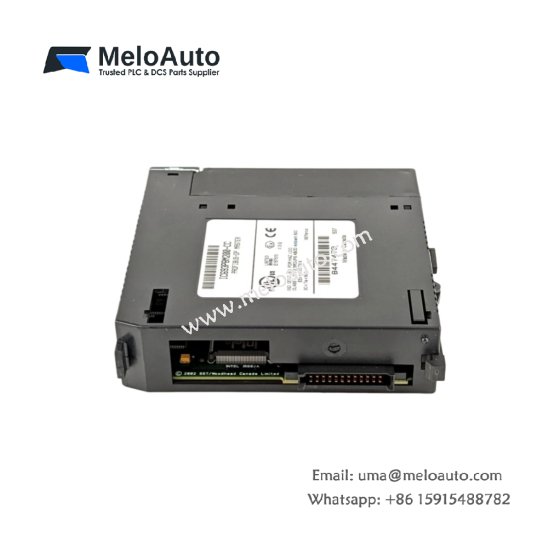
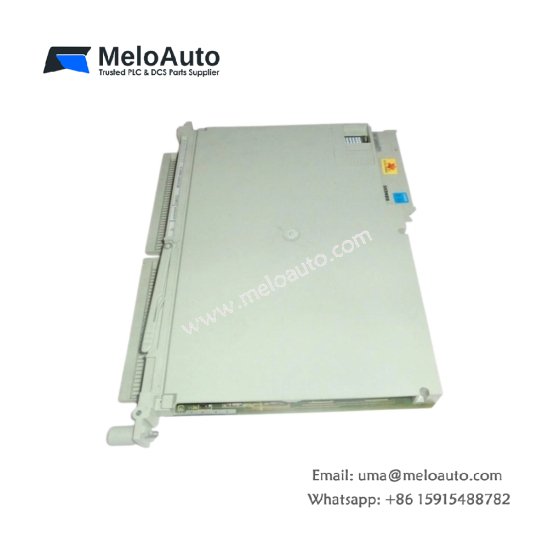
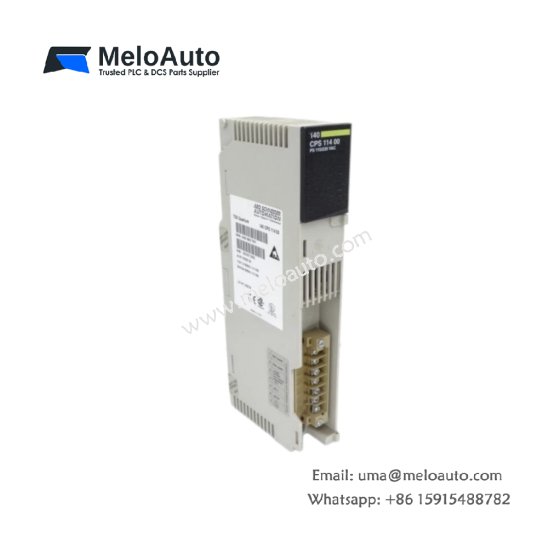
This head-end adapter connects distributed I/O modules to a Quantum PLC system. It manages communication between the main controller and remote I/O drops. You can use this unit for large-scale control systems with geographically separated field devices.
Technical Specifications
| Parameter | Value |
|---|---|
| Model | Schneider 140NOM21200C |
| Category | DIO Head-End Adapter |
| Network Type | Distributed I/O (DIO) bus |
| Communication Protocol | Proprietary Schneider DIO |
| Maximum I/O Drops | 28 remote drops per adapter |
| Maximum Cable Length | 1,500 meters per bus segment |
| Cable Type | Shielded twisted pair (Belden 9182 or equivalent) |
| Data Rate | 1 Mbps |
| Scan Time per Drop | 1 ms typical |
| Status Indicators | 8 LEDs (Power, Run, Fault, Active, Com, Drop 1-4) |
| Power Draw | 400 mA from +5 VDC backplane |
| Dimensions (W x H x D) | 4.5 cm × 12.5 cm × 13.5 cm |
| Weight | 0.45 kg (0.99 lbs) |
| Connector Type | One 9-pin D-sub (female) for DIO bus + one 5-pin for termination |
| Component Count | 1 main board + 1 communication controller + 2 connectors + 8 LEDs |
| Energy Storage | 100 µF buffer capacitor |
| Operating Temperature | 0°C to 60°C |
Network Management Features
The Schneider 140NOM21200C acts as the bus master for DIO networks. It polls up to 28 remote I/O drops in a deterministic sequence. Each drop can locate up to 500 meters from the adapter without repeaters. Consequently, you can distribute I/O throughout a large factory floor.
Communication Performance
This adapter achieves a 1 Mbps data rate over shielded twisted-pair cabling. It scans each remote drop in approximately 1 millisecond. The total scan time for 28 drops equals 28 milliseconds plus overhead. Therefore, the network keeps pace with most industrial control requirements easily.
Installation and Wiring
Mount this adapter in any slot of a Quantum 140 series rack. The 9-pin D-sub connector provides the main DIO bus connection. You must install a termination resistor at both ends of the bus cable. Use Belden 9182 or equivalent shielded twisted-pair cable for best results.
Physical Layer Specifications
The DIO bus requires daisy-chain wiring from one drop to the next. Each segment can extend up to 1,500 meters end-to-end. You can add repeaters to extend the bus beyond this limit. The adapter auto-detects cable breaks and continues operating on healthy segments.
Diagnostic Indication
Eight LEDs on the front panel provide real-time network and adapter status. A green Power LED indicates +5 VDC backplane supply is present. The Run LED flashes when the adapter communicates with the remote drops. Fault LEDs illuminate for bus shorts, missing terminations, or drop communication errors.
Compatibility and System Integration
This adapter works with all Quantum CPU models running firmware version 2.0 or higher. It supports 140 DIO series remote I/O modules exclusively. You cannot mix other bus types like Profibus or Modbus on this adapter. For best results, use Unity Pro or Concept software for configuration.
Energy Storage and Reliability
A 100 µF capacitor maintains communication buffers during brief power interruptions. The adapter stores its drop configuration in non-volatile memory. You can replace the unit without reloading the network settings. Therefore, this design minimizes downtime during maintenance procedures.
Why Choose This Adapter
This head-end adapter forms the backbone of large distributed control systems. It reduces wiring costs by replacing home-run cables with a single bus. Therefore, manufacturers choose this unit for material handling, water treatment, and mining applications











WeChat
Scan the QR Code with wechat