 MeloAuto-Trusted PLC & DCS Parts Supplier
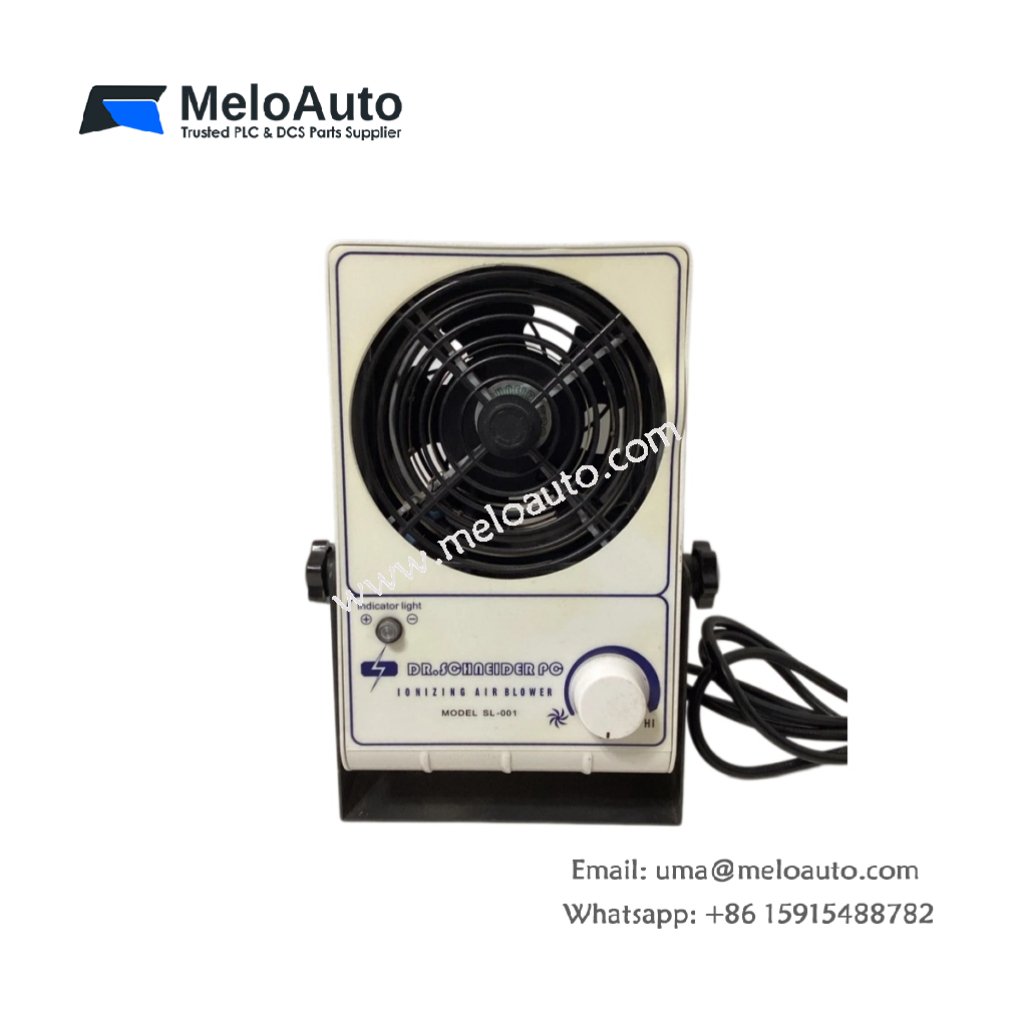
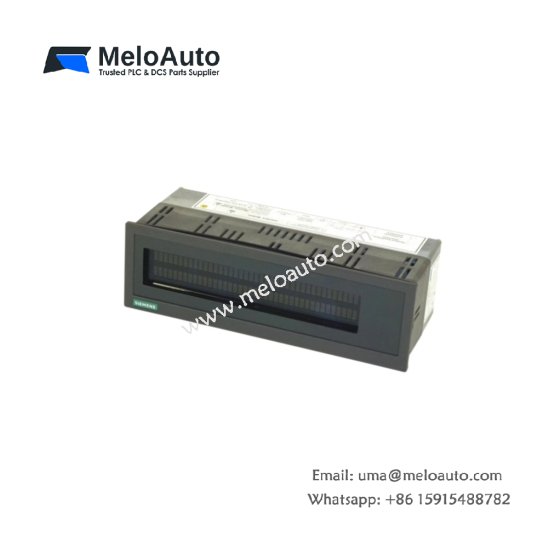
This display block shows real-time PLC data and system status information. It attaches directly to TSX 37 series processors for local operator feedback. You can use this unit for diagnostics and basic machine monitoring without an HMI.
Technical Specifications
| Parameter | Value |
|---|---|
| Model | Schneider TSX3705001 |
| Category | Display Block |
| Display Type | LCD, alphanumeric |
| Display Characters | 2 lines × 16 characters |
| Character Size | 5 mm × 3 mm (0.2 × 0.12 inches) |
| Backlight | LED (green) |
| Indicator LEDs | 6 (RUN, ERR, I/O, BAT, COM, FORCE) |
| Control Buttons | 4 membrane keys (UP, DOWN, ENTER, ESC) |
| Compatible CPUs | TSX 3720, TSX 3721, TSX 3722 |
| Connection Type | Direct plug-in to CPU front panel |
| Power Source | From CPU via connector (no external supply) |
| Power Draw | 50 mA from 5 VDC |
| Dimensions (W x H x D) | 7.5 cm × 5.0 cm × 2.0 cm |
| Weight | 0.07 kg (0.15 lbs) |
| Connector Type | 10-pin male header |
| Component Count | 1 LCD module + 1 keypad membrane + 6 LEDs + 1 main PCB |
| Energy Storage | None (no battery, no capacitor) |
| Operating Temperature | 0°C to 60°C |
Display Features
The Schneider TSX3705001 uses a two-line by sixteen-character alphanumeric LCD. A green LED backlight improves visibility in dim control cabinets or machine enclosures. You can view register values, bit status, and system messages directly. This display provides immediate feedback without connecting any external device.
Control Buttons and Navigation
Four membrane keys sit below the LCD for menu navigation and data entry. The UP and DOWN keys scroll through register lists or modify values. The ENTER key confirms selections while ESC cancels or returns to previous menus. These buttons allow full interaction with the PLC’s runtime data table.
Status LEDs and Diagnostics
Six LEDs provide quick visual status of the PLC and its operation. A green RUN LED indicates the CPU executes the user program normally. A red ERR LED illuminates for any hardware or software fault condition. An I/O LED flashes when the system detects I/O errors or missing modules. The BAT LED warns you when the CPU backup battery needs replacement.
Installation and Mounting
This display block plugs directly into the front panel of compatible TSX 37 CPUs. You do not need any tools, cables, or mounting hardware for installation. The 10-pin male header mates with a dedicated connector on the CPU housing. For best results, snap the display firmly until you hear a click.
Compatibility Requirements
This display works only with TSX 3720, TSX 3721, and TSX 3722 processors. It does not support TSX 3704, TSX 3705, or any TSX Micro series CPUs. Your CPU must have the front connector populated and enabled in configuration. Therefore, check your processor model before ordering this display block.
Programming and Configuration
You do not need special software to use this display with compatible CPUs. The system maps display variables to standard register addresses automatically. You can define which registers appear using the PLC configuration tool. Consequently, setup takes only minutes without writing any HMI code.
Why Choose This Display Block
This display offers a low-cost alternative to full HMIs for basic monitoring. It occupies no cabinet space because it mounts directly on the CPU. Therefore, this unit suits small machines, test stands, and remote I/O drops.











WeChat
Scan the QR Code with wechat