 MeloAuto-Trusted PLC & DCS Parts Supplier
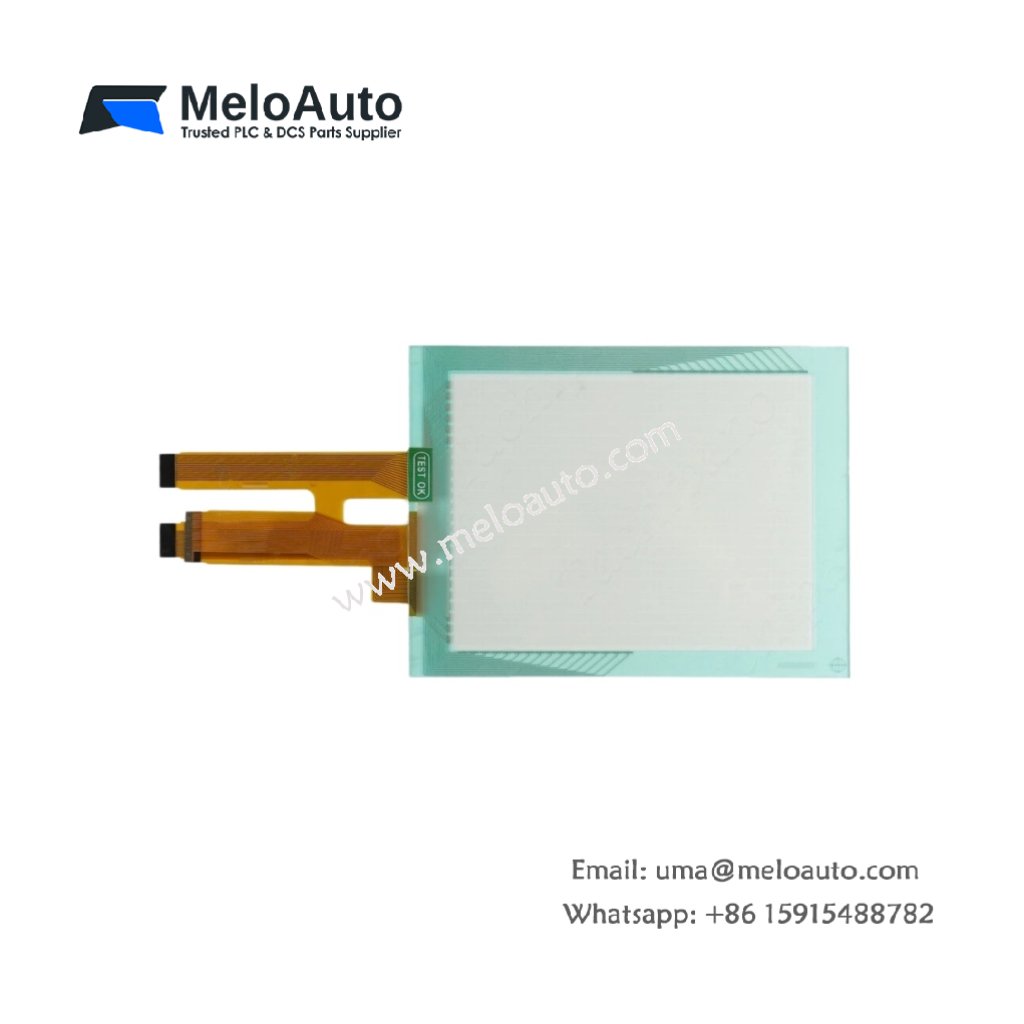
The QPI-CTAE-0000 provides touch-sensitive input for GE QuickPanel operator interfaces. This replacement screen registers finger or stylus touches on the display. You can rely on it for restoring touch functionality to existing HMI units.
Key Technical Parameters
The table below lists all essential technical specifications for this touch screen.
| Specification | Details |
|---|---|
| Part Number | QPI-CTAE-0000 |
| Product Type | Touch Screen (replacement) |
| Compatibility | GE QuickPanel HMI series |
| Touch Technology | Resistive analog (4-wire) |
| Input Method | Finger, gloved hand, or stylus |
| Activation Force | ≤ 50 grams |
| Surface Hardness | 3H (pencil hardness) |
| Light Transmission | 80% ± 5% |
| Linearity | ± 1.5% |
| Durability | 1,000,000 touches minimum |
| Dimensions (active area) | Varies by QuickPanel model |
| Connector Type | 4-pin FPC (flexible printed circuit) |
| Operating Temperature | -10°C to 60°C |
| Storage Temperature | -20°C to 70°C |
Physical Characteristics and Installation
This touch screen uses resistive analog technology for accurate touch detection. You can operate it with a finger, gloved hand, or plastic stylus. The activation force stays below 50 grams for comfortable use. Surface hardness reaches 3H for scratch resistance. Light transmission measures 80% for clear display visibility. Linearity stays within ±1.5% for precise touch registration.
Durability and Replacement Use
The QPI-CTAE-0000 withstands 1,000,000 touches minimum for long service life. A 4-wire design simplifies electrical connection to the HMI controller. The flexible printed circuit (FPC) connector mates directly with the QuickPanel board. Use this touch screen as a direct replacement for worn or damaged units. The QPI-CTAE-0000 works with various QuickPanel display sizes.
Compatibility and Installation Notes
First, power down the QuickPanel unit completely before installation. Then, carefully remove the damaged touch screen from the display assembly. Finally, connect the QPI-CTAE-0000 FPC to the controller board. Clean the LCD surface before attaching the new touch screen. Calibrate the touch screen through the HMI configuration menu after installation.










WeChat
Scan the QR Code with wechat