 MeloAuto-Trusted PLC & DCS Parts Supplier
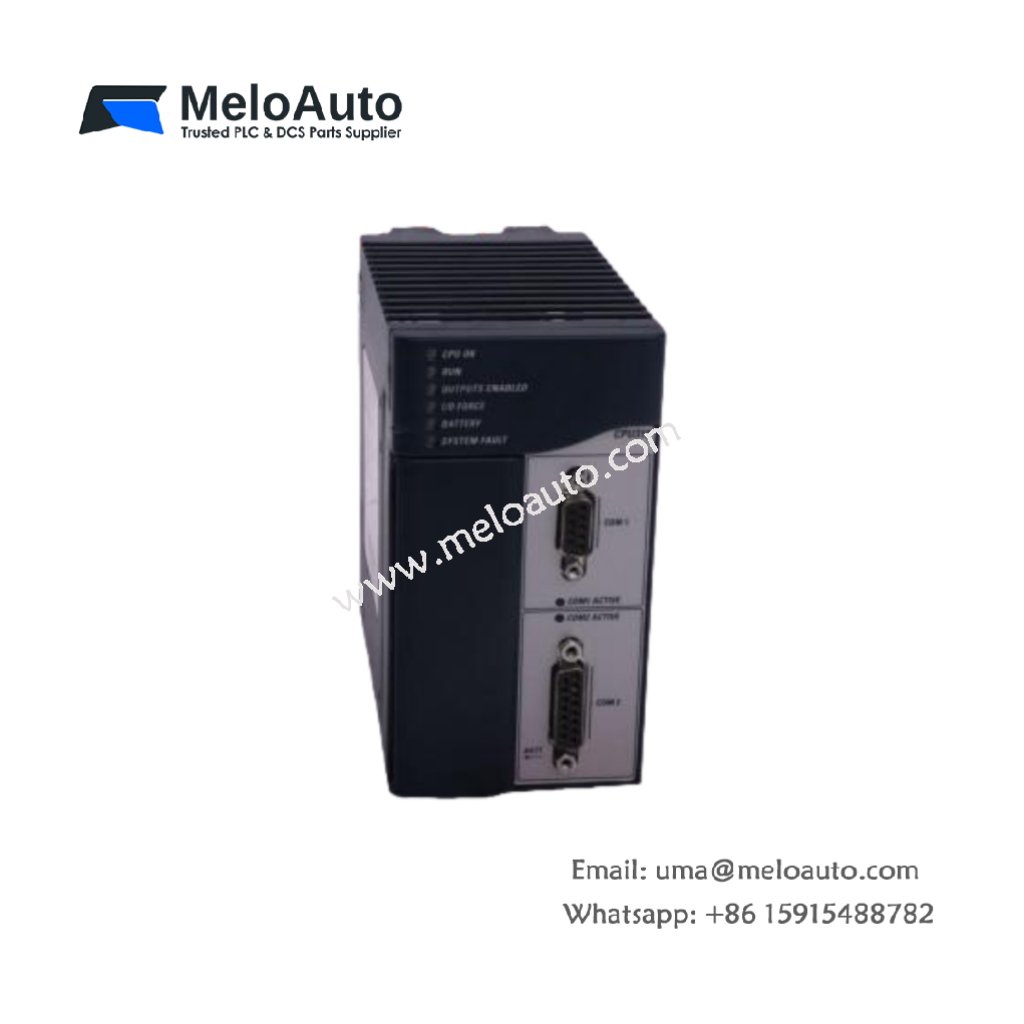
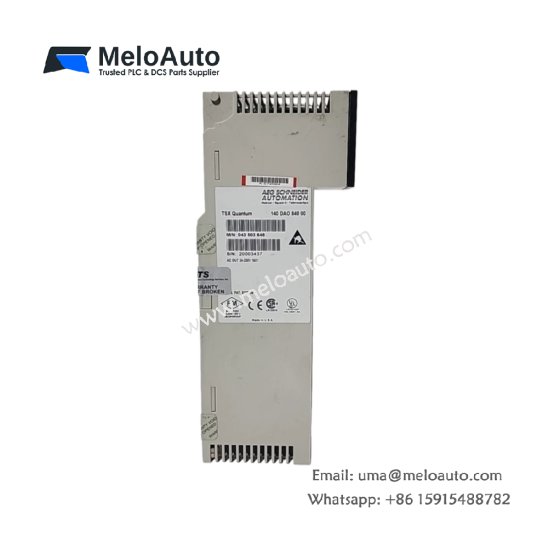
The GE IC693BEM321F connects Series 90-30 PLCs to Genius I/O networks. This master module manages up to 32 remote I/O blocks on one bus. You will find it in distributed control systems across large facilities. It reduces field wiring by placing I/O near machines and sensors. Therefore, this module lowers installation costs and simplifies troubleshooting.
This module measures 140 mm in height and 32 mm in width. Its depth reaches 130 mm for standard rack mounting. The unit weighs approximately 0.30 kilograms. It contains one 16-bit microprocessor for protocol management. Two isolation transformers couple the network signals safely. Additionally, you get seven status LEDs for network diagnostics.
Key Technical Specifications
| Parameter | Value |
|---|---|
| Manufacturer | GE Fanuc Automation |
| Model | IC693BEM321F |
| Product Type | I/O Link Master Module |
| Network Type | Genius I/O |
| Maximum Nodes | 32 |
| Communication Speed | 153.6 kbps |
| Cable Length | 7500 feet (maximum) |
| Height | 140 mm |
| Width | 32 mm |
| Depth | 130 mm |
| Weight | 0.30 kg |
| Microprocessor | 16-bit |
| Isolation Transformers | 2 |
| Status LEDs | 7 (PWR, OK, COMM, I/O) |
| Energy Storage | ≈ 220 µF (capacitive) |
| Power Consumption | 250 mA @ 5 VDC |
| Operating Temperature | 0°C to +60°C |
| Configuration Method | Software only |
Internal Architecture and Energy Storage
The GE IC693BEM321F stores minimal energy in its power supply filter. Small capacitors hold approximately 220 microfarads of total capacitance. A 16-bit microprocessor runs the Genius communication protocol stack. This processor scans all 32 nodes every 1.5 milliseconds. Two isolation transformers provide 1500 VAC protection for the backplane. The module automatically detects new devices on the network. You get built-in error counters for diagnostic purposes. Seven LEDs show power, communication, and node status clearly.
Connection Interfaces and Wiring Details
You will find two 3-pin terminal blocks on the front panel. One block connects to the Genius network A wire and shield. The other block connects to the network B wire and shield. Use shielded twisted-pair cable for all Genius network connections. Connect the network A wire to the positive terminal. Then, connect the network B wire to the negative terminal. The GE IC693BEM321F requires external termination resistors at both ends. Install a 150-ohm resistor at the first and last device. A green RUN LED lights up when the module operates normally.
Configuration and Installation Steps
You slide this module into any I/O slot of the Series 90-30 rack. First, align the module with the upper and lower card guides. Then, push it firmly until the backplane connector seats. Secure the front panel with the retaining screw. Use the PLC programming software to configure the network parameters. Assign a unique bus address and baud rate to the master. The GE IC693BEM321F automatically discovers all connected I/O blocks. Each block must have its own unique node address set manually. Always terminate both ends of the network cable properly. Verify communication with all remote nodes before system startup.
















WeChat
Scan the QR Code with wechat