 MeloAuto-Trusted PLC & DCS Parts Supplier
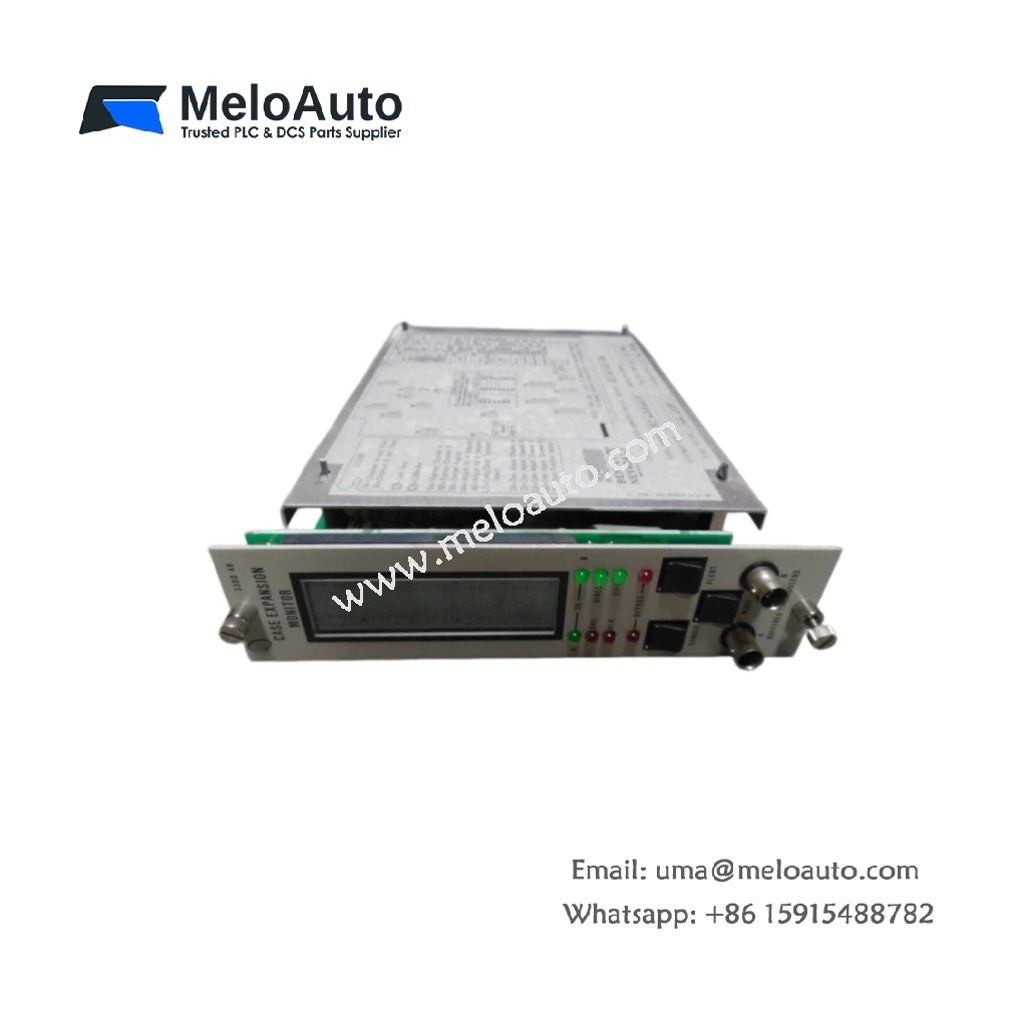
3300 Series Single-Channel Case Expansion Monitor
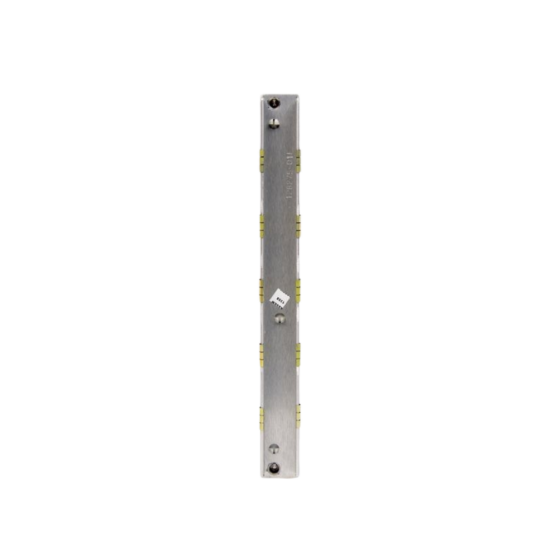
The 3300/48-01-01-01-00 provides dedicated case expansion monitoring for rotating machinery protection. This module measures thermal growth and casing deformation in turbines and large compressors. It processes input from a single proximity probe and compares it against configurable setpoints. The device then activates the appropriate relay outputs when the expansion exceeds safe limits.
Key Technical Specifications
| Parameter | Specification |
|---|---|
| Model | 3300/48-01-01-01-00 |
| Series | 3300 Series |
| Function | Single-channel case expansion monitor |
| Input Type | Accepts one proximity probe signal |
| Power Supply | Requires +24 Vdc at 150 mA nominal |
| Output Relays | Includes two alarm relays and one danger relay |
| Measurement Range | Spans from -24 Vdc to 0 Vdc input |
| Frequency Response | Covers DC to 10.0 kHz range |
| Input Impedance | Provides 100 kΩ input impedance |
| Alarm Setpoints | Offers independently configurable thresholds |
| Time Delay | Adjustable from 0.1 to 10.0 seconds |
| Operating Temperature | Functions from -20°C to +65°C |
| Storage Temperature | Withstands -40°C to +85°C |
| Dimensions | Measures 241.3 mm x 25.4 mm x 152.4 mm |
| Weight | Weighs approximately 1.2 kg |
| Mounting | Fits standard 19-inch rack enclosures |
| Termination | Uses pluggable screw terminal blocks |
| LED Indicators | Displays OK, ALERT, and DANGER status |
Case Expansion Monitoring and Protection
This monitor continuously tracks casing expansion relative to the machine’s rotor. It then triggers the alarm relay when the displacement reaches the first threshold. Subsequently, the danger relay activates if the expansion reaches the critical limit. The device provides a buffered output for external recording or diagnostic systems. This module effectively prevents damage from excessive thermal growth in critical machinery.
Installation and Configuration
First, insert the 3300/48-01-01-01-00 into an available slot within the chassis. Next, connect the proximity probe cable to the designated input terminal. After that, apply +24 Vdc power and confirm the OK LED illuminates. You can then configure the alarm setpoints using the front-panel adjustment potentiometers. Finally, set the appropriate time delay to avoid false trips during warm-up.
Maintenance and Operational Integrity
This module stores all configuration data in non-volatile memory. Therefore, a power interruption will not erase your programmed settings. We recommend you perform periodic calibration verification on the input channel. You should also inspect the terminal connections for tightness during routine maintenance checks.




WeChat
Scan the QR Code with wechat