 MeloAuto-Trusted PLC & DCS Parts Supplier
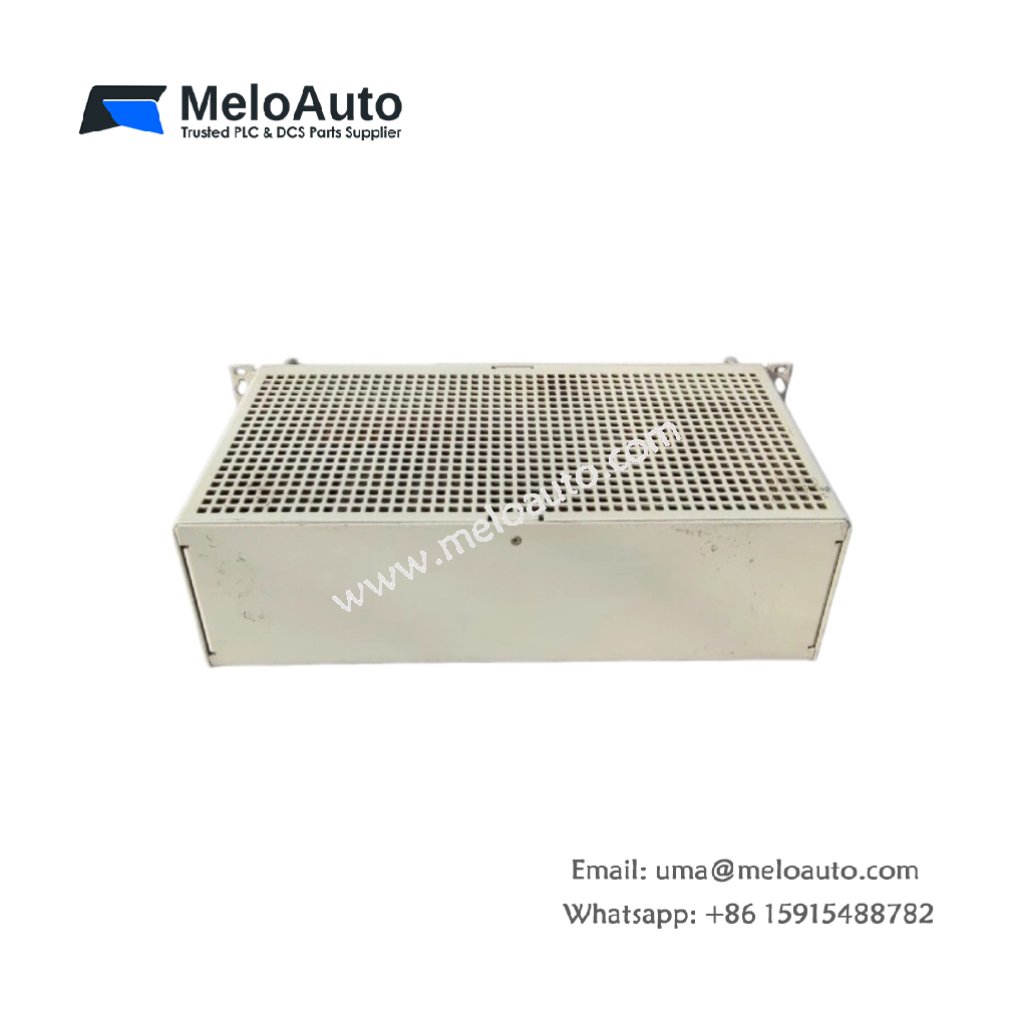
The Siemens 6GK1500-0AB00 PB Bus Terminal connects PROFIBUS DP devices to a common network segment. This terminal provides a simple plug-in interface for bus cables. You will find it in factory automation networks across many industries. It accepts one incoming and one outgoing PROFIBUS cable for daisy-chaining. Therefore, this unit simplifies network installation and maintenance.
The Siemens 6GK1500-0AB00 PB Bus Terminal measures 75 mm in height and 35 mm in width. Its depth reaches 50 mm for panel mounting. The unit weighs approximately 0.05 kilograms. It contains a mechanical terminal for cable core termination. No active electronic components exist inside this device. Additionally, you get two PG connections for programming device access.
Key Technical Specifications
| Parameter | Value |
|---|---|
| Manufacturer | Siemens AG |
| Model | 6GK1500-0AB00 |
| Product Type | PB Bus Terminal |
| Network Protocol | PROFIBUS DP (RS-485) |
| Cable Connections | 2 (incoming + outgoing) |
| Termination | Integrated switchable resistor |
| PG Connections | 2 (9-pin D-sub, female) |
| Transmission Rate | 9.6 kbps to 12 Mbps |
| Cable Type | PROFIBUS (2-conductor shielded) |
| Height | 75 mm |
| Width | 35 mm |
| Depth | 50 mm |
| Weight | 0.05 kg |
| Internal Components | 1 resistor, 1 switch |
| Energy Storage | 0 Joules (none) |
| Mounting Method | Screw (panel) |
| Operating Temperature | 0°C to +60°C |
| Housing Material | Plastic (UL94 V-0) |
Internal Architecture and Energy Storage
The Siemens 6GK1500-0AB00 PB Bus Terminal stores absolutely no electrical energy internally. It contains no capacitors or batteries. A mechanical terminal accepts two PROFIBUS cable pairs plus shield connections. A slide switch engages or bypasses the bus termination resistor. The integrated termination uses a 220 ohm resistor on the data lines. Two 9-pin D-sub connectors provide programming device access for diagnostics. The metal housing provides continuous shielding for the bus signals. All connections route in parallel for uninterrupted bus communication. The terminal uses a simple screw-type wire connection system.
Connection Interfaces and Wiring Details
You will find two screw terminals for PROFIBUS cable connections. The Siemens 6GK1500-0AB00 PB Bus Terminal includes two 9-pin D-sub female connectors. Use these ports for connecting a programming device or diagnostic tool. Set the termination switch to ON if this terminal sits at the network end. Set the switch to OFF for all middle network devices.
Installation and Connection Steps
You mount this terminal panel with two screws. First, drill two 3 mm holes matching the mounting pattern. Then, secure the terminal using M3 screws. Strip 20 mm of the PROFIBUS cable outer jacket. Then, strip 5 mm of insulation from each inner wire. Insert the green wire into terminal 1 and tighten the screw. Insert the red wire into terminal 2 and tighten the screw. The Siemens 6GK1500-0AB00 PB Bus Terminal requires no external power for operation. Repeat the connection for the outgoing cable on terminals 3 and 4. Set the termination switch according to your network position. Connect the shield drain wire to the ground terminal. Test the bus continuity with a PROFIBUS tester before network startup.











WeChat
Scan the QR Code with wechat