 MeloAuto-Trusted PLC & DCS Parts Supplier
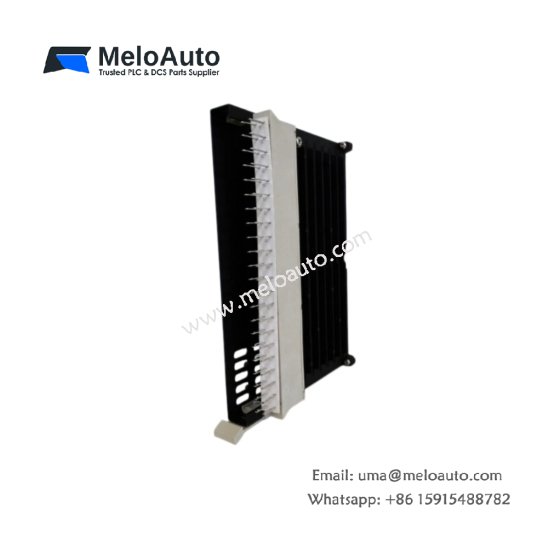
The Siemens 6ES5858-0AA11 Telecommunications Unit enables remote data exchange for SIMATIC S5 systems. This module connects PLCs to modems for long-distance communication. You will find it in remote monitoring applications across water and energy sectors. It supports both dial-up and leased line connections for flexible deployment. Therefore, this unit allows real-time data transfer from distant field locations.
The Siemens 6ES5858-0AA11 Telecommunications Unit measures 230 mm in height and 48 mm in width. Its depth reaches 180 mm for standard rack mounting. The unit weighs approximately 0.60 kilograms. It contains one 16-bit processor and two serial interface ports. Six status LEDs provide communication and line diagnostics. Additionally, you get two 9-pin D-sub connectors for modem and programming device.
Key Technical Specifications
| Parameter | Value |
|---|---|
| Manufacturer | Siemens AG |
| Model | 6ES5858-0AA11 |
| Product Type | Telecommunications Unit |
| Serial Ports | 2 (RS-232) |
| Connector Type | 9-pin D-sub (male) |
| Protocol | ASCII, RK512, 3964R |
| Transmission Mode | Half/full duplex |
| Baud Rate | 300 to 19,200 bps |
| Line Types | Dial-up, leased line, radio |
| Height | 230 mm |
| Width | 48 mm |
| Depth | 180 mm |
| Weight | 0.60 kg |
| Processor | 16-bit @ 16 MHz |
| Status LEDs | 6 (PWR, TX, RX, ERR) |
| Energy Storage | ≈ 200 µF (capacitive) |
| Power Consumption | 280 mA @ 5 VDC |
| Isolation Rating | 1500 VAC (optical) |
| Operating Temperature | 0°C to +60°C |
| Mounting Method | S5 rack |
Internal Architecture and Energy Storage
The Siemens 6ES5858-0AA11 Telecommunications Unit stores minimal energy in its power filter. Small electrolytic capacitors hold approximately 200 microfarads total capacitance. A 16-bit processor manages all communication protocols and handshaking. This processor buffers data for reliable transmission over noisy lines. Two optical isolators protect the backplane from modem transients. Two RS-232 ports support full-duplex communication at up to 19,200 baud. The module includes automatic modem control with DTR and RTS signals. Six LEDs show power, transmit, receive, and error status clearly. A green TX LED flashes during data transmission to the remote site.
Connection Interfaces and Wiring Details
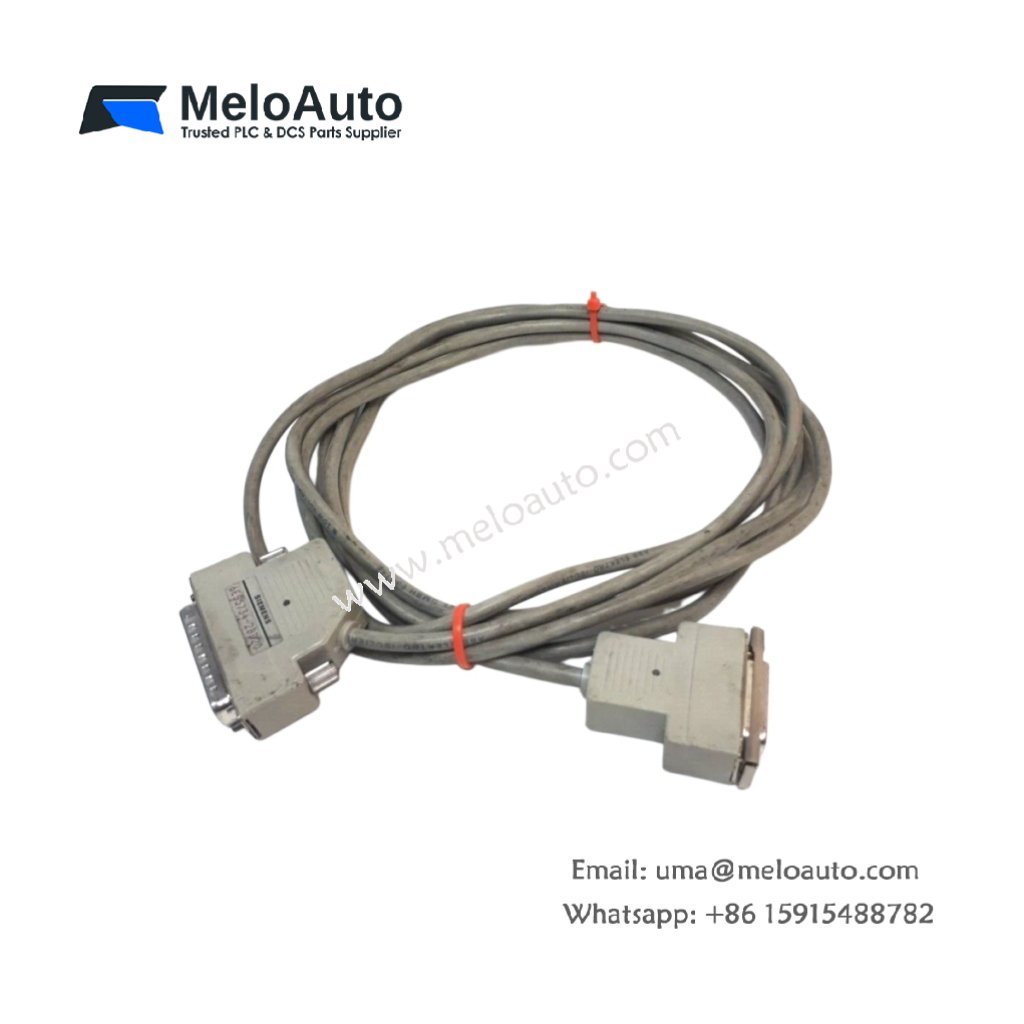
You will find two 9-pin D-sub male connectors on the front panel. Connect Port 1 to a dial-up modem for remote network access. Connect Port 2 to a programming device for local configuration. The Siemens 6ES5858-0AA11 Telecommunications Unit requires a standard null-modem cable for most connections. Use shielded cable for runs longer than 15 meters. Connect pin 2 to TD (transmit data) and pin 3 to RD (receive data). Connect pin 5 to ground and pin 7 to RTS. Six LEDs indicate power, transmit, receive, and error conditions. A red ERR LED lights up for a line break or parity error. A yellow RTS LED shows the module is ready to send data.
Configuration and Installation Steps
You slide this module into any I/O slot of the SIMATIC S5 rack. First, align the module with the upper and lower card guides. Then, push it firmly until the backplane connector seats completely. Secure the front panel with the two retaining screws. Connect the serial cables to both D-sub connectors. The Siemens 6ES5858-0AA11 Telecommunications Unit requires an external 24 VDC supply for modem power. Use the STEP 5 software to configure baud rate and protocol settings. Select the transmission mode (half or full duplex) for your application. Configure the dial-up parameters including phone number and retry count. Download the configuration to the module’s non-volatile memory. Test the connection with the remote site before system startup.











WeChat
Scan the QR Code with wechat