 MeloAuto-Trusted PLC & DCS Parts Supplier
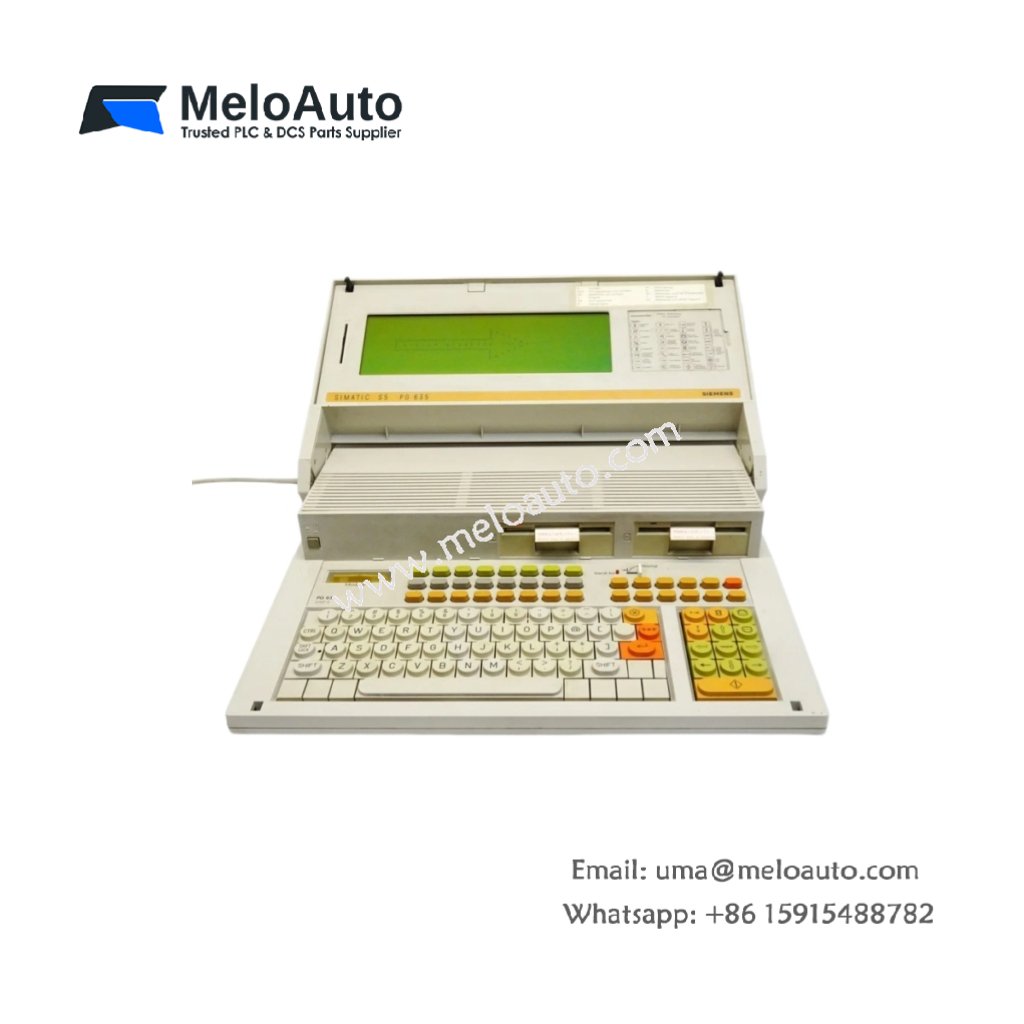
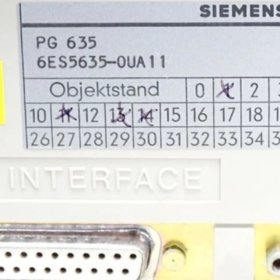
This device connects to S5 CPUs for code upload, download, and debugging. The Siemens 6ES5635-0UA11 provides a portable programming solution for field technicians. It measures 280 mm in width and 210 mm in height. This unit weighs approximately 2.2 kg for easy transport between machines.
Technical Specifications Table
| Parameter | Value |
|---|---|
| Product Model | Siemens 6ES5635-0UA11 |
| Category | Programming Terminal / Field Programmer |
| Display Type | Monochrome LCD with backlight |
| Display Resolution | 6 lines x 40 characters |
| Keyboard | 52 full-travel keys (QWERTY layout) |
| Communication Ports | 1 x RS232, 1 x TTY (20 mA current loop) |
| Storage Media | 2 x built-in EPROM sockets |
| Dimensions (W x H x D) | 280 mm x 210 mm x 55 mm |
| Weight | 2.2 kg |
| Internal Components | 1 x 8-bit CPU, 2 x RAM chips, 1 x battery |
| User Memory | 32 KB RAM for program storage |
| Backup Memory | 16 KB EPROM (user-programmable) |
| Energy Storage | 1 x 3.6 V lithium battery for RAM retention |
| Operating Voltage | 24 V DC external supply or internal rechargeable |
| Battery Life | 8 hours on internal battery, 2 years for RAM backup |
Internal Design and Field Programming Features
This programming terminal uses an 8-bit CPU dedicated to STEP 5 operations. A 6-line LCD screen shows ladder logic and statement lists clearly. The Siemens 6ES5635-0UA11 includes two EPROM sockets for permanent program storage. You can copy programs from RAM to EPROM for long-term archiving. The terminal supports online monitoring of timers, counters, and I/O status. A built-in rechargeable battery allows untethered operation for up to 8 hours.
Connection and Usage Guide
First, connect the terminal to your S5 CPU using the TTY or RS232 cable. Next, power on both the PLC and the programming terminal. Then, select the communication protocol matching your CPU model (9600 baud default). Use the QWERTY keyboard to enter ladder logic or statement list programs. Monitor real-time values by placing the cursor on any address. You can download entire programs to EPROM using the onboard socket programmer. This terminal works with all SIMATIC S5 CPUs including 100U, 115U, 135U, and 155U models. Always save your work to EPROM before powering down the terminal.










WeChat
Scan the QR Code with wechat