 MeloAuto-Trusted PLC & DCS Parts Supplier
Why This Operator Panel Enhances Your S5 Workstation
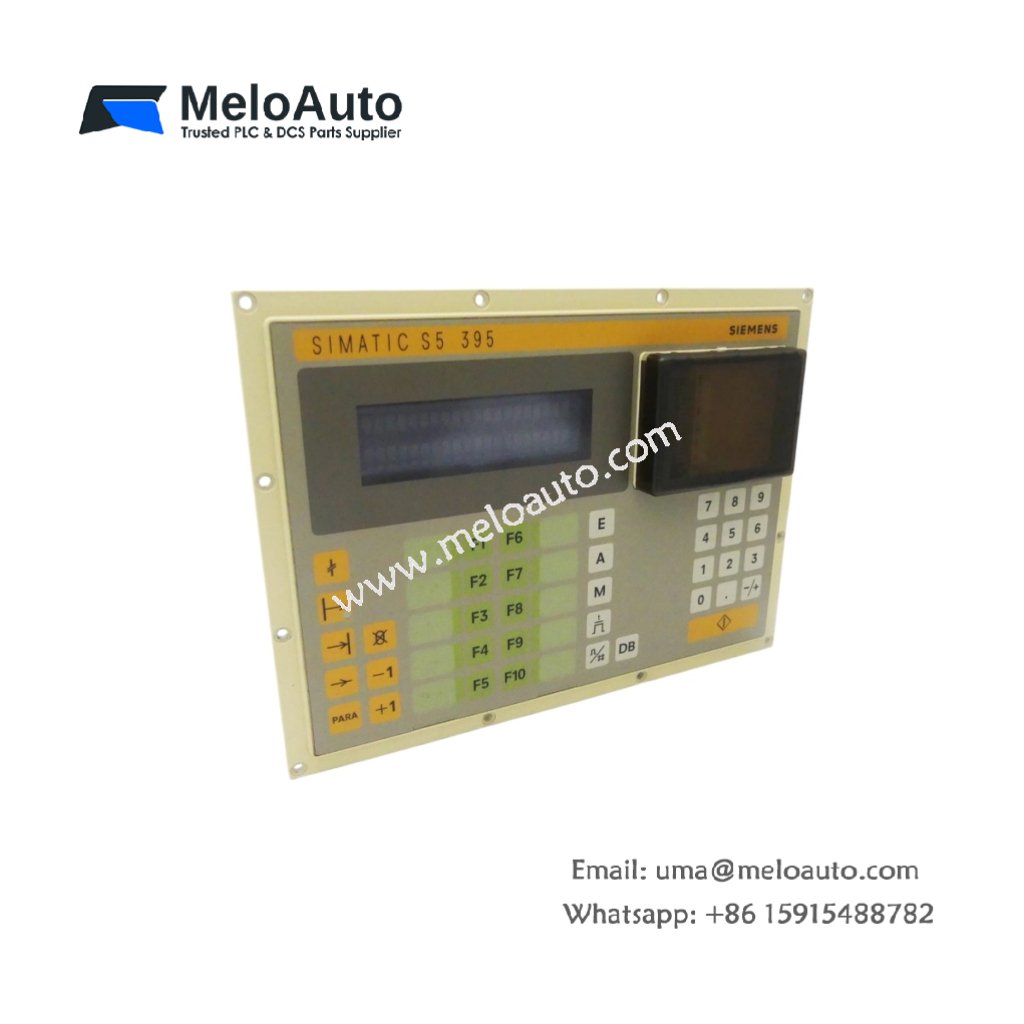
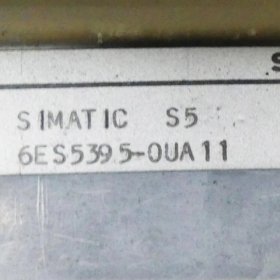
This operator panel provides a clear interface for machine monitoring and control. You get a functional Siemens 6ES5395-0UA11 for SIMATIC S5 systems. It displays process values and system alarms on its built-in screen. Therefore, operators can interact with the PLC without additional programming devices.
Technical Specifications and Physical Details
The Siemens 6ES5395-0UA11 features a membrane keypad with tactile feedback. It connects to the S5 CPU via a standard serial interface cable. This panel mounts flush into a control cabinet door. Its dimensions measure approximately 310 mm in width and 165 mm in height. The unit weighs around 1.2 kg for secure installation. This operator panel stores no process data internally. Instead, the CPU holds all variable values and alarm messages. Consequently, you lose no critical information during a panel restart.
Below is the detailed breakdown of the hardware specifications.
| Parameter | Specification |
|---|---|
| Product Model | 6ES5395-0UA11 |
| Product Type | Operator Panel |
| Brand | Siemens |
| Family | SIMATIC S5 |
| Display Type | Built-in alphanumeric screen |
| Input Method | Membrane keypad |
| Communication Interface | Serial (RS-232 / TTY) |
| Mounting Type | Flush panel mount |
| Dimensions (W x H) | Approx. 310 x 165 mm |
| Approx. Weight | 1.2 kg |
| Energy Storage | None (passive display terminal) |
| Component Count | Single integrated unit |
Installation and Connection Notes
This panel connects directly to the S5 CPU programming port. You must use the correct shielded cable for reliable communication. The Siemens 6ES5395-0UA11 requires a separate 24V DC power supply. Therefore, do not draw power from the PLC backplane. Always secure the panel with all four mounting screws. A loose panel will cause keypad misalignment and button sticking.










WeChat
Scan the QR Code with wechat