 MeloAuto-Trusted PLC & DCS Parts Supplier
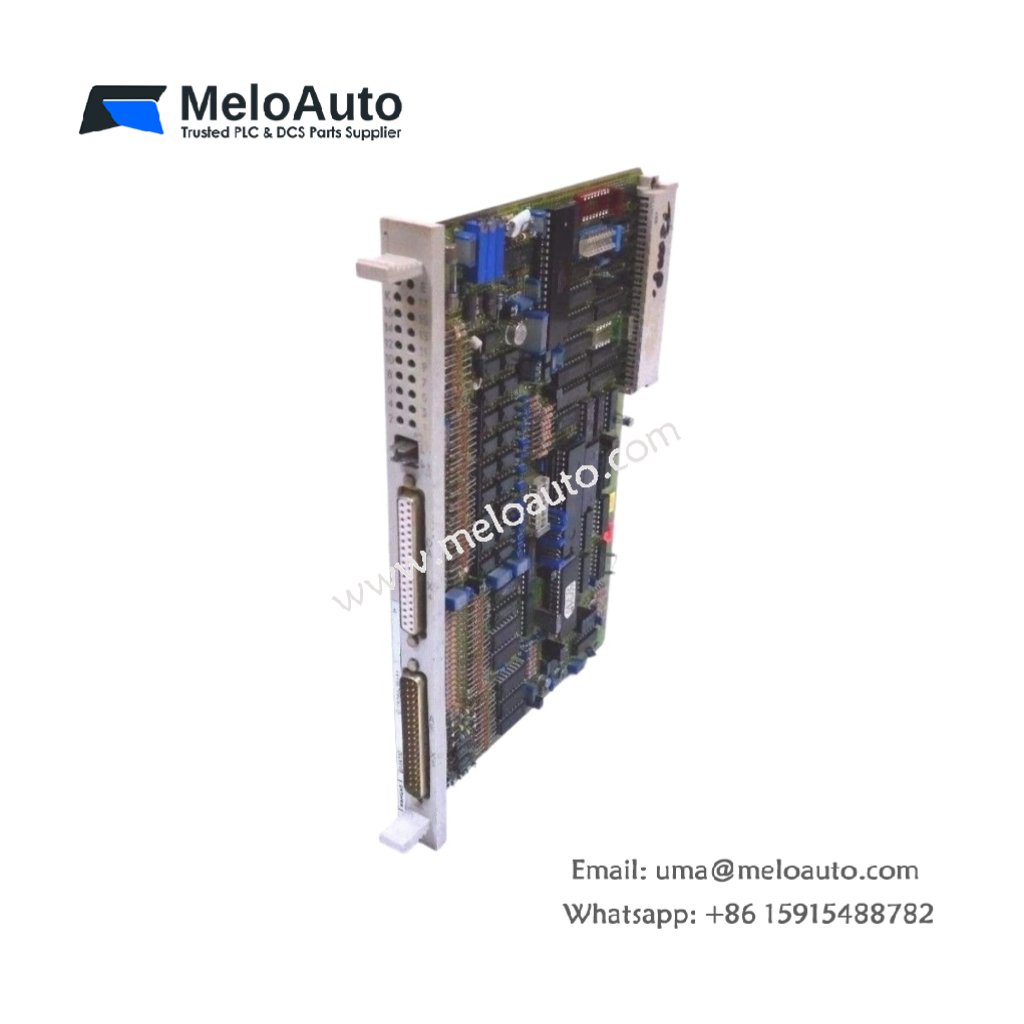
The Siemens 6AV3515-1MA00 Operator Panel provides text-based operator control for SIMATIC S5 systems. This monochrome display panel shows process values and machine status. You will find it in simple control applications requiring basic operator interaction. It connects directly to the PLC through a serial interface cable. Therefore, this unit offers a cost-effective solution for small automation tasks.
The Siemens 6AV3515-1MA00 Operator Panel measures 132 mm in height and 165 mm in width. Its depth reaches 42 mm for panel mounting. The unit weighs approximately 0.65 kilograms. It contains a 4-line LCD display with 20 characters per line. Twenty-two membrane keys provide user input for navigation and value entry. Additionally, you get one serial port for PLC communication.
Key Technical Specifications
| Parameter | Value |
|---|---|
| Manufacturer | Siemens AG |
| Model | 6AV3515-1MA00 |
| Product Type | Operator Panel |
| Display Type | LCD (monochrome) |
| Display Lines | 4 lines x 20 characters |
| Backlight | LED (green) |
| Number of Keys | 22 (membrane type) |
| Function Keys | 8 (user-configurable) |
| Numeric Keys | 10 (0-9) |
| Control Keys | 4 (enter, escape, up, down) |
| Communication Port | RS-232 (9-pin D-sub) |
| Height | 132 mm |
| Width | 165 mm |
| Depth | 42 mm |
| Weight | 0.65 kg |
| User Memory | 32 KB (flash) |
| Energy Storage | ≈ 180 µF (capacitive) |
| Power Consumption | 150 mA @ 24 VDC |
| Operating Temperature | 0°C to +50°C |
| Protection Rating | IP65 (front) |
| Mounting Method | Panel cutout |
Internal Architecture and Energy Storage
The Siemens 6AV3515-1MA00 Operator Panel stores minimal energy in its power filter. Small electrolytic capacitors hold approximately 180 microfarads total capacitance. A 16-bit microcontroller handles display updates and key scanning functions. This controller communicates with the S5 PLC through the RS-232 port. The 4-line LCD presents 20 characters per line for process information. A green LED backlight provides clear visibility in normal lighting conditions. Twenty-two membrane keys include numeric, function, and navigation buttons. The unit includes 32 KB of flash memory for storing configuration data. The front panel meets IP65 requirements for dust and moisture protection.
Connection Interfaces and Wiring Details
You will find a 9-pin D-sub female connector on the rear panel. Connect this port to the S5 CPU programming port using a null-modem cable. The Siemens 6AV3515-1MA00 Operator Panel requires a 24 VDC power supply for operation. Connect the positive wire to the +24V terminal and negative to 0V. A 4-pin terminal block accepts the power connection. Use 18 AWG copper wire for the power wires. A green PWR LED lights up when the unit receives 24 VDC. The membrane keys provide tactile feedback for operator confirmation. Eight function keys (F1 to F8) execute user-defined commands.
Configuration and Installation Steps
You cut a rectangular opening of 140 mm by 112 mm in the cabinet door. First, insert the operator panel through the opening from the front. Then, secure it using the four mounting clips provided. Connect the 24 VDC power wires to the terminal block. The Siemens 6AV3515-1MA00 Operator Panel consumes 150 mA from the supply. Connect the RS-232 cable between the panel and the PLC programming port. Use the ProTool software to create display screens and define keys. Assign each function key to a specific PLC memory address. Configure the communication parameters (9600 baud, 8 data bits, 1 stop bit). Download the configuration to the panel through the serial port. Test all keys and display functions before final machine operation.













WeChat
Scan the QR Code with wechat