 MeloAuto-Trusted PLC & DCS Parts Supplier
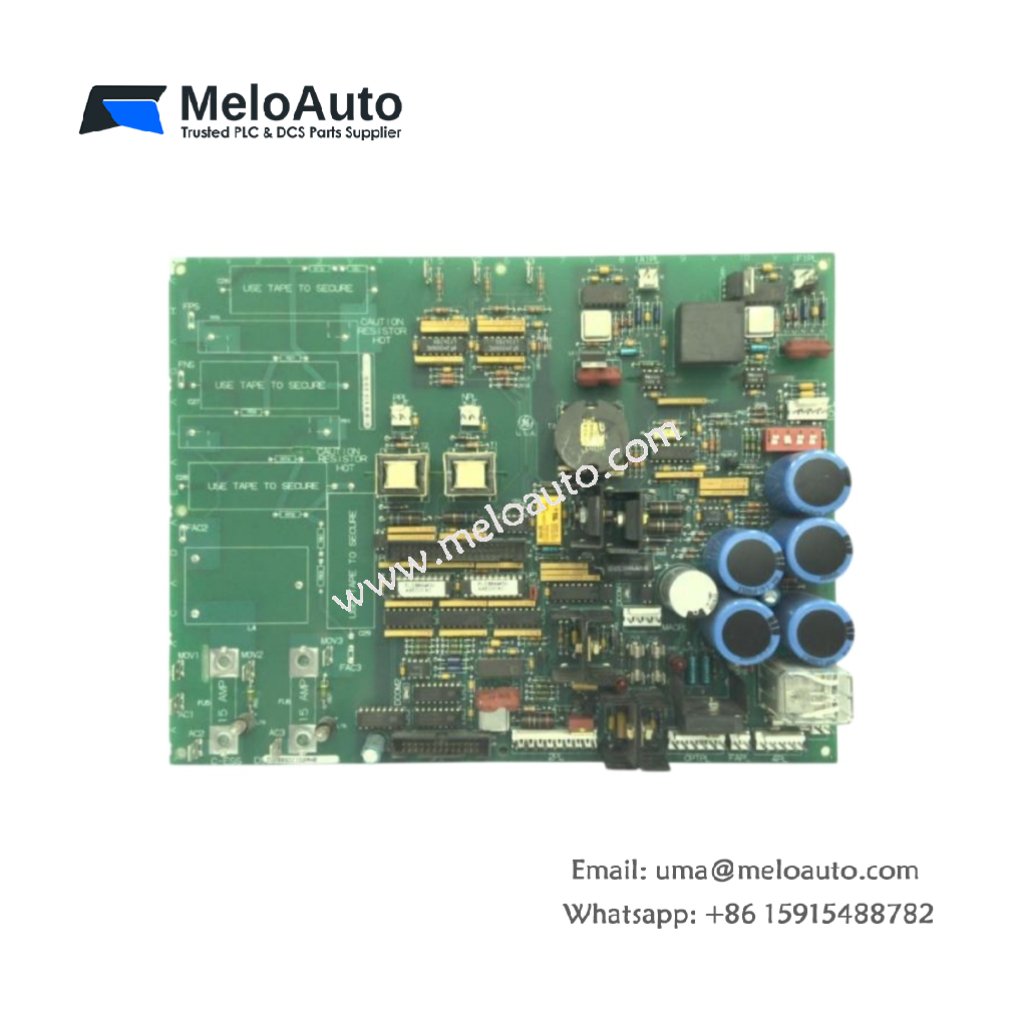
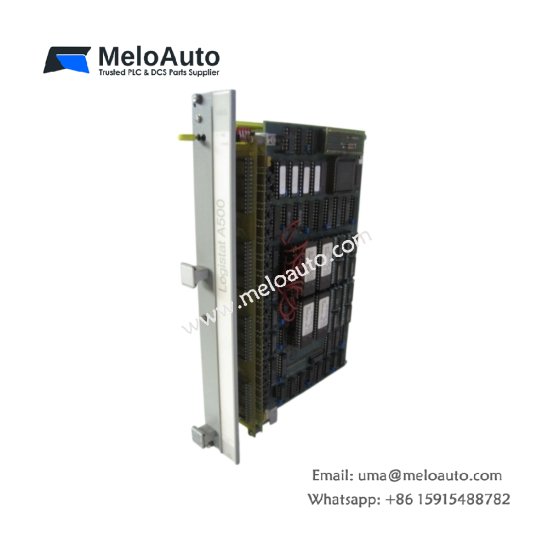
This GE DS200SLCCG2A DS200SLCCG2AGH Mark V DS200 manages Ethernet-based communication for Mark V turbine systems. The card connects the turbine controller to plant-wide networks seamlessly. You will find this component in many GE power generation applications worldwide. The DS200SLCCG2AGH variant includes an extended temperature range for harsh environments.
Technical Specifications
| Parameter | Specification |
|---|---|
| Full Model | GE DS200SLCCG2A DS200SLCCG2AGH Mark V DS200 |
| Category | LAN Communication Card |
| Protocol Support | TCP/IP, Modbus TCP, SRTP, EGD |
| Physical Interface | 10/100Base-T Ethernet (RJ45) |
| Network Ports | 2 Independent Ports |
| Data Rate | 10/100 Mbps Auto-Sensing |
| Isolation | 1500 V RMS Magnetics |
| Dimensions (H x W) | 230 mm x 160 mm |
| Weight | Approximately 0.68 kg |
| Connectors | 2 x RJ45, 1 x 50-Pin Header |
| Component Count | 168 Discrete Components |
| Energy Storage | 4 x 47 µF Decoupling Capacitors |
Network Protocol and Data Handling Features
The GE DS200SLCCG2A DS200SLCCG2AGH Mark V DS200 supports multiple industrial protocols simultaneously. Each port operates independently for redundant network connections. The card handles TCP/IP stack processing without loading the main CPU. Furthermore, it includes a built-in web server for diagnostic access. Consequently, you can monitor turbine status from any plant workstation.
Installation and Connection Steps
Mount this GE DS200SLCCG2A DS200SLCCG2AGH Mark V DS200 in any Mark V rack slot. First, connect Ethernet cables to the two RJ45 ports securely. After that, assign an IP address using the onboard DIP switches. Then, attach the 50-pin header to the VME backplane adapter. Finally, verify link status LEDs illuminate before attempting network communication.
Energy Discharge and Safety Notice
This GE DS200SLCCG2A DS200SLCCG2AGH Mark V DS200 stores minimal energy in its capacitors. However, you must wait 30 seconds after power removal before handling. The four decoupling capacitors discharge through internal resistors. Never connect Ethernet cables to active PoE switches with this card.
Status Indication and Diagnostics
A green LED indicates valid network link on port one. A yellow LED flashes during active data transmission on port one. Two additional LEDs provide the same status for port two. A red LED illuminates when the card detects a duplicate IP address conflict.











WeChat
Scan the QR Code with wechat