 MeloAuto-Trusted PLC & DCS Parts Supplier
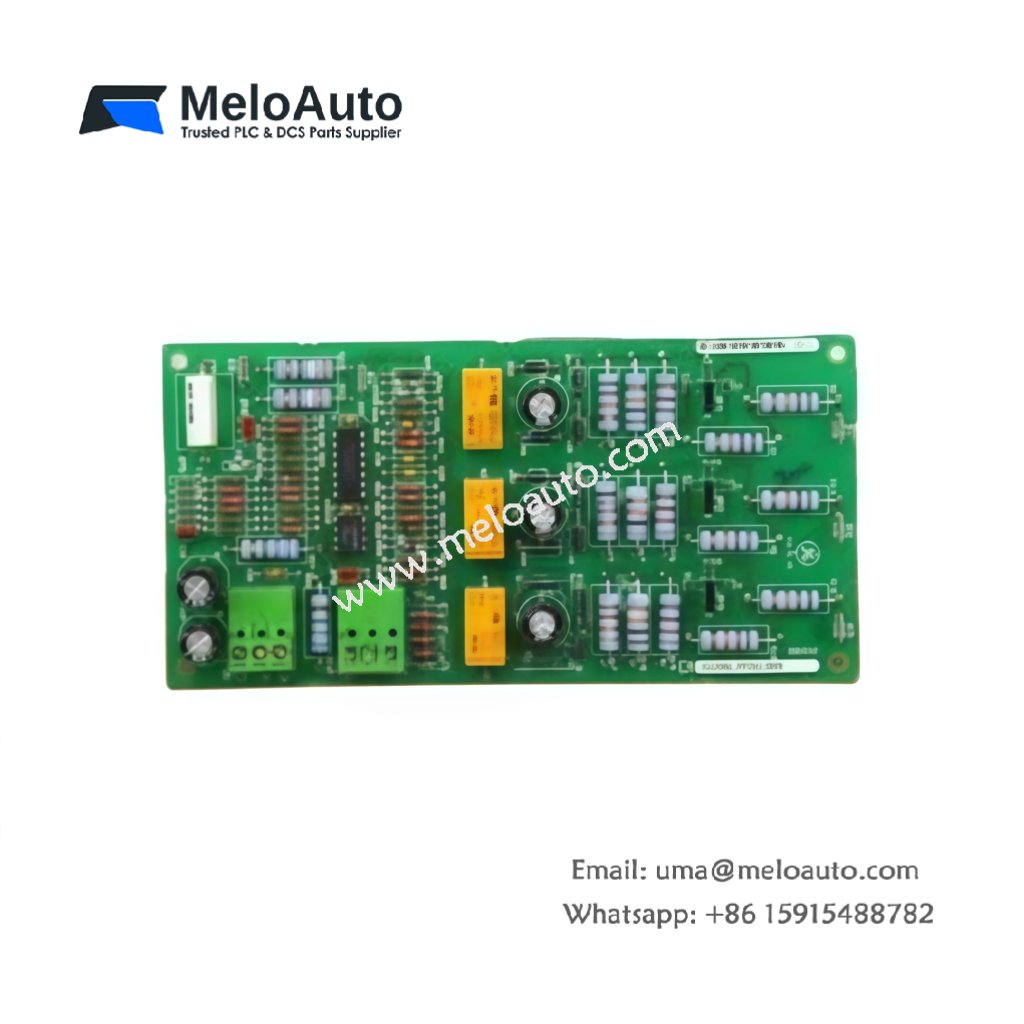
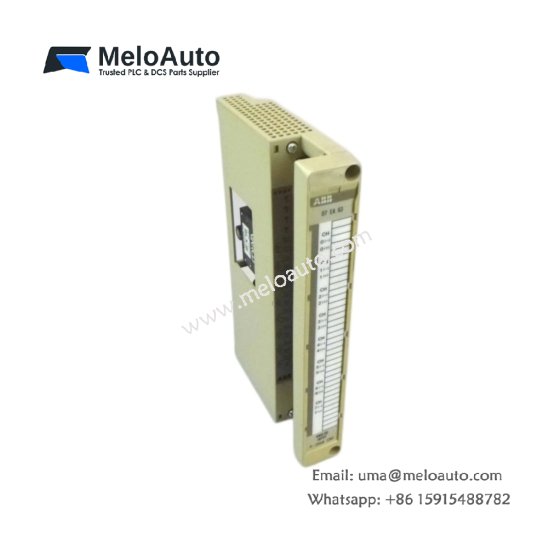
This GE DS200PANAH1A DS200PANAH1ABB ARCNET No-LAN Driver Board manages ARCNET communication without a local LAN. The board uses token passing for deterministic data transfer between nodes. You will find this component in Mark V turbine control systems exclusively. The DS200PANAH1ABB variant includes a standard factory configuration without conformal coating.
Technical Specifications
| Parameter | Specification |
|---|---|
| Full Model | GE DS200PANAH1A DS200PANAH1ABB ARCNET No-LAN Driver Board |
| Category | ARCNET No-LAN Driver Board |
| Communication Protocol | ARCNET (ANSI 878.1) |
| Data Rate | 2.5 Mbps |
| Interface Type | Coaxial (BNC) or Fiber Optic |
| Dimensions (H x W) | 230 mm x 150 mm |
| Weight | Approximately 0.55 kg |
| Connectors | 1 x BNC, 1 x Fiber Optic Transceiver |
| Component Count | 89 Discrete Components |
| Energy Storage | 2 x 47 µF Tantalum Capacitors |
Network Configuration and Signal Routing
The GE DS200PANAH1A DS200PANAH1ABB ARCNET No-LAN Driver Board creates a dedicated deterministic network. This network does not require any external LAN infrastructure whatsoever. The board handles token passing and data packet assembly automatically. Consequently, you get reliable real-time communication between all connected nodes. Each node on this network waits for its turn to transmit data.
Installation and Connection Steps
Mount this GE DS200PANAH1A DS200PANAH1ABB ARCNET No-LAN Driver Board in any standard Mark V rack slot. First, connect the coaxial cable to the BNC connector for electrical networks. Alternatively, attach fiber optic cables for longer distances up to 2 km. After that, set the node ID using the eight-position DIP switch. Finally, apply power and verify the link status LED illuminates green.
Energy Discharge and Safety Notice
This GE DS200PANAH1A DS200PANAH1ABB ARCNET No-LAN Driver Board stores minimal energy in its capacitors. However, you must wait 30 seconds after power removal before handling. The two tantalum capacitors discharge through internal resistors during this time. Never touch the BNC center pin immediately after power down.
Status Indication and Diagnostics
Three LEDs report the board’s operational status clearly. A green LED indicates normal network activity on the bus. A yellow LED flashes when this board transmits data packets. A red LED signals a node ID conflict or cable fault. These indicators help technicians resolve network issues quickly without special tools.









WeChat
Scan the QR Code with wechat