 MeloAuto-Trusted PLC & DCS Parts Supplier
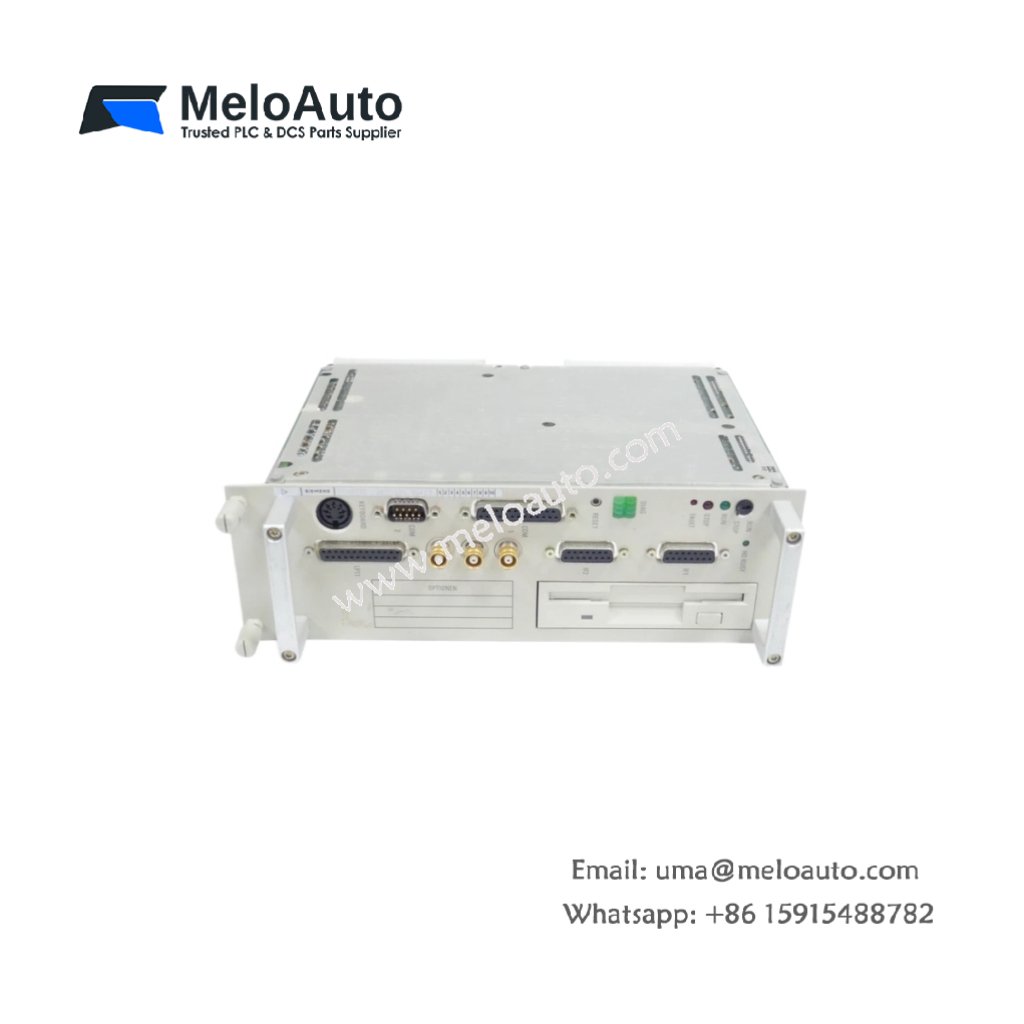
This keyboard provides data entry capabilities for Siemens WS496-GRACIS industrial workstations. It interfaces directly with the host controller for operator input and machine commands. Therefore, it enables users to control automation processes efficiently.
Physical and Interface Specifications
The Siemens 6FM1496-1AB20 measures 38.0 cm in length and 15.0 cm in width. Moreover, its keyboard weight equals approximately 0.95 kg for desktop or panel mounting. A single 15-pin D-sub connector links this keyboard to the WS496 workstation. Additionally, the unit includes 48 membrane keys with tactile feedback.
| Parameter | Specification |
|---|---|
| Brand | Siemens |
| Full Model | 6FM1496-1AB20 |
| Category | WS496-GRACIS Keyboard (Industrial) |
| Dimensions (L x W x H) | 38.0 cm x 15.0 cm x 3.5 cm (14.96″ x 5.91″ x 1.38″) |
| Keyboard Weight | 0.95 kg (2.09 lbs) |
| Keypad Type | Membrane (Sealed) |
| Number of Keys | 48 Keys |
| Key Layout | QWERTY Alphanumeric + Function Key Row |
| Function Keys | 12 Dedicated Function Keys (F1 to F12) |
| Modifier Keys | Shift + Ctrl + Alt (Dual Position) |
| Cursor Control | 4 Arrow Keys (Up, Down, Left, Right) |
| Numeric Keypad | Integrated (0 to 9, Decimal, Enter) |
| Actuation Force | 200 to 300 grams per Key |
| Switch Travel | 0.6 mm to 1.0 mm |
| Switch Life | 5 Million Actuations (Minimum) |
| Interface Connector | 1 x 15-pin D-Sub Male (RS-232 Serial) |
| Communication Protocol | ASCII (9600 baud, 8 bits, No Parity) |
| Baud Rate | 9600 baud (Fixed) |
| Cable Length | 2.0 meters (6.56 feet) Attached |
| Power Supply | 5 VDC (from Workstation via Cable) |
| Power Consumption | 0.5 W (Typical) |
| On-Board Components | 1 Microcontroller + 1 Key Matrix Decoder + 1 UART + 1 Voltage Regulator + 2 Protection Diodes |
| Energy Storage | 2 x 10 µF Electrolytic Capacitors (16V) + 1 x 4.7 µF Tantalum (10V) |
| Operating Temperature | 0°C to +45°C (32°F to 113°F) |
| Storage Temperature | -20°C to +60°C (-4°F to 140°F) |
| Protection Rating | IP54 (Front Surface) |
| Mounting Type | Desktop or Panel Mount |
| Status Indicators | 3 Green LEDs (Num Lock + Caps Lock + Scroll Lock) |
Key Layout and User Interface Features
The Siemens 6FM1496-1AB20 features a full QWERTY layout with 48 membrane keys. Specifically, the integrated numeric keypad allows rapid numerical data entry for operators. In addition, twelve function keys provide direct access to programmable machine commands. Moreover, the sealed membrane construction resists dust and liquid spills effectively. Consequently, this keyboard suits harsh industrial environments reliably.
Communication and Workstation Connectivity
This keyboard connects to WS496-GRACIS workstations using a serial RS-232 interface. For instance, the fixed 9600 baud rate ensures plug-and-play compatibility with the host. In addition, the ASCII protocol transmits each key press as a standard character code. Furthermore, the attached 2.0 meter cable allows flexible positioning on workbenches. Thus, you can install this keyboard away from the main workstation unit.
Energy Storage and Operational Stability
This keyboard stores energy using three onboard capacitors for power filtering. Specifically, two electrolytic capacitors smooth the 5 VDC supply for stable microcontroller operation. In addition, one tantalum capacitor provides high-frequency noise suppression for the key matrix decoder. Furthermore, these capacitors maintain key press registration during brief power interruptions. Therefore, the Siemens 6FM1496-1AB20 operates reliably in industrial environments.
Installation and Status Indicators
Three green LED indicators provide keyboard status at a glance. First, a Num Lock LED lights when the numeric keypad input mode is active. Second, a Caps Lock LED indicates uppercase character entry mode. Third, a Scroll Lock LED shows the scroll lock state for text navigation. Additionally, the keyboard includes non-slip rubber feet for desktop stability. Thus, operators can monitor keyboard status easily during machine control.










WeChat
Scan the QR Code with wechat