 MeloAuto-Trusted PLC & DCS Parts Supplier
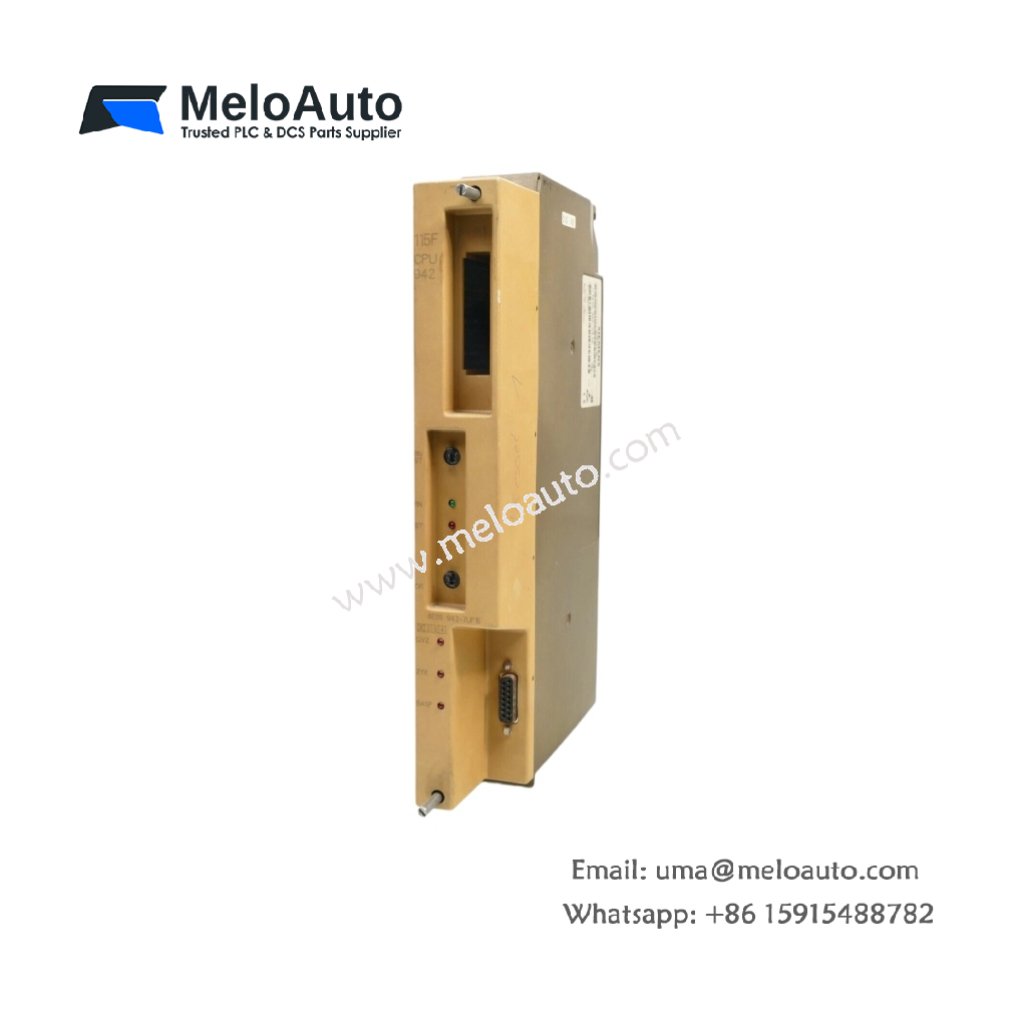
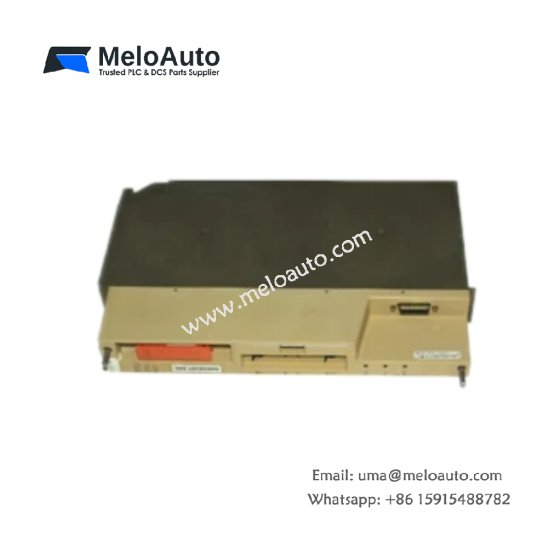
The Siemens 6FM1470-3CA21 Display Assembly provides operator interface for SIMATIC S5 systems. This display assembly shows process values and system status information. You will find it in control cabinets for local monitoring and diagnostics. It mounts directly on the front panel of S5 racks for easy viewing. Therefore, this unit eliminates the need for a separate programming device for basic monitoring.
The Siemens 6FM1470-3CA21 Display Assembly measures 100 mm in height and 200 mm in width. Its depth reaches 35 mm for panel mounting. The unit weighs approximately 0.45 kilograms. It contains a 4-line alphanumeric LCD display with backlight. Six membrane keys provide user input for navigation. Additionally, you get a 25-pin cable for connection to the CPU.
Key Technical Specifications
| Parameter | Value |
|---|---|
| Manufacturer | Siemens AG |
| Model | 6FM1470-3CA21 |
| Product Type | Display Assembly |
| Display Type | LCD (alphanumeric) |
| Display Lines | 4 lines x 20 characters |
| Backlight | LED (green) |
| User Keys | 6 (membrane type) |
| Interface | 25-pin D-sub (cable) |
| Cable Length | 2000 mm (2 meters) |
| Display Refresh | 0.5 seconds |
| Height | 100 mm |
| Width | 200 mm |
| Depth | 35 mm |
| Weight | 0.45 kg |
| Internal Components | 1 LCD, 1 controller |
| Energy Storage | ≈ 100 µF (capacitive) |
| Power Consumption | 150 mA @ 5 VDC |
| Operating Temperature | 0°C to +50°C |
| Mounting Method | Panel (4 screws) |
| Protection Rating | IP65 (front) |
Internal Architecture and Energy Storage
The Siemens 6FM1470-3CA21 Display Assembly stores minimal energy in its power filter. Small capacitors hold approximately 100 microfarads total capacitance. A microcontroller manages all display update and key scanning functions. This controller communicates with the S5 CPU through the serial interface. The LCD module presents 4 lines of 20 characters each. An LED backlight provides clear visibility in low-light conditions. Six membrane keys allow operators to navigate menu screens. The assembly includes a 2-meter cable with a 25-pin D-sub connector. A green backlight indicates normal operation of the display unit.
Connection Interfaces and Wiring Details
You will find a 25-pin D-sub male connector at the end of the cable. Connect this end to the dedicated display port on the S5 CPU. The Siemens 6FM1470-3CA21 Display Assembly requires no external power supply. The CPU provides all necessary power through the 25-pin connection. The cable transfers both power and data signals between the CPU and display. Six membrane keys send operator commands to the PLC. The assembly mounts through a standard cutout in the control cabinet door. Four mounting screws secure the display to the front panel. A rubber gasket provides IP65 protection against dust and moisture.
Installation and Configuration Steps
You cut a rectangular opening of 180 mm by 80 mm in the cabinet door. First, drill four mounting holes at each corner of the cutout. Then, insert the display assembly into the opening from the front. Secure the display using the four mounting screws provided. Connect the 25-pin D-sub cable to the CPU display port. The Siemens 6FM1470-3CA21 Display Assembly automatically powers up when the CPU starts. Use the STEP 5 software to configure display messages. Define text strings and variable fields for each screen. Download the display configuration to the CPU memory. The CPU updates the display every 0.5 seconds automatically. Test each key function before final cabinet closure.













WeChat
Scan the QR Code with wechat