 MeloAuto-Trusted PLC & DCS Parts Supplier
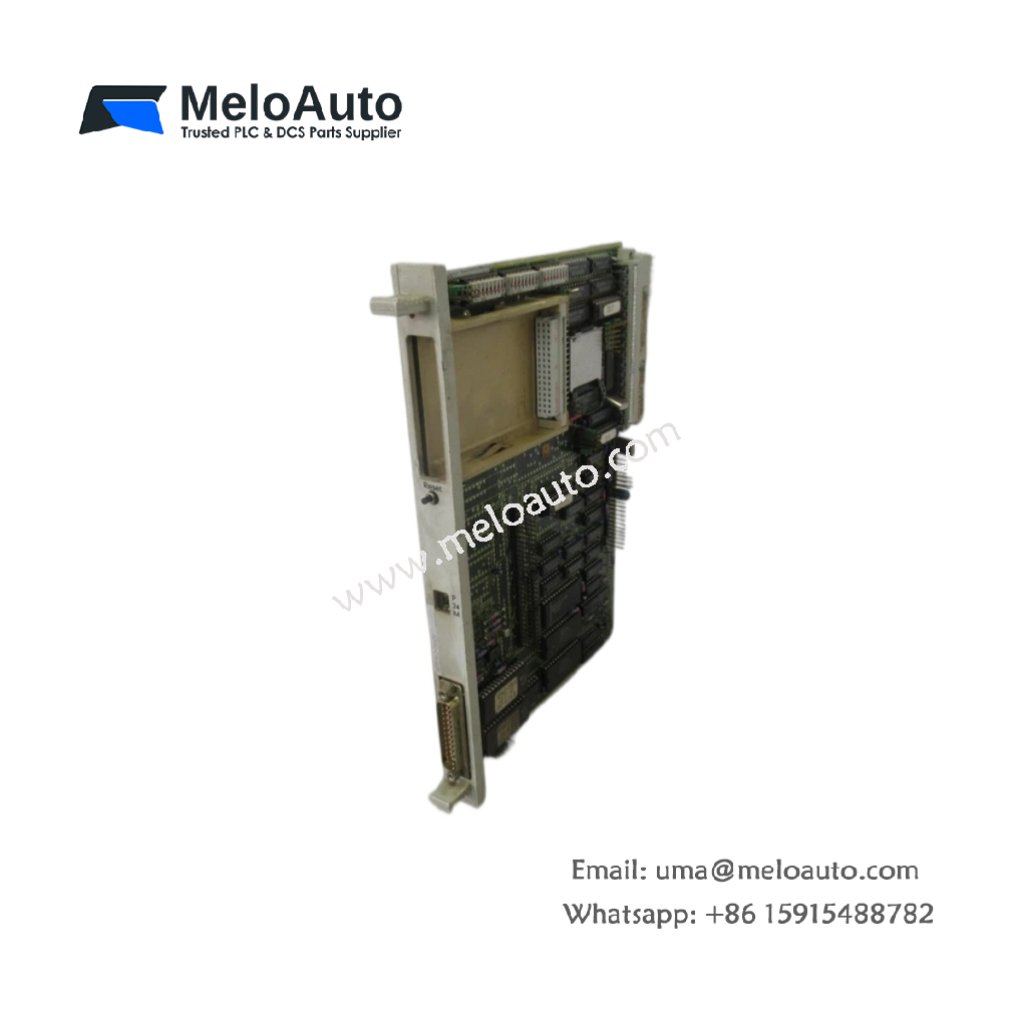
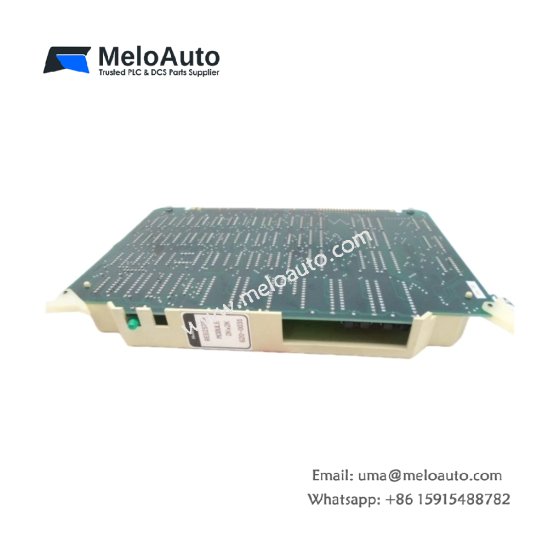
The Siemens 6FM1463-3SA20 expands the data storage capacity of WS 300 series workstations. This plug-in module adds non-volatile memory for recipes and process parameters. You can install it directly into the dedicated expansion slot on the HMI unit. It preserves critical data even when you power down the workstation completely. Consequently, this module eliminates the need for external floppy disks or network storage.
Technical Specifications Overview
| Parameter | Detailed Specification |
|---|---|
| Model | Siemens 6FM1463-3SA20 |
| Category | SIMATIC HMI Peripheral Memory Module (Non-Volatile) |
| Memory Type | Flash-EEPROM (electrically erasable) |
| Storage Capacity | 512 KB (approximately 5000 recipe records) |
| Data Retention | > 10 years (no battery required) |
| Access Time | 150 ns (read) / 10 ms (write) |
| Write Cycles | Minimum 100,000 erase/program operations |
| Compatibility | WS 300, WS 330, WS 340 HMI workstations |
| Operating Voltage | 5V DC (from workstation backplane) |
| Power Consumption | 80 mA (active) / 5 µA (standby) |
| Dimensions (approx.) | 68 mm x 35 mm x 10 mm |
| Weight | 0.025 kg (25 grams) |
| Connector Type | 64-pin standard edge connector |
| Number of Components | Single PCB assembly (no external cabling) |
| Operating Temperature | 0°C to 55°C |
Functional Features and Storage Capabilities
The Siemens 6FM1463-3SA20 uses Flash-EEPROM technology for true non-volatile storage. You can save and recall machine setups without any backup battery. The module stores text files, graphics, and configuration data securely. Furthermore, it supports direct read access for fast screen builds and alarm logging.
This memory module requires no special drivers or configuration software. The WS workstation automatically detects the additional capacity upon boot-up. Additionally, the solid-state design has no moving parts for maximum reliability. You can rewrite individual memory sectors without affecting other stored data.
Installation and Handling Guidelines
First, power down your WS 300 series HMI workstation completely. Next, remove the cover from the expansion slot on the mainboard. Then, align the Siemens 6FM1463-3SA20 with the guide rails inside the slot. Finally, press firmly until the edge connector seats fully into the socket.
You must observe anti-static precautions when handling this peripheral module. The gold-plated contacts are sensitive to moisture and skin oils. Always store spare modules in protective anti-static bags between uses. Furthermore, do not force the module if you feel resistance during insertion.
This peripheral memory module works perfectly for storing product changeover recipes. You can archive up to 1000 parameter sets for different production batches. The Siemens 6FM1463-3SA20 also backs up alarm histories and operator logs. It keeps legacy HMI systems functional without costly hardware upgrades.










WeChat
Scan the QR Code with wechat