 MeloAuto-Trusted PLC & DCS Parts Supplier
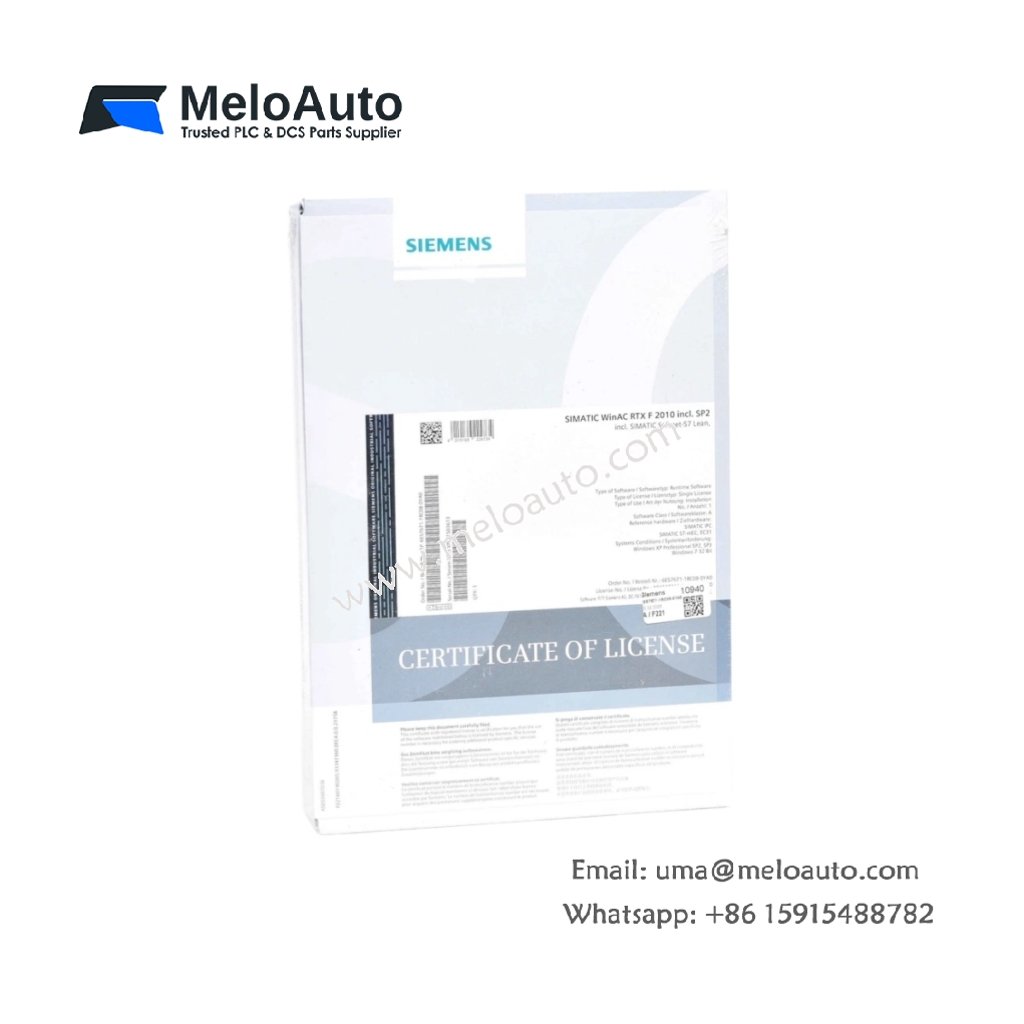
Flexible Software Licensing for Industrial Automation
This software license provides authorized access to Siemens automation engineering tools. It enables users to configure, program, and maintain SIMATIC control systems legally. Many engineering teams require this license for STEP 7 and WinCC applications. The license ensures compliance with Siemens software usage policies and regulations.
Technical Specifications
| Parameter | Specification |
|---|---|
| Model | 6ES7671-1RC08-0YA0 |
| License Type | Single-user license (floating option available) |
| Delivery Format | License key (USB dongle or digital) |
| Supported Software | STEP 7 (V5.x), WinCC (V7.x), S7-GRAPH, S7-SCL |
| Activation Method | Siemens Automation License Manager |
| License Duration | Perpetual (with optional upgrade/maintenance contract) |
| Transferability | Yes (with License Manager tool) |
| Backup Storage | Yes (license stored on USB dongle or HDD) |
| Operating Systems | Windows 7, Windows 8.1, Windows 10, Windows Server |
| System Requirements | 2 GHz processor, 4 GB RAM, 10 GB free HDD space |
| Compatibility | SIMATIC S7-300, S7-400, WinAC, PC-based controllers |
| Languages Supported | English, German, French, Italian, Spanish, Chinese |
| Certifications | CE, UL (applies to associated software only) |
Licensing Model and Usage Rights
This single-user license permits installation on one engineering workstation at a time. Engineers can transfer the license between computers using the License Manager tool. The perpetual license does not expire, providing long-term usability. Optional maintenance agreements provide access to version updates and technical support.
Software Compatibility and Engineering Tools
The license supports STEP 7 V5.x for programming S7-300 and S7-400 controllers. It also covers WinCC V7.x for visualization and SCADA applications. Advanced tools like S7-GRAPH and S7-SCL require separate licenses. Users can install multiple licensed components on a single workstation.
Activation and License Management
Siemens Automation License Manager handles all activation and management tasks. Engineers can activate licenses via the internet, USB dongle, or offline file. The system stores license information on the USB dongle or local hard drive. This flexibility supports both online and secured engineering environments.
Backup and Recovery Options
Users can back up licenses to secure storage for disaster recovery purposes. The License Manager tool simplifies moving licenses between hardware. This backup capability protects against hardware failure and system upgrades. Engineers maintain continuous access to licensed software functions.
System Requirements and Installation
The license requires a PC with a 2 GHz processor and 4 GB RAM. The software installation needs at least 10 GB of available hard disk space. Supported operating systems include Windows 7 through Windows 10 and Server editions. Users should verify compatibility with their existing engineering environment.
Compliance and Regulatory Information
The 6ES7671-1RC08-0YA0 complies with Siemens software licensing policies and practices. CE and UL certifications apply to the associated software products. Customers retain full license rights for the purchased version. Unauthorized use violates Siemens terms and may result in legal action.






WeChat
Scan the QR Code with wechat