 MeloAuto-Trusted PLC & DCS Parts Supplier
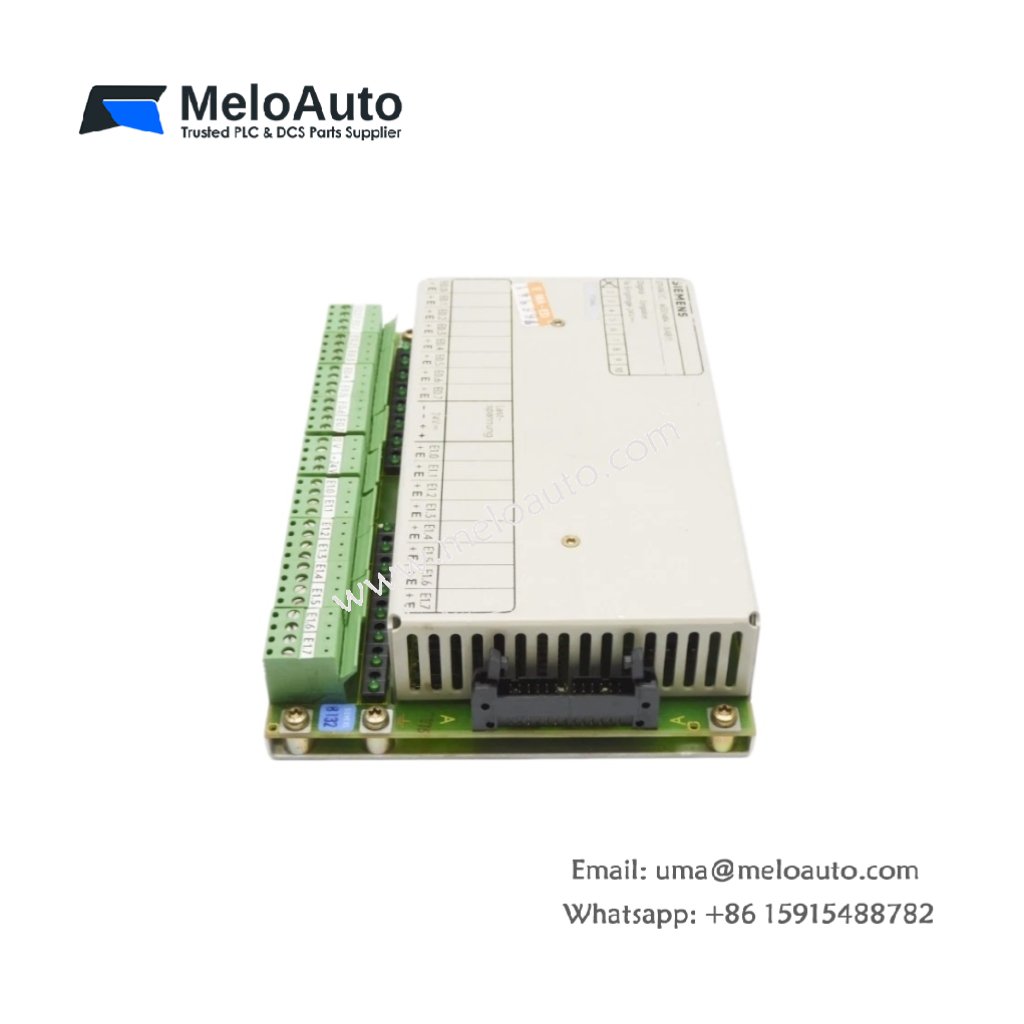
Product Overview
This software library provides comprehensive load management and power monitoring for SIMATIC PCS 7 systems. It includes pre-engineered function blocks for controlling electrical loads and generators. The library supports up to 512 power consumers in a single automation project. You can integrate these blocks directly into the PCS 7 engineering environment. The software requires approximately 200 MB of free hard disk space for installation. This version 8.0 introduces enhanced algorithms for peak load reduction strategies.
The library offers flexible load shedding and restoration sequences for critical processes. You can configure priority-based switching logic for up to 32 consumer groups. The software also calculates energy consumption trends for optimization reports. Its open architecture allows customization through standard CFC and SFC charts. The package includes detailed documentation and example projects for quick start-up.
Technical Specifications
| Parameter | Specification |
|---|---|
| Product Type | Power Control Software Library |
| Model | 6ES7658-7NX08-2YA0 |
| Version | V8.0 |
| Compatibility | SIMATIC PCS 7 V9.0 or higher |
| Max Consumers | 512 |
| Max Consumer Groups | 32 |
| Installation Size | Approx. 200 MB |
| License Type | Software license (single station) |
| Delivery Format | DVD-ROM with license key |
| Documentation | Yes (integrated help + PDF manuals) |
| Supported OS | Windows 10 IoT Enterprise, Windows Server 2019 |
| Languages | English, German, French, Chinese |
| System Requirements | 8 GB RAM, Intel Core i5, PCS 7 engineering station |
Key Features and Benefits
This library reduces engineering time through pre-tested, ready-to-use function blocks. Its load shedding algorithms protect generators from overload during peak demand. You can simulate load scenarios before deploying them to live production systems. The software provides real-time power consumption data for all connected devices. Energy reports help identify savings potential and optimize operational costs.
Installation and Integration
You install this software on any PCS 7 engineering workstation with appropriate access rights. The setup wizard copies all necessary blocks into the system library folder. After installation, you can drag these blocks directly into your CFC charts. The library integrates seamlessly with the PCS 7 runtime environment. You must activate the license key through the Siemens Automation License Manager. This activation ensures full functionality across all connected engineering clients.
Typical Applications
Power plants use this software for load distribution across multiple turbine generators. Refineries rely on it for peak shaving and demand-side management. The library also serves data centers and large manufacturing complexes.







WeChat
Scan the QR Code with wechat