 MeloAuto-Trusted PLC & DCS Parts Supplier
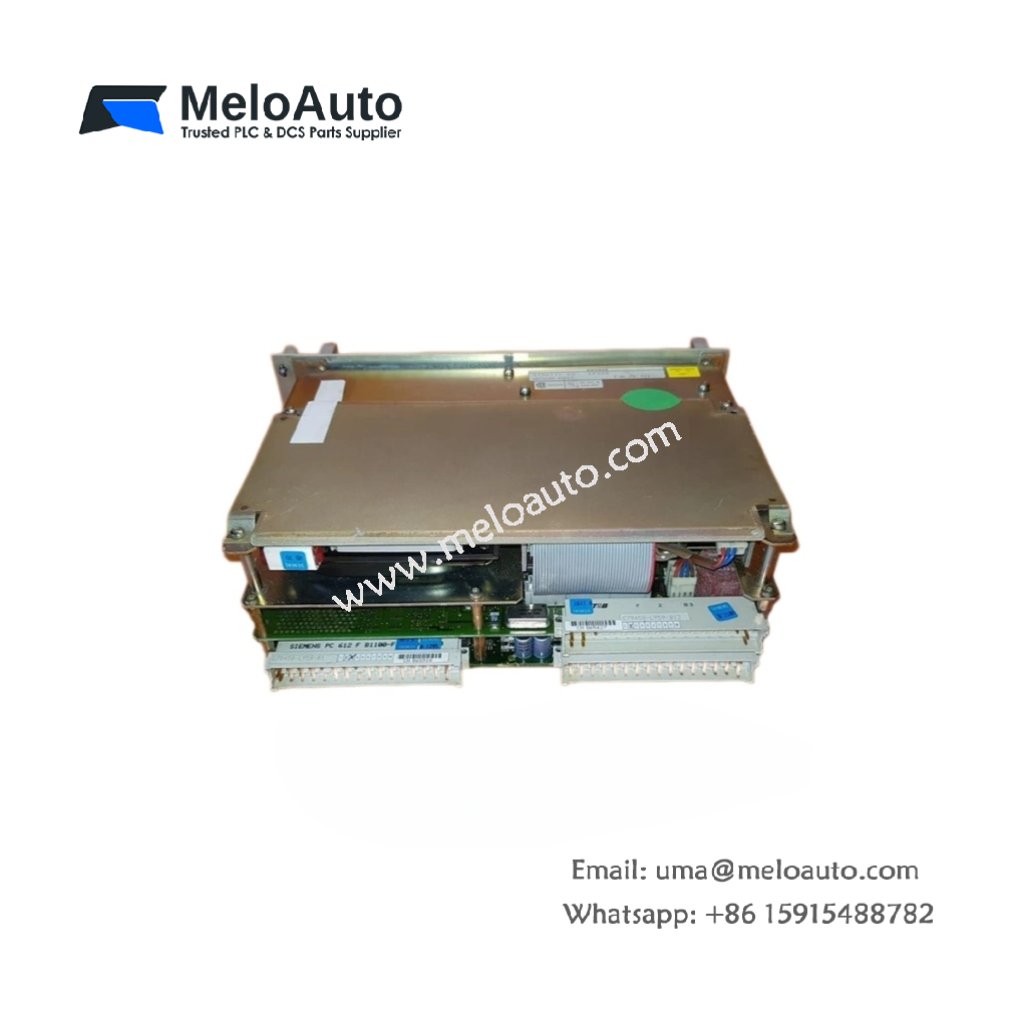
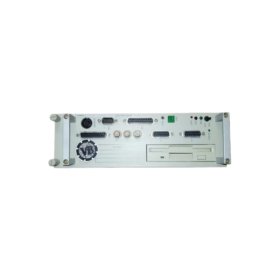
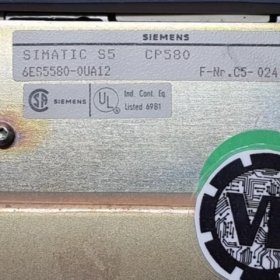
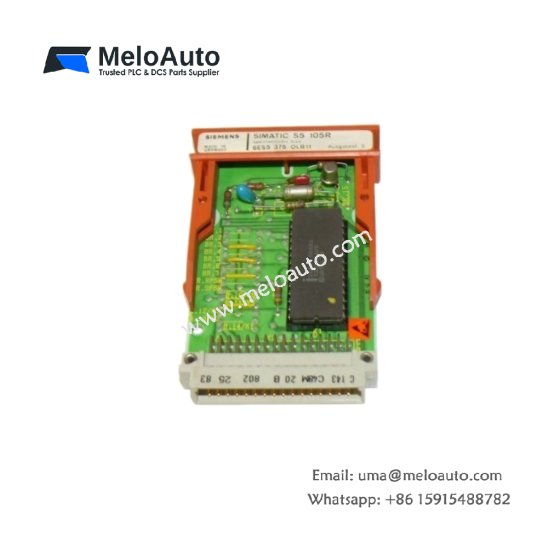
The Siemens 6ES5580-0UA12 integrates a full PC directly into your SIMATIC S5 rack. This module fits standard S5 slots and runs MS-DOS operating system natively. You can execute PC applications while sharing the same backplane as your PLC. It communicates with the CPU through dual-port RAM for fast data exchange. Consequently, you add computing power without extra cabinets or wiring.
Technical Specifications Overview
| Parameter | Detailed Specification |
|---|---|
| Model | Siemens 6ES5580-0UA12 |
| Category | SIMATIC S5 Slot PC Module (AT-compatible) |
| Processor | Intel 80286 (12 MHz clock speed) |
| RAM Memory | 1 MB (expandable to 4 MB) |
| Storage | 20 MB hard disk (internal) + 3.5″ floppy drive |
| Operating System | MS-DOS 5.0 (pre-installed) |
| Interfaces | VGA (15-pin), keyboard (5-pin DIN), parallel, serial (2x RS-232) |
| PLC Communication | Dual-port RAM (2 KB shared memory) |
| Operating Voltage | 5V DC from backplane (1.2 A typical) |
| External Supply | 24V DC (for drives, 500 mA) |
| Dimensions | 250 mm x 50 mm x 130 mm (double-width) |
| Weight | 1.45 kg (1450 grams) |
| Energy Storage | 3.6V lithium battery for BIOS and RAM |
| Indicators | Power, HDD access, watchdog, PC run |
| Operating Temperature | 0°C to 50°C |
Functional Features and Computing Capabilities
The Siemens 6ES5580-0UA12 runs standard PC software for data logging and visualization. You can program this module using Turbo Pascal, C, or BASIC compilers. It exchanges process data with the S5 CPU at cycle times below 10 ms. Furthermore, the module includes a hardware watchdog for fail-safe operation.
The onboard hard disk stores recipes, production logs, and configuration files. You can access the floppy drive for data backup or software updates. Additionally, the VGA port connects to a monitor for local operator interfaces. The shared memory area appears as I/O space to both the PC and PLC.
Installation and Configuration Steps
First, insert the Siemens 6ES5580-0UA12 into a double-width slot in your S5 rack. Next, connect the external 24V DC supply to the rear terminal block. Then, attach your monitor, keyboard, and mouse to the rear ports. Finally, configure the dual-port RAM address using the onboard DIP switches.
You must install the provided software driver on both the PC and PLC sides. The module does not support hot swapping or live insertion into the rack. Always power down the entire system before connecting or removing peripherals. Furthermore, back up the hard disk regularly due to its legacy age.
This slot PC works perfectly for operator terminals and data collection tasks. It replaces separate industrial computers mounted outside the control cabinet. You can run SCADA clients directly on the Siemens 6ES5580-0UA12 for machine monitoring. The module keeps legacy S5 systems competitive with modern production reporting.











WeChat
Scan the QR Code with wechat