 MeloAuto-Trusted PLC & DCS Parts Supplier
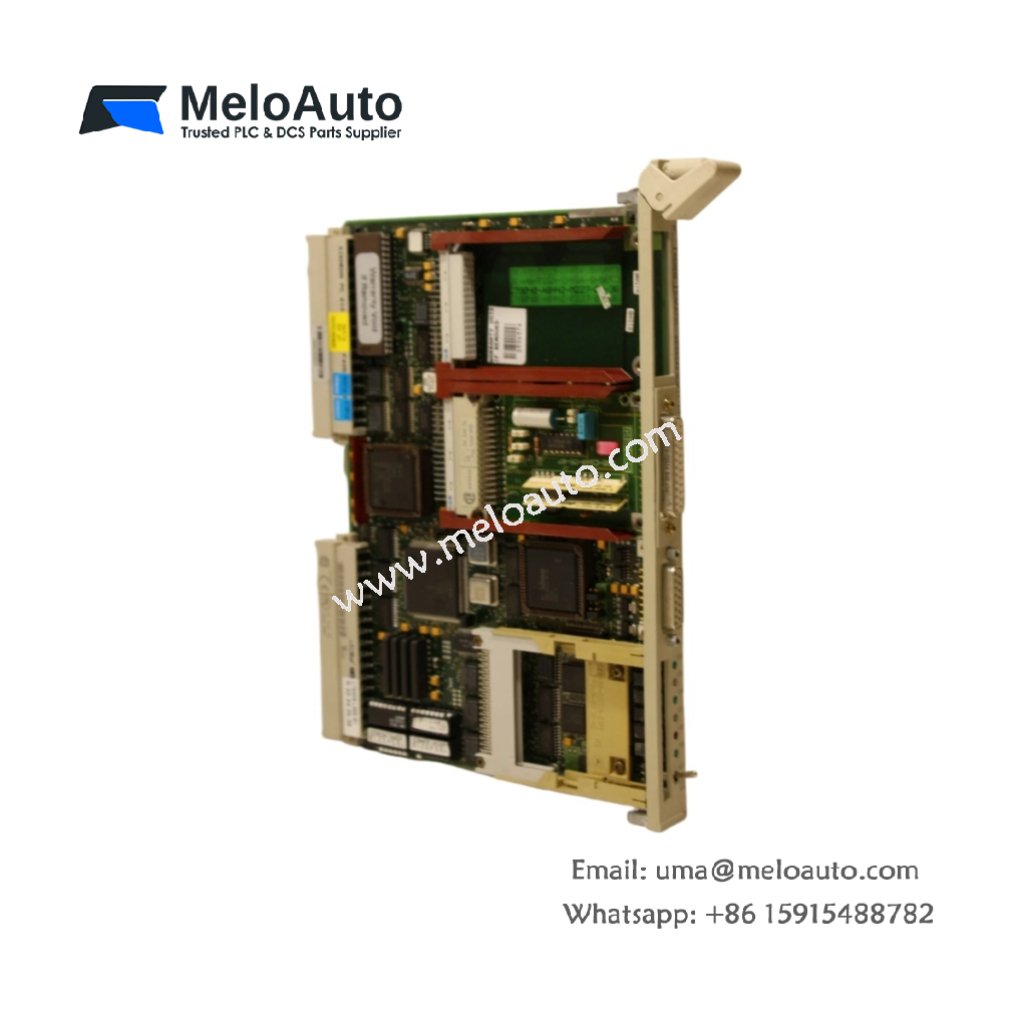
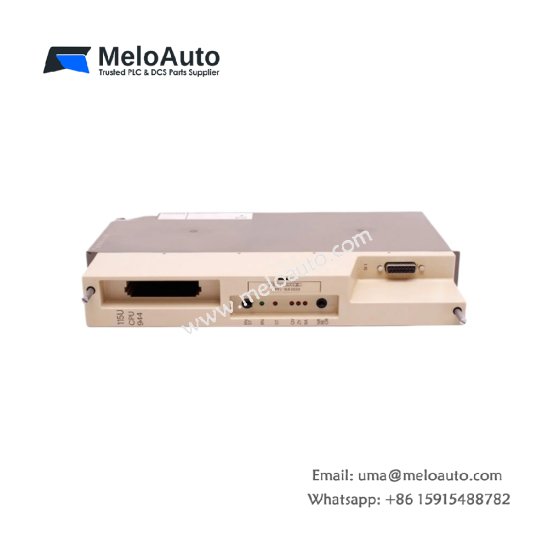
The Siemens 6ES5544-3UB11 enables serial data exchange between SIMATIC S5 and external devices. This communication processor supports both point-to-point and multi-point network configurations. You can configure the module for various protocols including 3964R and RK512. It handles message framing, error checking, and data buffering automatically. Consequently, this CP544 reduces the programming load on your main CPU.
Technical Specifications Overview
| Parameter | Detailed Specification |
|---|---|
| Model | Siemens 6ES5544-3UB11 |
| Category | SIMATIC S5 Communication Processor (CP544) |
| Interface Type | RS-232C (V.24) / 20 mA current loop |
| Number of Interfaces | 1 (software-selectable electrical mode) |
| Protocols Supported | 3964R, RK512, ASCII (customizable) |
| Data Transmission Rate | 300 to 19,200 baud (selectable) |
| Buffer Memory | 2 KB (non-volatile with battery backup) |
| Operating Voltage | 5V DC from backplane plus 24V DC external |
| Power Consumption | 300 mA from 5V / 50 mA from 24V |
| Dimensions (approx.) | 250 mm x 25 mm x 130 mm (single-width) |
| Weight | 0.45 kg (450 grams) |
| Energy Storage | Built-in backup battery (lithium, replaceable) |
| Operating Temperature | 0°C to 60°C |
Functional Features and Communication Capabilities
The Siemens 6ES5544-3UB11 handles all low-level serial communication tasks independently. You can connect this module to printers, barcode scanners, or host computers easily. It stores incoming data in its internal buffer before transferring to the CPU. Furthermore, the module supports both start-stop and synchronous data transmission modes.
The built-in lithium battery preserves parameter settings and buffered data during power outages. You should check and replace this battery during regular maintenance cycles. Additionally, the software allows you to define custom ASCII protocols for legacy equipment. The LED indicators show transmit, receive, and error status at a glance.
Installation and Configuration Steps
First, insert the Siemens 6ES5544-3UB11 into any free S5 rack slot. Next, connect the external 24V DC supply to the dedicated terminals. Then, wire your serial device to the 15-pin SUB-D connector on the front panel. Finally, set the communication parameters using COM544 configuration software.
You must assign a unique station address when using multi-point networks. The module requires careful grounding to avoid data errors from electrical noise. Always use shielded cables for runs longer than 10 meters.
This communication processor excels in connecting S5 PLCs to SCADA systems. It also supports remote diagnostics and data logging applications. You can replace the backup battery without removing the module from the rack. The CP544 handles up to 250 data words per telegram efficiently.











WeChat
Scan the QR Code with wechat