 MeloAuto-Trusted PLC & DCS Parts Supplier
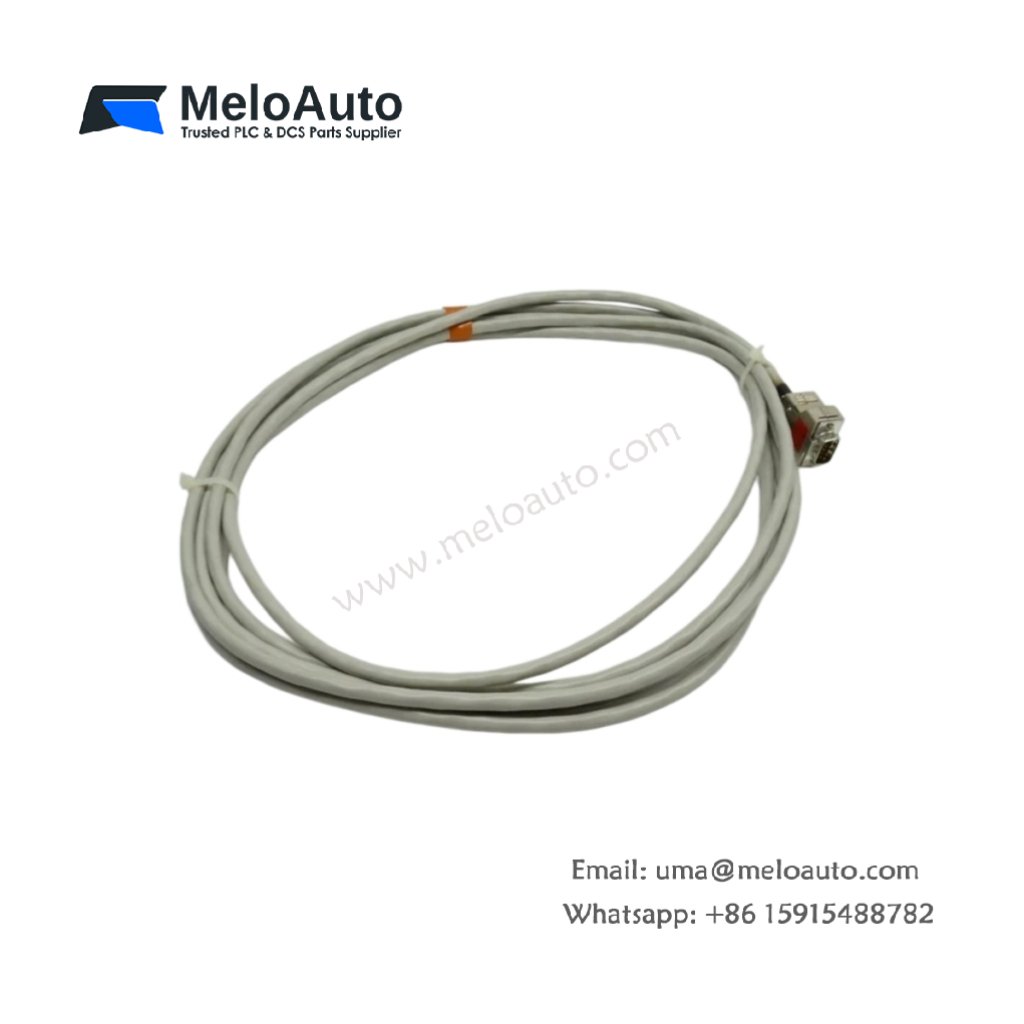
The Siemens 6ES5314-3UR11 Interface Module connects SIMATIC S5 systems to fieldbus networks. This module provides a PROFIBUS DP interface for distributed I/O. You will find it in factory automation systems across many industries. It handles data exchange between the S5 CPU and remote I/O stations. Therefore, this unit reduces field wiring and simplifies system expansion.
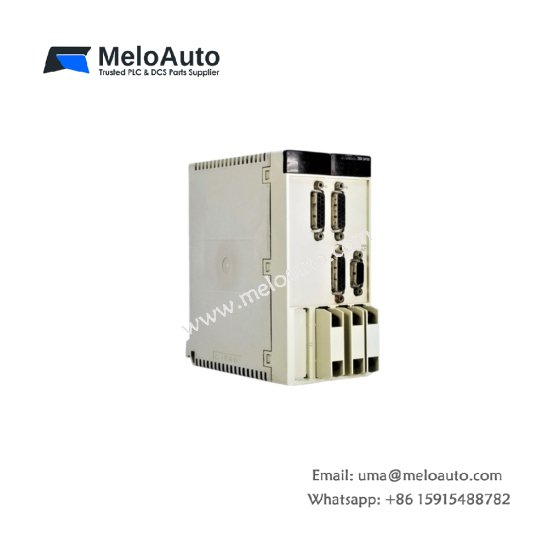
The Siemens 6ES5314-3UR11 Interface Module measures 230 mm in height and 48 mm in width. Its depth reaches 180 mm for standard rack mounting. The unit weighs approximately 0.58 kilograms. It contains one 16-bit processor and two PROFIBUS ports. Four status LEDs provide network and module diagnostics. Additionally, you get a 9-pin D-sub connector for bus connection.
Key Technical Specifications
| Parameter | Value |
|---|---|
| Manufacturer | Siemens AG |
| Model | 6ES5314-3UR11 |
| Product Type | Interface Module |
| Protocol | PROFIBUS DP (12 Mbps) |
| Ports | 2 (9-pin D-sub, female) |
| I/O Capacity | 128 bytes input/output |
| Maximum Slaves | 32 per network |
| Processor | 16-bit @ 20 MHz |
| Memory | 128 KB RAM |
| Height | 230 mm |
| Width | 48 mm |
| Depth | 180 mm |
| Weight | 0.58 kg |
| Status LEDs | 4 (PWR, RUN, BF, SF) |
| Energy Storage | ≈ 250 µF (capacitive) |
| Power Consumption | 300 mA @ 5 VDC |
| Isolation Rating | 1500 VAC (optical) |
| Operating Temperature | 0°C to +60°C |
| Mounting Method | S5 rack |
Internal Architecture and Energy Storage
The Siemens 6ES5314-3UR11 Interface Module stores minimal energy in its power filter. Small electrolytic capacitors hold approximately 250 microfarads total capacitance. A 16-bit processor runs the PROFIBUS DP protocol stack at 20 MHz. This processor manages data exchange with up to 32 remote slave devices. Two independent PROFIBUS ports provide network connectivity and drop-line capability. Four optical isolators protect the S5 backplane from fieldbus transients. The module includes 128 KB of dual-port RAM for data buffering. Four LEDs show power, run, bus fault, and system fault status clearly.
Connection Interfaces and Wiring Details
You will find two 9-pin D-sub female connectors on the front panel. Connect the PROFIBUS cable to Port 1 for network access. Use Port 2 to daisy-chain to another device on the bus. The Siemens 6ES5314-3UR11 Interface Module requires an external 24 VDC supply for bus termination. Connect the supply to the dedicated power terminals on the bottom. Use shielded twisted-pair cable for all PROFIBUS connections. Connect the A wire to pin 3 and the B wire to pin 8. Connect the shield drain wire to pin 1 (ground). Four LEDs indicate power, module status, bus fault, and system fault. A green RUN LED lights up when the module communicates with the CPU normally. A red BF LED indicates a bus fault or missing slave device.
Configuration and Installation Steps
You slide this module into any I/O slot of the SIMATIC S5 rack. First, align the module with the upper and lower card guides. Then, push it firmly until the backplane connector seats completely. Secure the front panel with the two retaining screws. Connect the 24 VDC power wires to the terminal block. The Siemens 6ES5314-3UR11 Interface Module consumes 300 mA from the backplane supply. Use the STEP 5 software to configure the PROFIBUS network. Assign a unique station address to the module using the rotary switches. Configure all connected slave devices and their I/O mappings. Download the configuration to the module’s memory. Test communication with each slave device before system startup.












WeChat
Scan the QR Code with wechat