 MeloAuto-Trusted PLC & DCS Parts Supplier
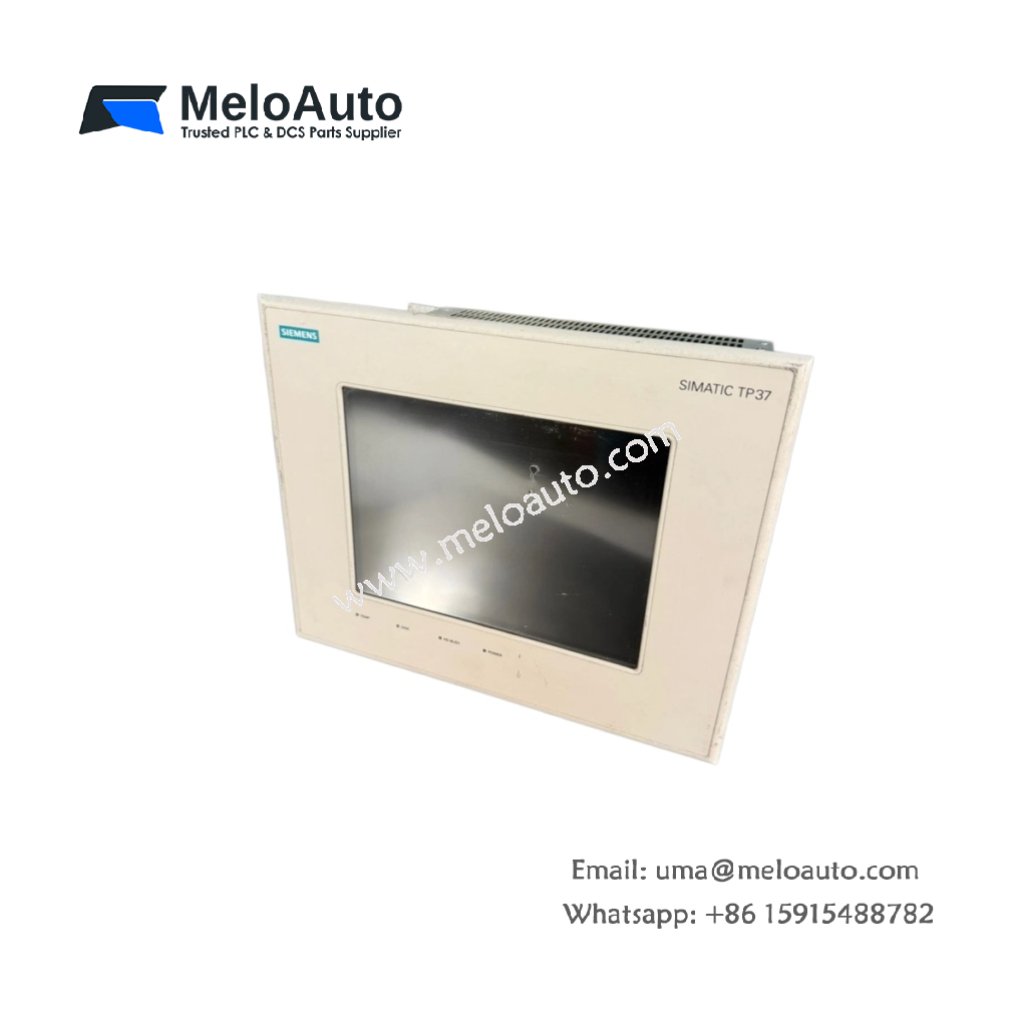
The Siemens 6AV3637-1PL00-0AX0 provides intuitive operator control for industrial machines. This touch panel belongs to the SIMATIC HMI TP37 series for medium-scale applications. You can create and edit screens using ProTool or WinCC flexible software. It displays process values, alarms, and trends on a backlit color display. Consequently, this unit replaces physical pushbuttons with modern touch-based interaction.
Technical Specifications Overview
| Parameter | Detailed Specification |
|---|---|
| Model | Siemens 6AV3637-1PL00-0AX0 |
| Category | SIMATIC HMI Touch Panel (TP37, Color) |
| Display Type | STN LCD (color, 256 colors) |
| Display Size | 5.7 inches (diagonal) |
| Resolution | 320 x 240 pixels (QVGA) |
| Backlight | CCFL (cold cathode fluorescent, replaceable) |
| Touch Technology | Resistive analog (single-touch) |
| Input Method | Finger or stylus (glove-compatible) |
| Built-in Memory | 2 MB Flash (user data and projects) |
| Data Memory | 512 KB RAM (retains via super capacitor) |
| Interfaces | RS-232, RS-422, RS-485 (selectable, 9-pin SUB-D) |
| Compatible PLCs | SIMATIC S5, S7-200, S7-300, S7-400 |
| Operating Voltage | 24V DC (20.4V to 28.8V) |
| Power Consumption | 400 mA (typical) |
| Energy Storage | Super capacitor (holds RTC data for 7 days) |
| Dimensions (approx.) | 212 mm x 156 mm x 55 mm |
| Weight | 0.95 kg (950 grams) |
| Protection Rating | IP65 (front) / IP20 (rear) |
| Operating Temperature | 0°C to 50°C |
Functional Features and Operator Benefits
The Siemens 6AV3637-1PL00-0AX0 supports up to 500 screens with 200 tags per screen. You can store recipes, alarms, and data logs in the 2 MB Flash memory. The resistive touch screen works reliably even with industrial gloves. Furthermore, the CCFL backlight provides clear visibility in dim control rooms.
This touch panel includes a built-in real-time clock with super capacitor backup. The clock supports time-stamped alarm messages and data logging. Additionally, the panel offers multi-language text switching for global machines. The LED indicators show power, communication, and system status at a glance.
Installation and Configuration Steps
First, cut a panel cutout of 198 mm x 142 mm in your cabinet door. Next, insert the Siemens 6AV3637-1PL00-0AX0 from the front side. Then, secure it using the included mounting clamps around the frame. Finally, connect the 24V DC supply and the serial cable to your PLC.
You must calibrate the touch screen after initial installation. The panel does not support hot-swapping or live disconnection of cables. Always use shielded cables for the serial communication link. Furthermore, back up your project files to a PC regularly.
This touch panel works perfectly for machine monitoring and operator guidance. It suits batch processing, packaging lines, and material handling systems. You can replace the backlight lamp without disassembling the entire unit. The Siemens 6AV3637-1PL00-0AX0 modernizes legacy S5 systems with graphical HMI.













WeChat
Scan the QR Code with wechat