 MeloAuto-Trusted PLC & DCS Parts Supplier
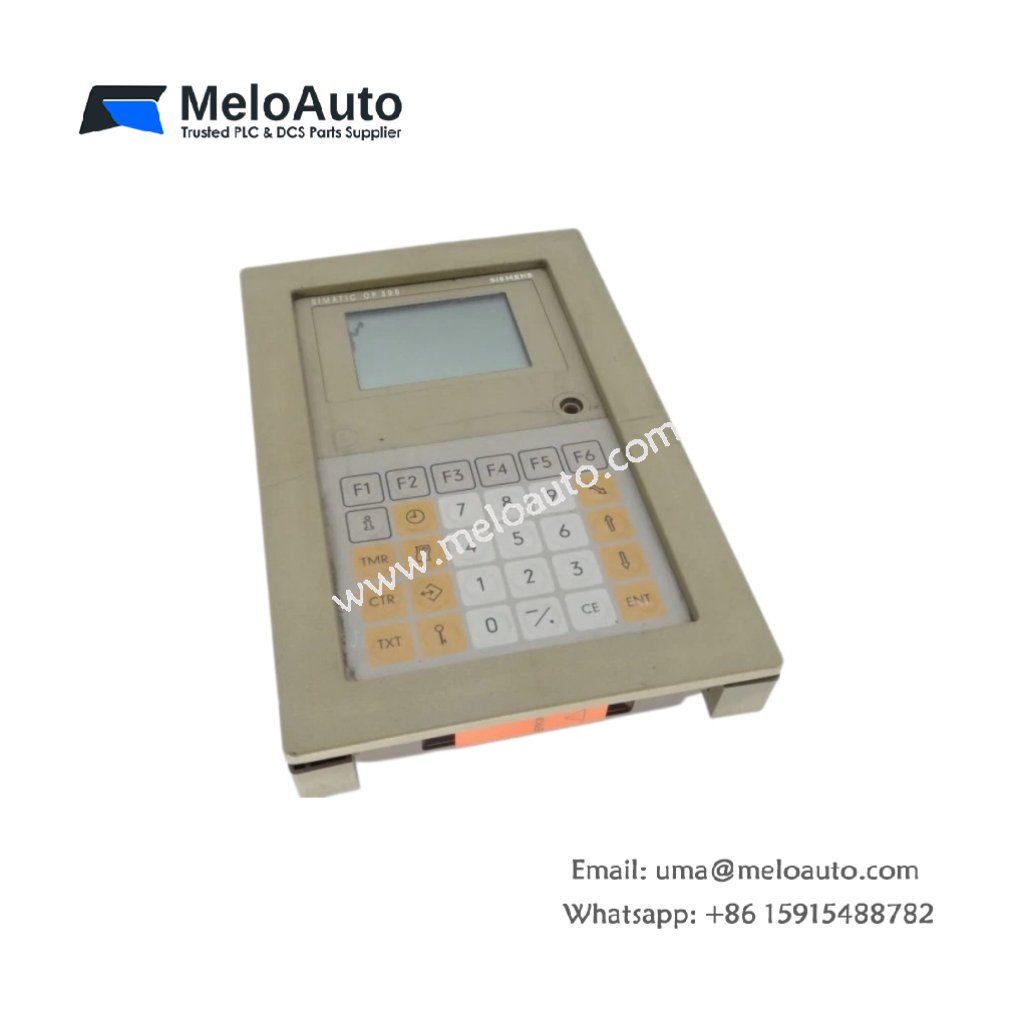
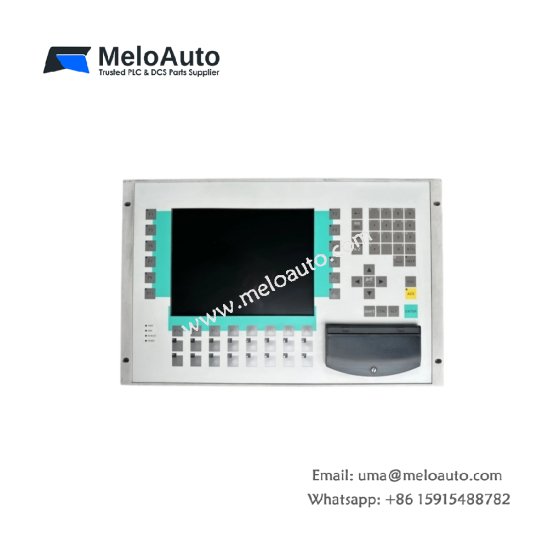
The Siemens 6AV3617-1JC00-0AX0 Drive Keypad provides local control and monitoring for SIMODRIVE systems. This keypad mounts directly on the drive front panel for easy access. You will find it in servo drive and spindle drive applications. It displays actual speed, current, and fault messages in real-time. Therefore, this unit enables hands-on parameter adjustment and diagnostic viewing.
The Siemens 6AV3617-1JC00-0AX0 Drive Keypad measures 120 mm in height and 70 mm in width. Its depth reaches 25 mm for panel mounting. The unit weighs approximately 0.18 kilograms. It contains a 2-line LCD display with backlight. Twelve membrane keys provide parameter navigation and value entry. Additionally, you get a 1-meter flat ribbon cable for drive connection.
Key Technical Specifications
| Parameter | Value |
|---|---|
| Manufacturer | Siemens AG |
| Model | 6AV3617-1JC00-0AX0 |
| Product Type | Drive Keypad |
| Display Type | LCD (2 lines x 16 characters) |
| Backlight | LED (yellow-green) |
| Number of Keys | 12 (membrane type) |
| Key Functions | Up, down, enter, P, reset |
| Interface | 14-pin flat ribbon cable |
| Cable Length | 1000 mm (1 meter) |
| Display Format | Current, speed, torque, faults |
| Height | 120 mm |
| Width | 70 mm |
| Depth | 25 mm |
| Weight | 0.18 kg |
| Internal Components | 1 LCD, 1 keypad matrix |
| Energy Storage | ≈ 50 µF (capacitive) |
| Power Consumption | 50 mA @ 5 VDC |
| Operating Temperature | 0°C to +50°C |
| Mounting Method | Drive panel (snap-fit) |
| Protection Rating | IP54 (front) |
Internal Architecture and Energy Storage
The Siemens 6AV3617-1JC00-0AX0 Drive Keypad stores minimal energy in its power filter. Small capacitors hold approximately 50 microfarads total capacitance. A microcontroller manages all key scanning and display update functions. This controller communicates with the drive through the ribbon cable. The LCD module presents two lines of 16 characters each. A yellow-green LED backlight provides good visibility in all conditions. Twelve membrane keys allow operators to change parameters and values. The keypad includes six dedicated numeric keys for direct value entry. A plastic snap-fit mechanism secures the keypad to the drive front panel.
Connection Interfaces and Wiring Details
You will find a 14-pin flat ribbon cable extending from the keypad. Connect this cable to the dedicated keypad port on the drive. The Siemens 6AV3617-1JC00-0AX0 Drive Keypad receives power through the same ribbon cable. The drive provides all necessary 5 VDC power for the keypad operation. The cable transfers key presses and display data between devices. A red reset key allows operators to clear fault conditions after troubleshooting. The keypad automatically powers up when the drive receives control voltage.
Installation and Operation Steps
You power off the drive before installing this keypad. First, align the keypad with the drive panel cutout. Then, press the keypad firmly until the snap-fit clips engage. Connect the 14-pin ribbon cable to the drive keypad port. The Siemens 6AV3617-1JC00-0AX0 Drive Keypad requires no additional configuration. Power on the drive and observe the display backlight. The keypad shows the default parameter display immediately. Press the P key to enter parameter view mode. Use the up and down arrows to scroll through parameter numbers.













WeChat
Scan the QR Code with wechat