 MeloAuto-Trusted PLC & DCS Parts Supplier
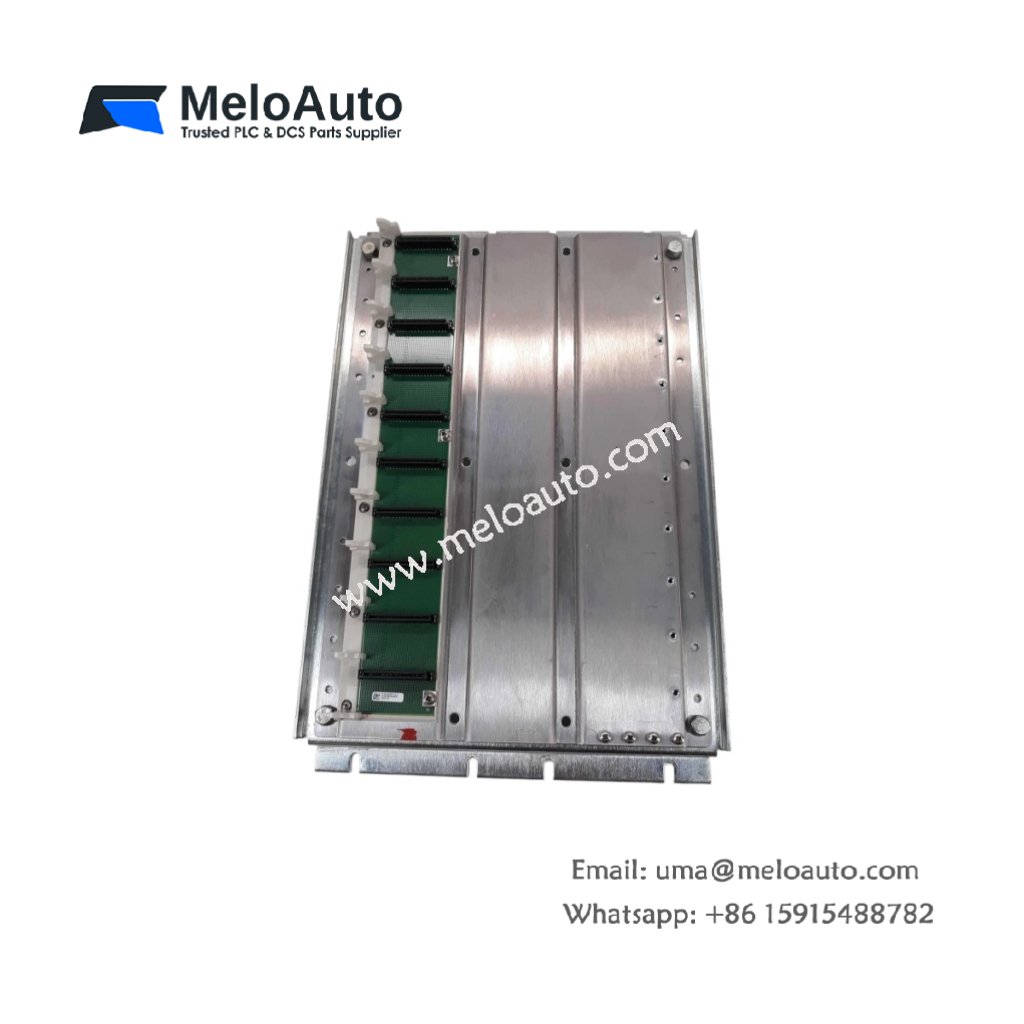
This operator interface combines a keypad with a touchscreen for flexible machine control. It provides intuitive access to PLC data and system parameters. You can use this unit for local monitoring and operator input on industrial equipment.
Technical Specifications
| Parameter | Value |
|---|---|
| Model | Schneider MMPMF2300 |
| Category | LCD Keypad/Touchscreen Interface |
| Display Type | 5.7-inch STN LCD |
| Display Resolution | 320 × 240 pixels (QVGA) |
| Display Colors | Monochrome (blue mode with 16 gray levels) |
| Touch Technology | Resistive analog touchscreen (4-wire) |
| Keypad | 16 programmable function keys + 10 numeric keys |
| Backlight Type | CCFL with 40,000 hours typical life |
| Communication Ports | 2 × RS-232 (9-pin D-sub), 1 × RS-422/485 |
| Protocol Support | Modbus RTU, Modbus TCP, Uni-TE, Modbus Plus |
| Memory | 2 MB Flash (application storage), 512 KB SRAM |
| Real-Time Clock | Yes (with battery backup) |
| Power Input | 24 VDC ±15%, 15 W typical |
| Dimensions (W x H x D) | 21.5 cm × 15.8 cm × 5.2 cm |
| Weight | 0.95 kg (2.09 lbs) |
| Connector Type | 2 × DB9 + 1 × 5-pin terminal + 1 × power connector |
| Component Count | 1 main board + 1 LCD + 1 touchscreen + 1 keypad membrane + 1 backlight |
| Energy Storage | Lithium battery (3V, 950 mAh) for RTC and SRAM |
| Enclosure Rating | IP65 (front panel when properly mounted) |
Display and User Interface
The Schneider MMPMF2300 features a 5.7-inch monochrome LCD with 320 × 240 resolution. A resistive touchscreen registers input even when you wear gloves. Sixteen programmable function keys provide one-touch access to critical controls. Ten numeric keys allow fast data entry without opening the touchscreen keyboard.
Communication Connectivity
Two RS-232 ports support serial connections to PLCs, drives, or printers. A third port supports RS-422 or RS-485 for multi-drop industrial networks. This interface speaks Modbus RTU, Modbus TCP, Uni-TE, and Modbus Plus protocols. Consequently, you can connect to most Schneider and third-party controllers directly.
Memory and Data Storage
The unit provides 2 MB of Flash memory for storing application screens and logic. An additional 512 KB of SRAM holds runtime variables and alarm logs. A lithium battery preserves SRAM contents and maintains the real-time clock. This battery lasts approximately 5 years under normal operating conditions.
Installation and Mounting
Mount this interface into a standard panel cutout of 197 mm × 142 mm. The front panel meets IP65 rating when you properly seal the gasket. You can use the four corner clips for tool-less mounting in thin panels. For best results, install the unit away from direct sunlight or heat sources.
Programming and Configuration
You need Schneider Vijeo Designer software to create applications for this terminal. The software supports bitmap images, vector graphics, and multi-language text. You can download applications through either serial port or a CompactFlash card. Therefore, you do not need a PC at the machine location for updates.
Visual Indicators and Alarms
The interface displays real-time alarms with time-stamping from the internal RTC. A blinking LED indicates communication activity with the connected PLC. The backlight dims automatically after a user-defined period of inactivity. Consequently, you extend the CCFL backlight life beyond its 40,000-hour rating.
Why Choose This Interface
This hybrid unit gives operators both keypad and touchscreen input options. It works perfectly for environments where gloves make touch-only screens difficult. Therefore, manufacturers choose this interface for packaging lines, food processing, and heavy machinery.












WeChat
Scan the QR Code with wechat