 MeloAuto-Trusted PLC & DCS Parts Supplier
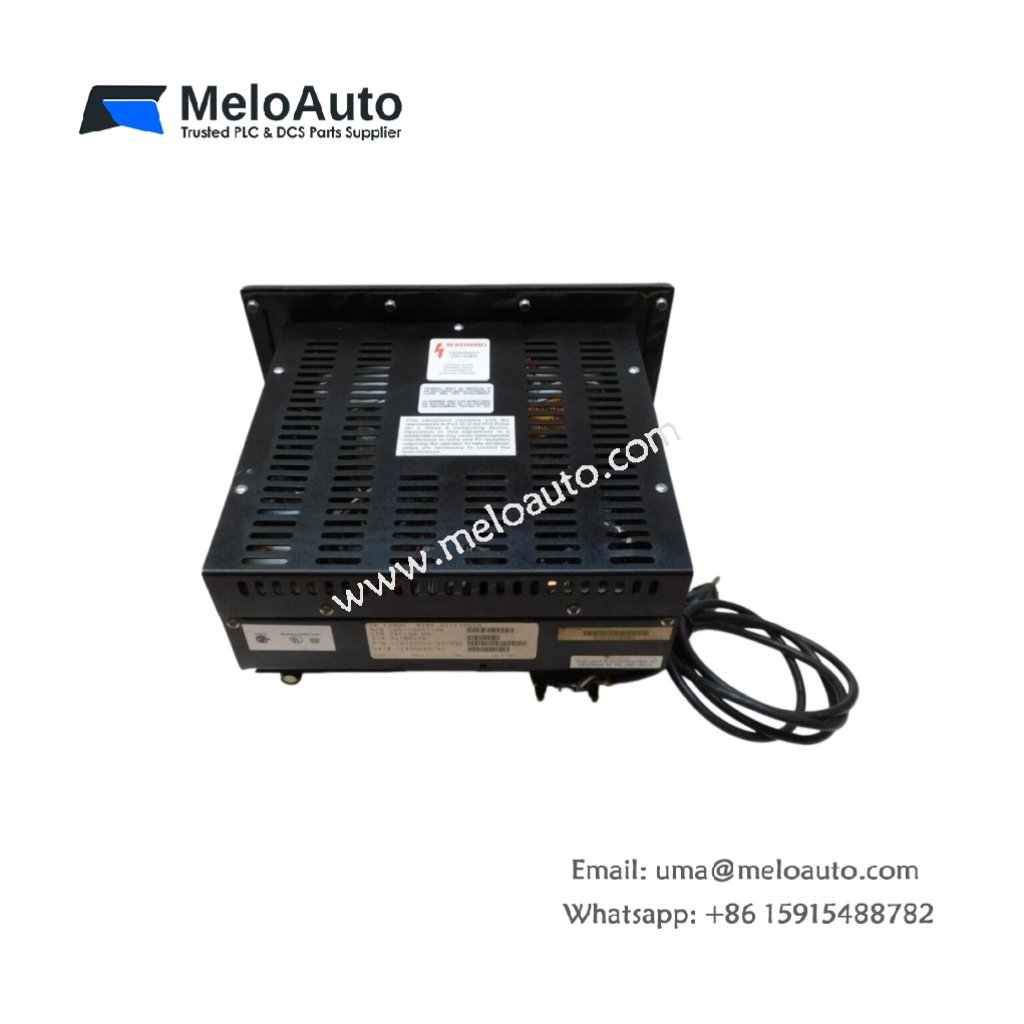
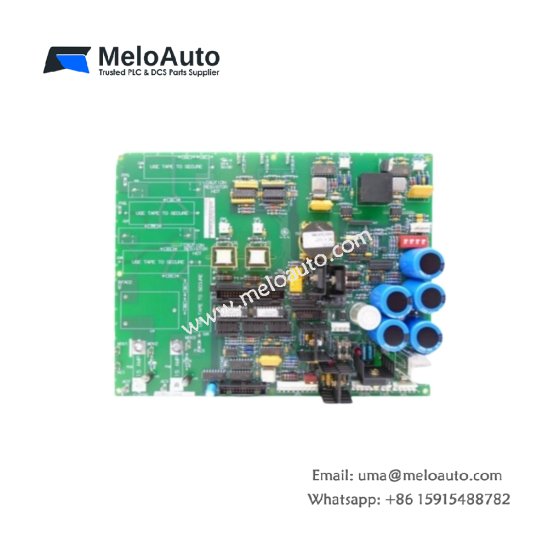
The GE DS200DKLBG1A DS200DKLBG1ABB manages network communications for Mark V drive systems. This board handles data exchange between multiple drives and the main controller. Therefore, it enables coordinated operation across your entire automation network.
Product Overview
We equipped this communications board with dual LAN ports for redundant network paths. Its dedicated processor offloads communication tasks from the main drive controller. Moreover, this unit supports both fiber optic and twisted pair physical layers.
Technical Specifications
| Parameter | Specification |
|---|---|
| Dimensions | 25.4 cm (length) x 16.5 cm (width) |
| Weight | 0.43 kg (approximately 0.95 lb) |
| Interface Type | Single 64-pin backplane plus two RJ45 and two ST fiber ports |
| Component Count | 194 components including dual Ethernet controllers |
| Energy Storage | 5 aluminum electrolytic capacitors (220 µF each, 16V) |
| Protocol | Proprietary GE LAN with ARCNET sublayer |
| Data Rate | 2.5 Mbps default, field-selectable to 5 Mbps |
| Network Redundancy | Active/standby with automatic failover |
Communication Architecture
The GE DS200DKLBG1A DS200DKLBG1ABB uses two separate MAC controllers for network isolation. Its five storage capacitors filter power supply noise for stable transceiver operation. Additionally, onboard LEDs indicate link status for each active port. A green LED means normal traffic, while amber indicates a backup path.
Network Configuration
Set the node address using the eight-position dip switch bank. Switches one through seven define the binary address value. Switch eight selects either 2.5 Mbps or 5 Mbps operation. Therefore, you can assign up to 127 unique addresses per network segment. Always verify that no two nodes share the same address.
Installation Guidelines
Insert this board only into a designated communications slot. Align the GE DS200DKLBG1A DS200DKLBG1ABB carefully with its backplane connector. Push firmly until both ejector levers lock into position. Then connect your network cables before applying power to the rack.
Cable Requirements
Use CAT5e shielded cable for all RJ45 connections up to 100 meters. For fiber optic links, select multimode glass fiber with ST connectors. The GE DS200DKLBG1A DS200DKLBG1ABB provides automatic crossover detection. Therefore, you do not need special crossover cables for direct connections.
Troubleshooting Tips
Monitor the seven-segment display for diagnostic codes. Code 0 means normal operation with no active faults. Code 1 through 4 indicates addressing or cabling problems. Reset the board by cycling power if you see a non-recoverable error. The energy storage capacitors will drain within thirty seconds after power removal.












WeChat
Scan the QR Code with wechat