 MeloAuto-Trusted PLC & DCS Parts Supplier
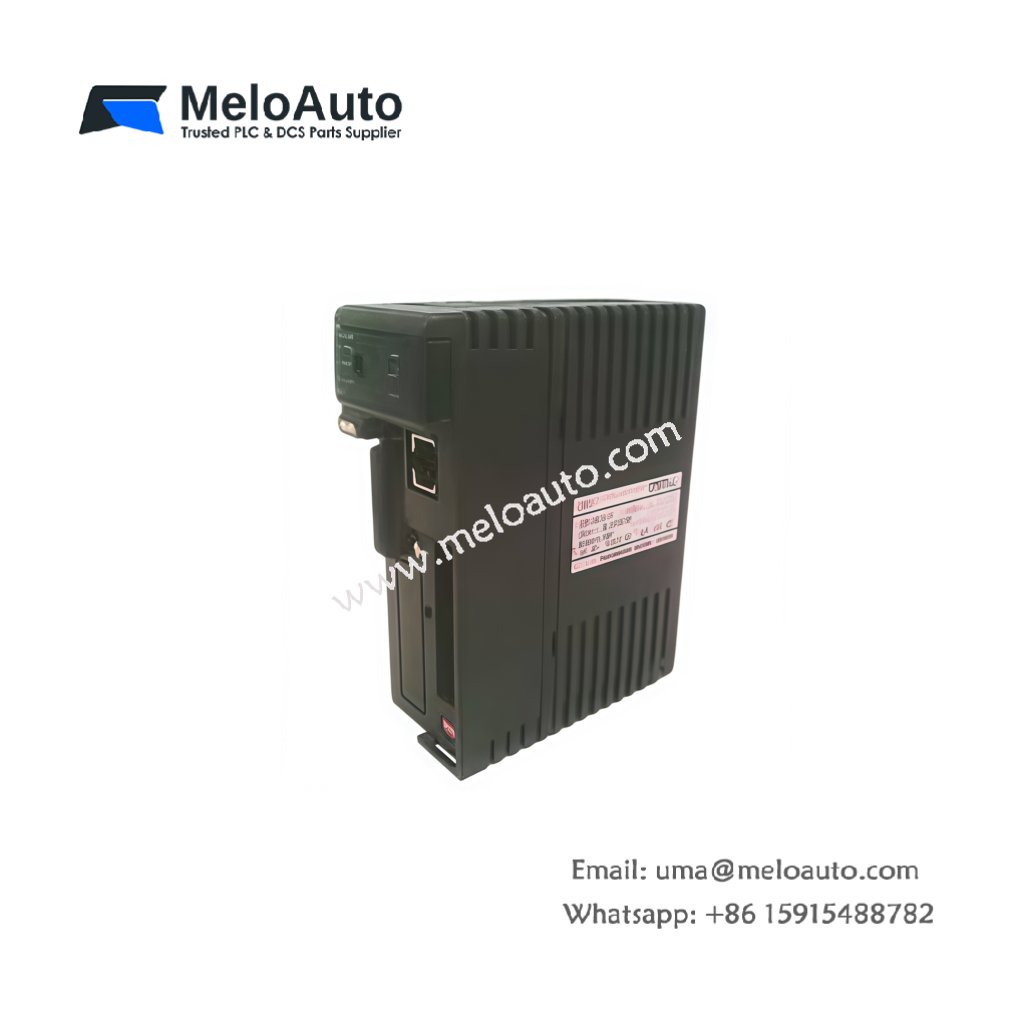
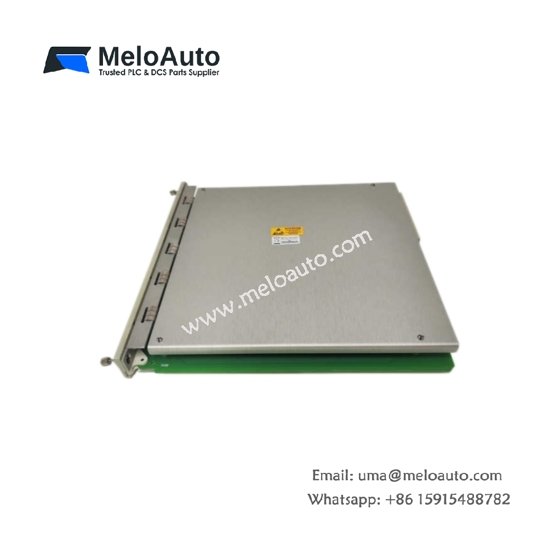
The Fuji NJ-CPU-A8 serves as the central processor for NJ series control systems. This module executes ladder logic and handles communication tasks efficiently. It manages up to 1024 I/O points simultaneously. Control engineers trust this CPU for mid‑sized automation applications.
Complete Technical Specifications
| Parameter | Specification |
|---|---|
| Dimensions (W x H x D) | 75 mm x 100 mm x 70 mm |
| Weight | 0.41 kg |
| Program Memory | 64 KB flash |
| Data Memory | 32 KB RAM with battery backup |
| I/O Capacity | 1024 points maximum |
| Scan Cycle Time | 1.2 ms per 1K steps |
| Number of Instructions | 135 basic + 245 applied |
| Internal Energy Storage | 1000 µF capacitor |
| Operating Voltage | 5V DC from backplane |
| Power Consumption | 3.5 W typical |
| Communication Ports | RS-232, RS-485, USB mini |
| LED Indicators | RUN, ERR, COM, BAT |
Physical Layout and Connection Points
The Fuji NJ-CPU-A8 weighs 0.41 kilograms for stable mounting. Its 75 mm width occupies a single slot on the base board. Three communication ports sit on the front panel clearly labeled. A battery access door allows easy replacement without disassembly. The module includes four status LEDs for quick diagnostics. A 1000 µF capacitor provides hold‑up during momentary power dips.
Processing and Memory Features
This CPU executes user programs from 64 KB of flash memory. The device retains all code without external backup power. A battery‑backed RAM holds 32 KB of retentive data. Therefore, counters, timers, and registers survive power outages. The scan cycle takes just 1.2 milliseconds per 1,000 steps. Consequently, this processor handles fast packaging lines and sorting systems.
Installation and Programming Guidelines
Mount the Fuji NJ-CPU-A8 into the leftmost slot of the base board. First, disconnect system power before inserting the module. Then secure the unit with the locking levers on top and bottom. Connect a programming cable to the USB mini port. Download your ladder logic using Fuji engineering software. After that, set the RUN switch to execute the program. Verify the RUN LED turns solid green.
Communication and System Integration
This CPU includes RS‑232, RS‑485, and USB mini ports. The RS‑485 interface supports Modbus RTU networking. Therefore, you can connect an HMI, SCADA, or drive system easily. The CPU manages up to 1024 I/O points across multiple racks. Typical applications include conveyor networks and batch processing. For larger systems, use the RS‑232 port for printer or barcode scanner connection.










WeChat
Scan the QR Code with wechat