 MeloAuto-Trusted PLC & DCS Parts Supplier
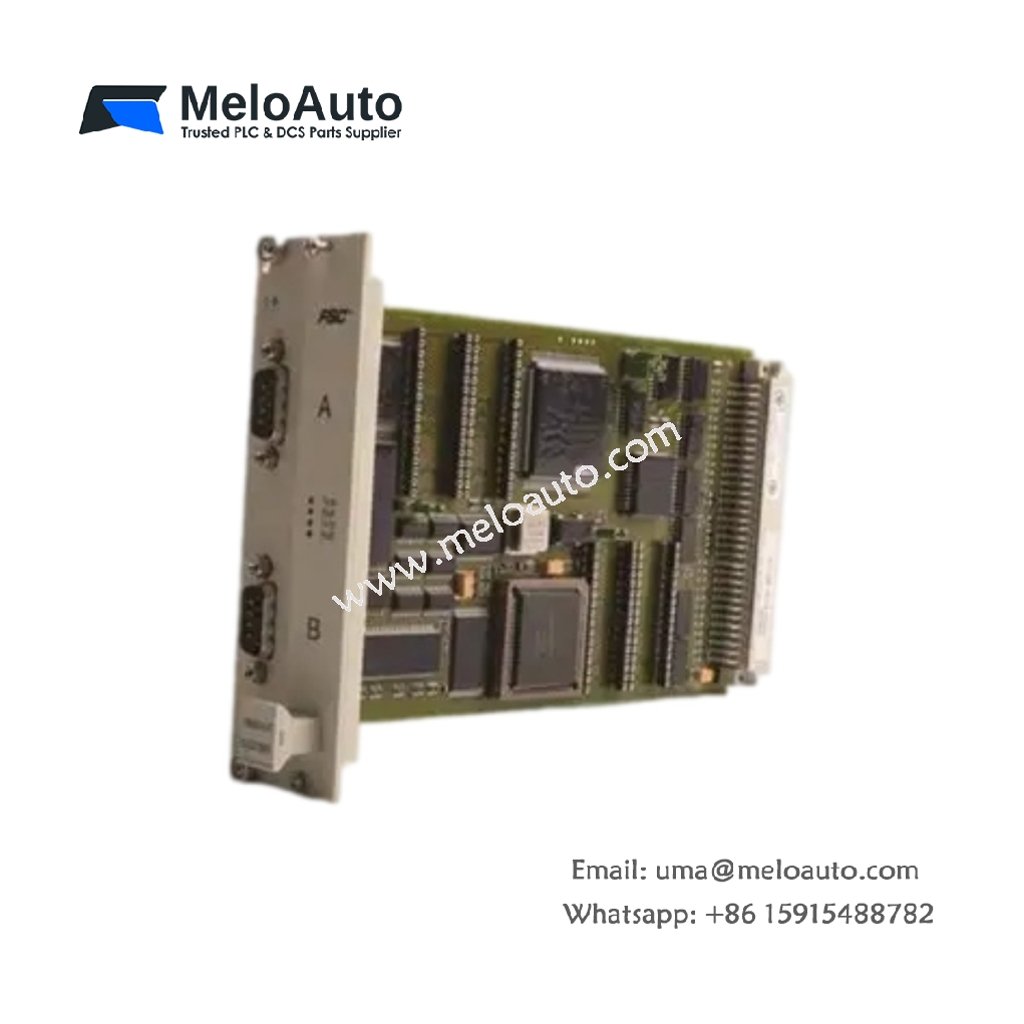
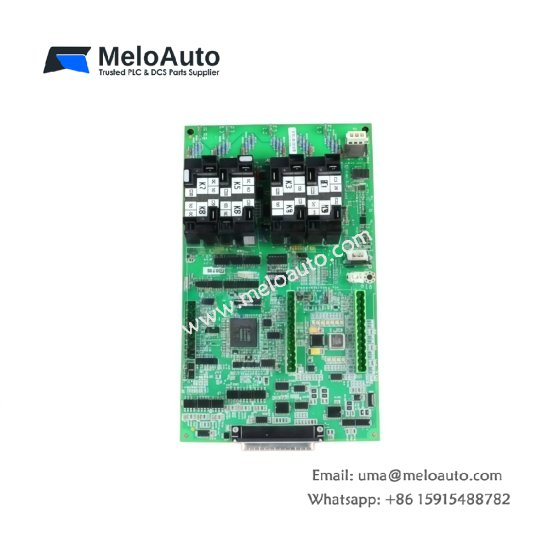
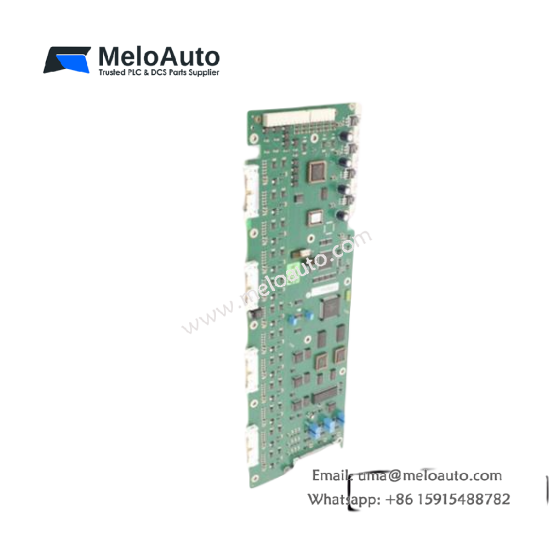
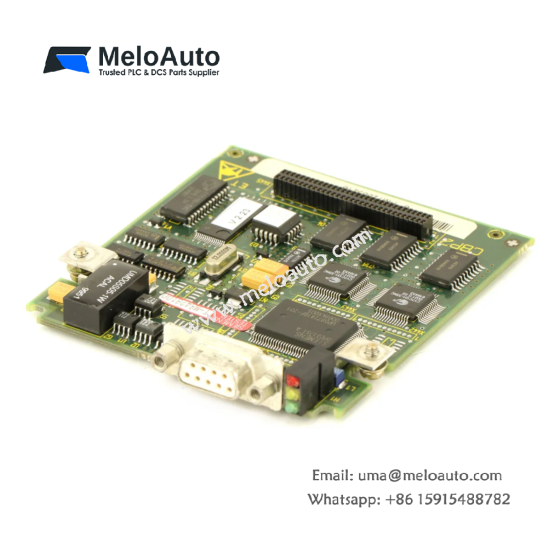
The 10024/I/I digital input module from Honeywell captures discrete field signals inside industrial burner and safety control systems. Plant engineers install this module when switches, limit contacts, and pressure sensors need dependable status monitoring. Consequently, it delivers clean input data for interlocks, sequencing, and alarm logic.
Key Technical Specifications
The table below outlines the main physical and electrical parameters of the 10024/I/I module.
| Parameter | Specification |
|---|---|
| Product Type | Digital Input Module |
| Compatibility | Honeywell burner and safety control systems |
| Dimensions | Approximately 200 mm x 130 mm x 30 mm |
| Weight | Approximately 0.45 kg (1.0 lbs) |
| Mounting | Cabinet backplane or card cage slot |
| Interface | Backplane bus and digital input terminals |
| Connectors | Multiple edge connectors and terminal blocks |
| Component Count | Multiple optocouplers, input filters, and logic circuits |
| Energy Storage | On-board capacitors for input signal filtering |
| Input Channels | Multiple discrete input points |
| Input Voltage | 24 VDC nominal |
| Operating Temperature | 0 degrees C to 60 degrees C |
| Storage Temperature | -40 degrees C to 85 degrees C |
| Humidity | 5% to 95% non-condensing |
Functional Overview
This module reads discrete field signals and reports each channel state to the host controller. Therefore, it supplies real-time status data from switches, limit contacts, and pressure switches. The 10024/I/I also filters input noise to prevent false state changes. Meanwhile, its onboard energy storage stabilizes each channel during voltage transients.
Installation and Handling Notes
Always verify field wiring polarity before connecting devices to the 10024/I/I. In addition, check that input voltage stays within the rated 24 VDC range. Tighten terminal screws evenly to prevent intermittent connections. Finally, test each input channel during commissioning to confirm correct addressing.





WeChat
Scan the QR Code with wechat