 MeloAuto-Trusted PLC & DCS Parts Supplier
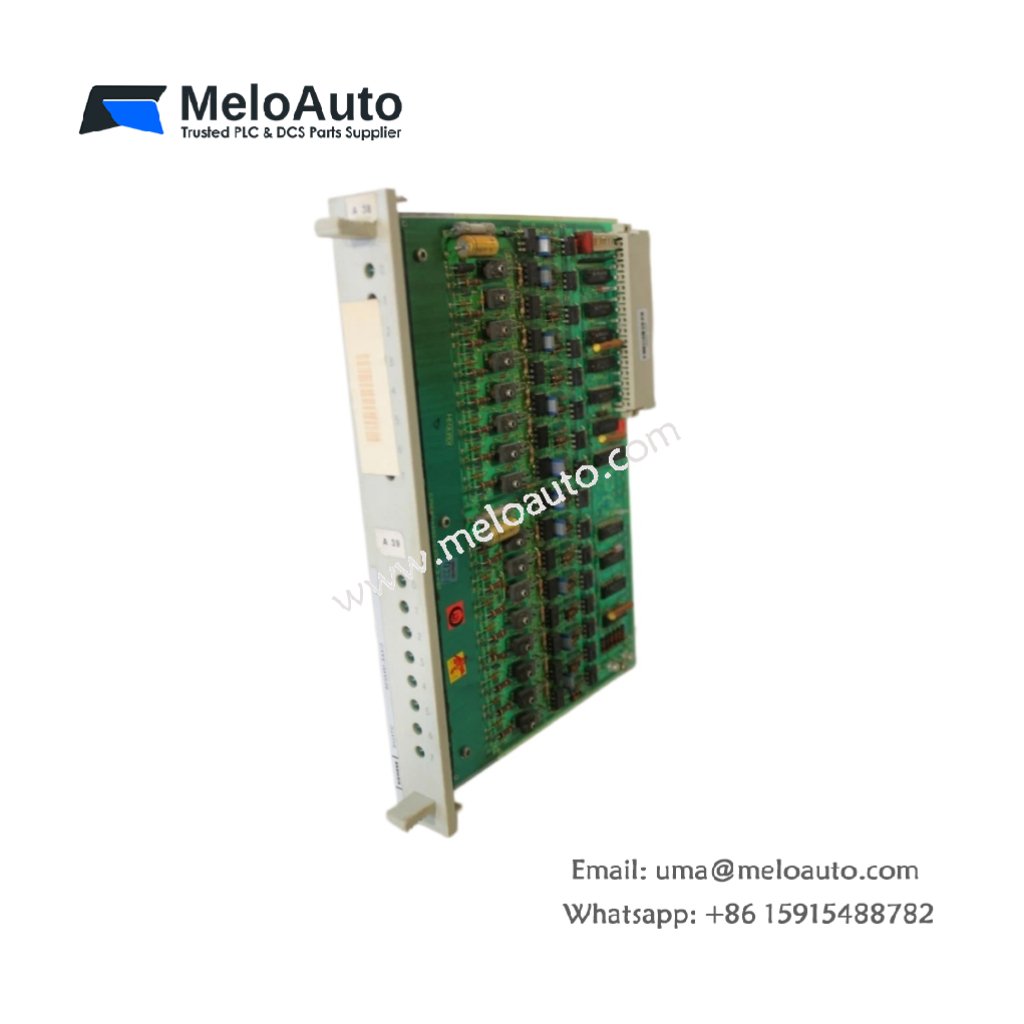
Product Overview
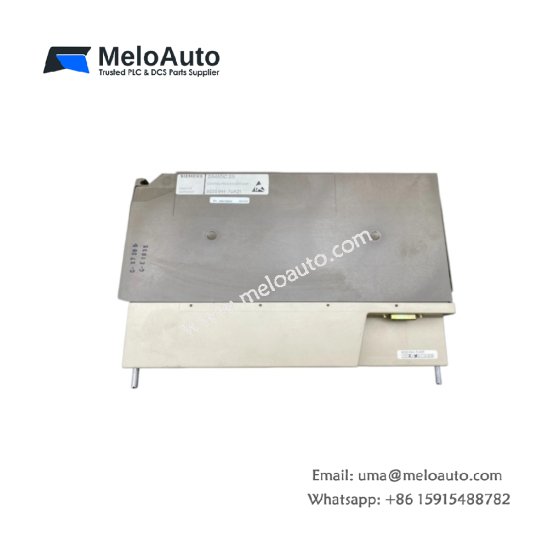
This central processing unit powers medium to large-scale automation applications for the S7-300 system. It features a high-performance processor with 1 MB of working memory for complex programs. The CPU executes 1,000 binary instructions in approximately 0.1 ms. It measures 40 mm in width, 125 mm in height, and 130 mm in depth. The unit weighs roughly 390 grams for standard DIN rail mounting. You can operate this controller across a temperature range from 0 °C to 60 °C.
The processor includes two integrated PROFIBUS DP interfaces for master and slave communication. It also offers an MPI interface for programming and diagnostics tasks. The CPU supports up to 512 I/O modules for extensive system expansion. You can expand the load memory using an optional MMC card. The device provides comprehensive diagnostic functions for troubleshooting.
Technical Specifications
| Parameter | Specification |
|---|---|
| Product Type | Central Processing Unit |
| Model | 6ES7317-2FK14-0AB0 |
| Working Memory | 1 MB |
| Execution Speed | 0.1 ms / 1,000 binary instructions |
| PROFIBUS DP Interfaces | 2 (integrated) |
| MPI Interface | Yes (12 Mbps) |
| Max I/O Modules | 512 |
| Memory Card Slot | Yes (MMC, optional) |
| Supply Voltage | 24 V DC |
| Power Loss | Typ. 4.5 W |
| Dimensions (W x H x D) | 40 mm x 125 mm x 130 mm |
| Weight | Approx. 390 g |
| Mounting | DIN rail (EN 60715) |
| Operating Temperature | 0 °C to 60 °C |
| Programming Software | STEP 7 V5.5, TIA Portal |
Key Features and Benefits
This CPU handles complex control tasks with its substantial working memory capacity. Its dual PROFIBUS DP interfaces enable distributed I/O and communication with other controllers. The fast processing speed ensures reliable real-time performance. You can expand memory flexibly using the MMC card slot. The CPU also supports time-of-day synchronization across the network.
Installation and Configuration
You mount the CPU on the DIN rail and connect the 24 V DC power supply. Insert an MMC card if you need additional memory for large programs. Configure the PROFIBUS DP interfaces using the STEP 7 hardware configuration tool. Assign unique station addresses to each interface for proper network communication. Download the user program via the MPI or PROFIBUS interface. The CPU will start executing the program after a power cycle.
Typical Applications
Automotive manufacturing uses this CPU for body shop and assembly line control. Chemical plants rely on it for batch processing and reactor control. The module also serves in water treatment and material handling systems.




WeChat
Scan the QR Code with wechat