 MeloAuto-Trusted PLC & DCS Parts Supplier
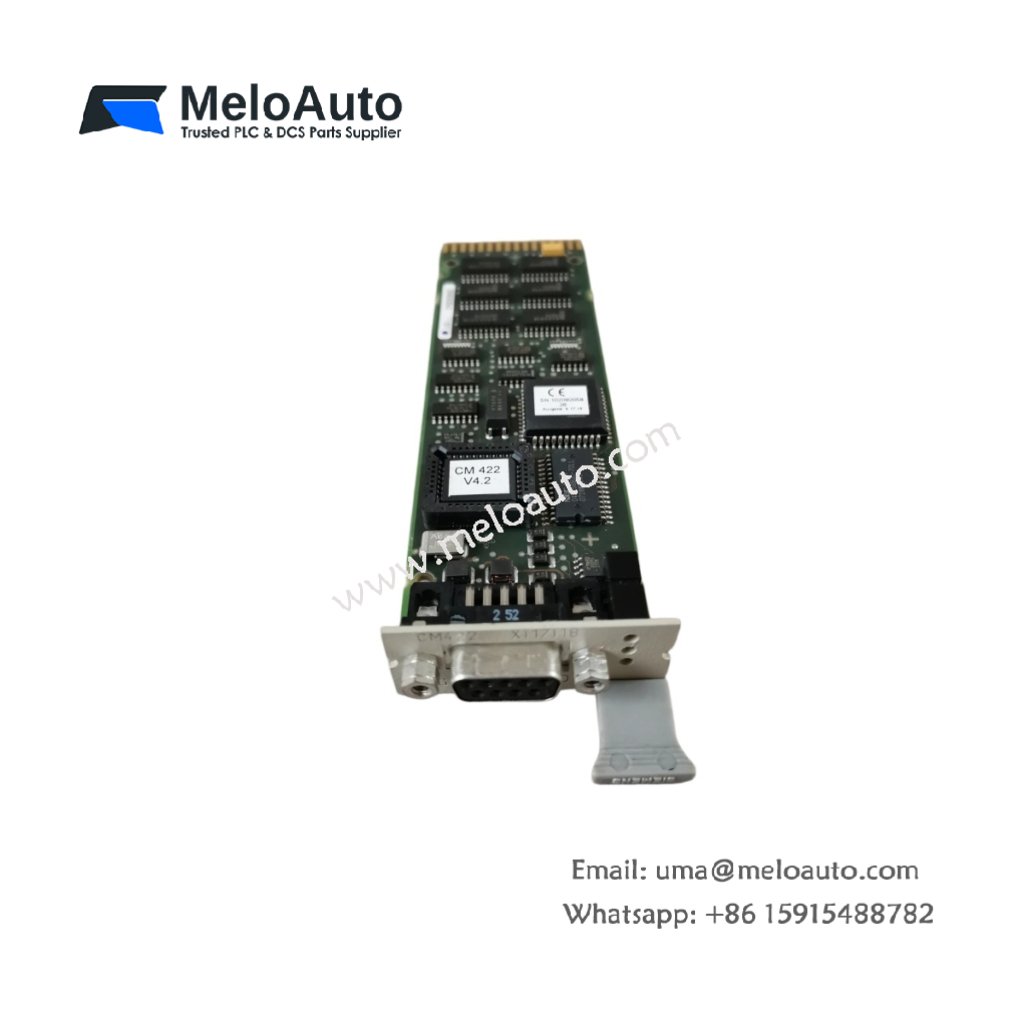
Product Overview
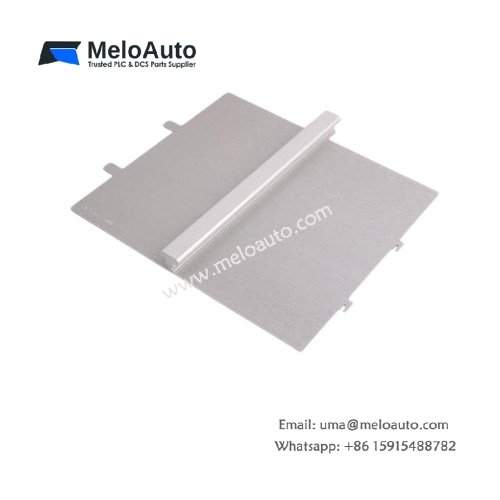
This labeling sheet provides a simple identification system for ET 200M I/O modules. It accommodates up to 20 individual labels on a single A4-size sheet. The sheet measures 210 mm in width and 297 mm in height. Its lightweight design weighs approximately 10 grams for easy handling and storage. You can print custom text directly onto the sheet using a standard laser printer. The material accepts thermal transfer printing for durable and legible markings.
The sheet comes with a self-adhesive backing for simple installation. You can cut individual labels using scissors or a craft knife. The material resists oils, greases, and common cleaning agents. Its matte surface prevents glare for clear reading in industrial lighting. This system reduces wiring errors and improves documentation clarity.
Technical Specifications
| Parameter | Specification |
|---|---|
| Product Type | Labeling Sheet |
| Model | 6ES7193-1BH00-0XA0 |
| Label Quantity | 20 per sheet |
| Sheet Dimensions | 210 mm x 297 mm (A4) |
| Material | Polyester with adhesive backing |
| Printing Method | Laser, thermal transfer |
| Temperature Range | -25 °C to 70 °C |
| Chemical Resistance | Oils, greases, mild acids |
| Color | White with matte finish |
| Weight | Approx. 10 g |
| Compatibility | ET 200M modules |
Key Features and Benefits
This labeling sheet offers a cost-effective solution for module identification. Its self-adhesive backing ensures quick and secure attachment. You can print professional labels using standard office equipment. The material withstands harsh industrial environments and cleaning. This system simplifies maintenance and troubleshooting.
Installation and Usage
You place the sheet into your laser printer and print the desired text. Cut the individual labels along the pre-defined perforation lines. Peel off the backing paper and apply the label to the module’s surface. Press firmly to ensure full adhesion to the housing. The label will remain secure under normal operating conditions. For removal, simply peel the label off without leaving residue.
Typical Applications
Control cabinet builders use this sheet for identifying ET 200M I/O channels. Maintenance teams rely on it for clear signal marking. The sheet also serves for labeling distributed I/O stations.




WeChat
Scan the QR Code with wechat