 MeloAuto-Trusted PLC & DCS Parts Supplier
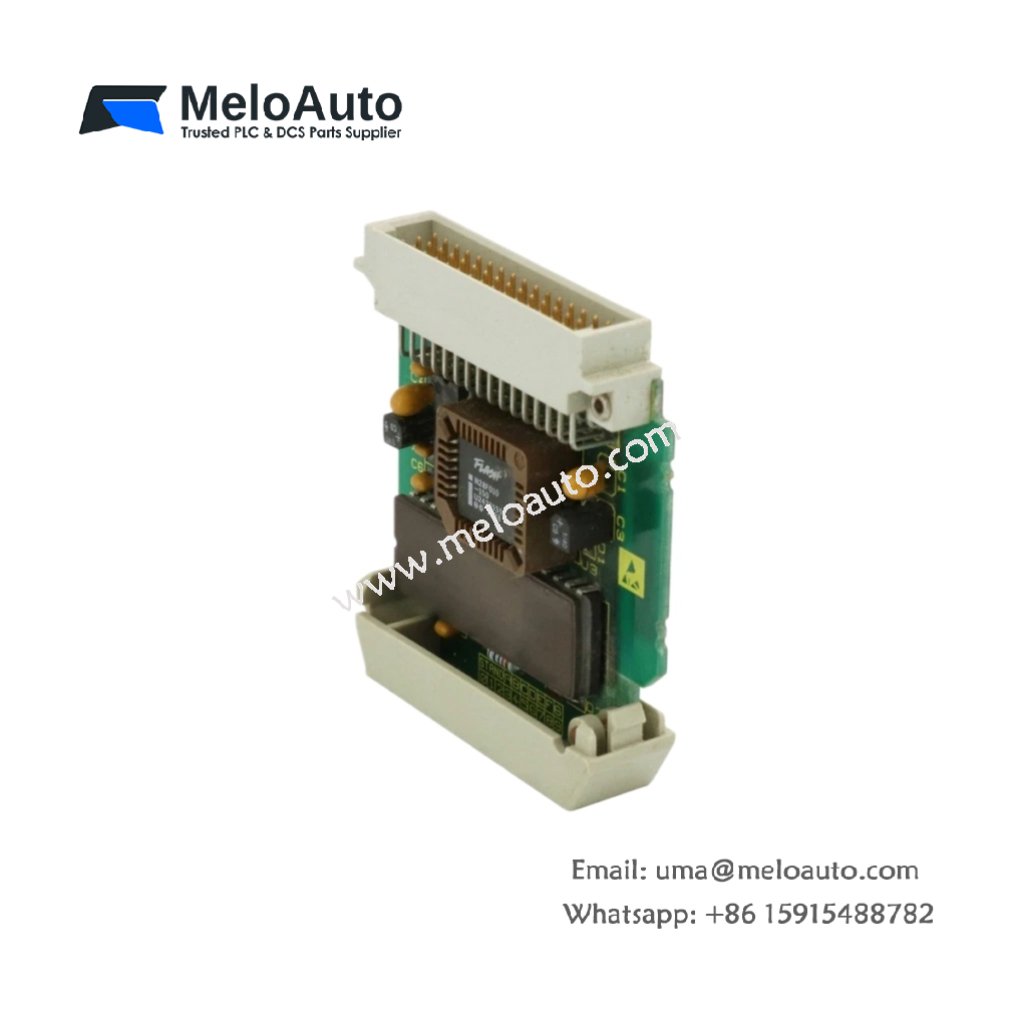
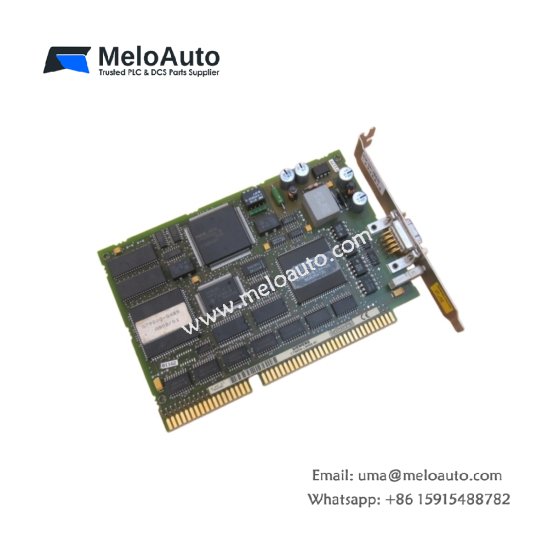
This submodule stores HMI configuration data and text libraries for operator panels. The Siemens 6AV3971-1NA02-0CA0 plugs directly into the memory slot on compatible OP devices. It measures 54 mm in width and 35 mm in height. This unit weighs approximately 16 grams for lightweight integration.
Technical Specifications Table
| Parameter | Value |
|---|---|
| Product Model | Siemens 6AV3971-1NA02-0CA0 |
| Category | Memory Submodule / HMI Expansion |
| Memory Technology | EEPROM (Electrically Erasable PROM) |
| Storage Capacity | 128 KB (131072 bytes) |
| Memory Width | 8-bit parallel interface |
| Dimensions (W x H x D) | 54 mm x 35 mm x 8 mm |
| Weight | 16 g |
| Connection Type | 1 x 32-pin dual-in-line male header |
| Internal Components | 1 x EEPROM chip |
| Programming Voltage | 5 V DC (in-system programmable) |
| Access Time | 120 ns maximum |
| Write/Erase Cycles | 100,000 minimum |
| Data Retention | Approximately 40 years (non-volatile) |
| Energy Storage | None (no battery required) |
Internal Design and Non-Volatile Storage
This memory submodule contains a single EEPROM chip with no quartz window. The Siemens 6AV3971-1NA02-0CA0 retains all data without any battery backup. Electrical signals erase and reprogram the memory in-system without UV light. The chip stores HMI screens, text messages, and configuration parameters permanently. This non-volatile design guarantees data integrity during long-term power loss. You will never need to replace batteries or worry about data decay. The EEPROM technology supports 100,000 write cycles for frequent updates.
Installation and Compatibility Guide
First, power down your operator panel completely before handling this submodule. Next, locate the memory slot on your OP panel’s main circuit board. Then, align the 32 gold-plated pins carefully with the socket. Press the submodule downward until it seats firmly in place. Use ProTool or your HMI software to write configuration data directly to the chip. The panel automatically detects the additional 128 KB of memory on startup. This submodule works with OP15, OP17, OP25, OP27, and OP35 operator panels from Siemens. Remove the submodule carefully by pulling upward on both ends simultaneously.










WeChat
Scan the QR Code with wechat