 MeloAuto-Trusted PLC & DCS Parts Supplier
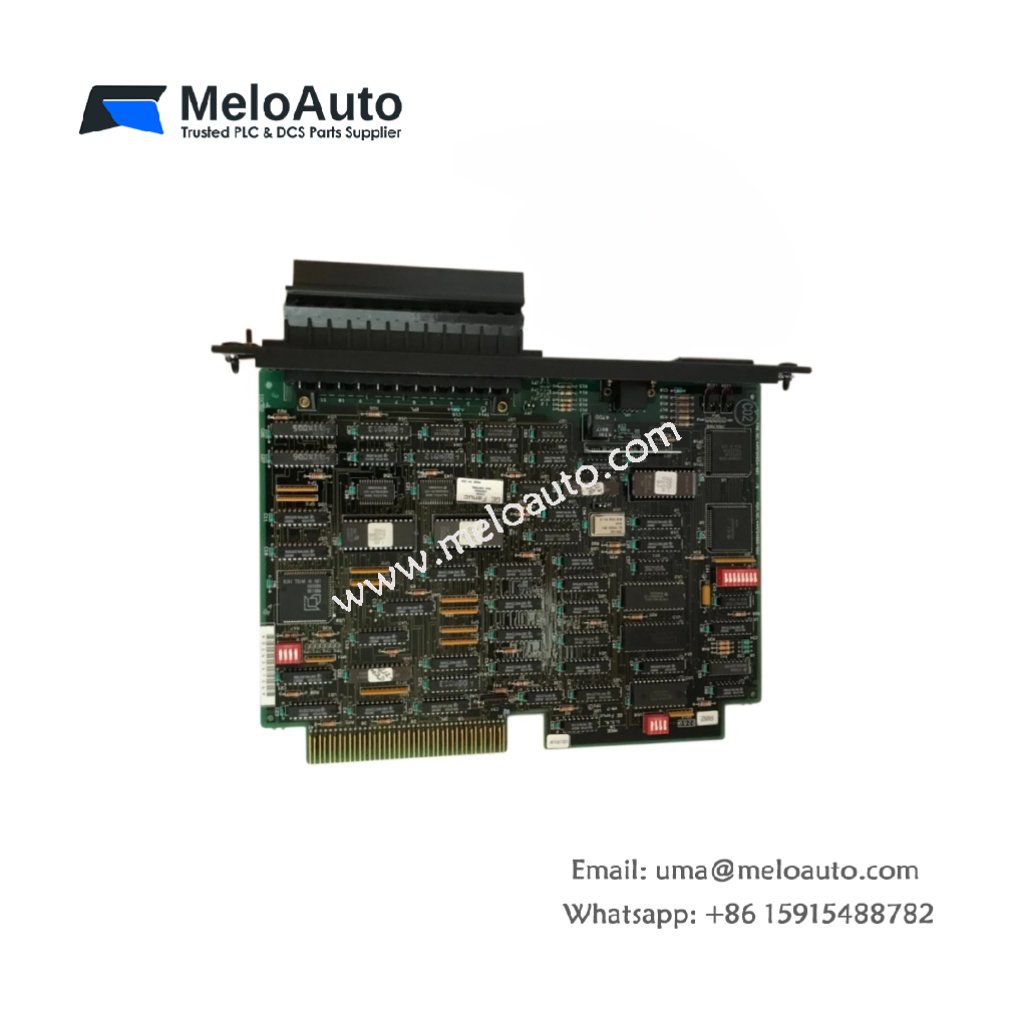
The GE IS200PMCIH1A and GE IS200PMCIH1AAA serve as versatile interface boards for turbine control systems. These modules belong to the Mark VI series from General Electric. They bridge communication between the main controller and peripheral devices. Consequently, these boards expand the I/O capabilities without major system modifications.
Technical Specifications
The table below lists the precise parameters for the GE IS200PMCIH1A and IS200PMCIH1AAA .
| Parameter | Specification |
|---|---|
| Manufacturer | General Electric (GE) |
| Full Model Numbers | GE IS200PMCIH1A , GE IS200PMCIH1AAA |
| Product Category | Interface Board |
| Dimensions (H x W x D) | 2.5 cm x 14.0 cm x 25.5 cm |
| Weight | 0.30 kg (0.66 lbs) |
| Primary Interface | One 64-pin backplane connector and two DB9 ports |
| Signal Channels | 16 configurable signal paths |
| Component Count | Approximately 120 resistors and 40 capacitors |
| Energy Storage | Four 10 µF tantalum capacitors |
| Protocol Support | RS-232 and RS-485 serial communication |
| Operating Temperature | -30°C to +65°C |
Functional Design and Signal Interfacing
The GE IS200PMCIH1AAA connects directly to the VME backplane of the cabinet. It converts between different voltage levels and signal types. Then, this board routes signals to the appropriate destination modules. Each channel includes selectable termination resistors for signal integrity. Therefore, the IS200PMCIH1A simplifies integration of third-party devices into the system.
Installation and Compatibility Notes
You must configure the jumpers before installing this interface board. The GE IS200PMCIH1A fits exclusively into Mark VI series cabinets. Always replace faulty units with identical GE board revisions. Additionally, verify the serial port settings match your peripheral device. This practice prevents communication failures between connected equipment.