 MeloAuto-Trusted PLC & DCS Parts Supplier
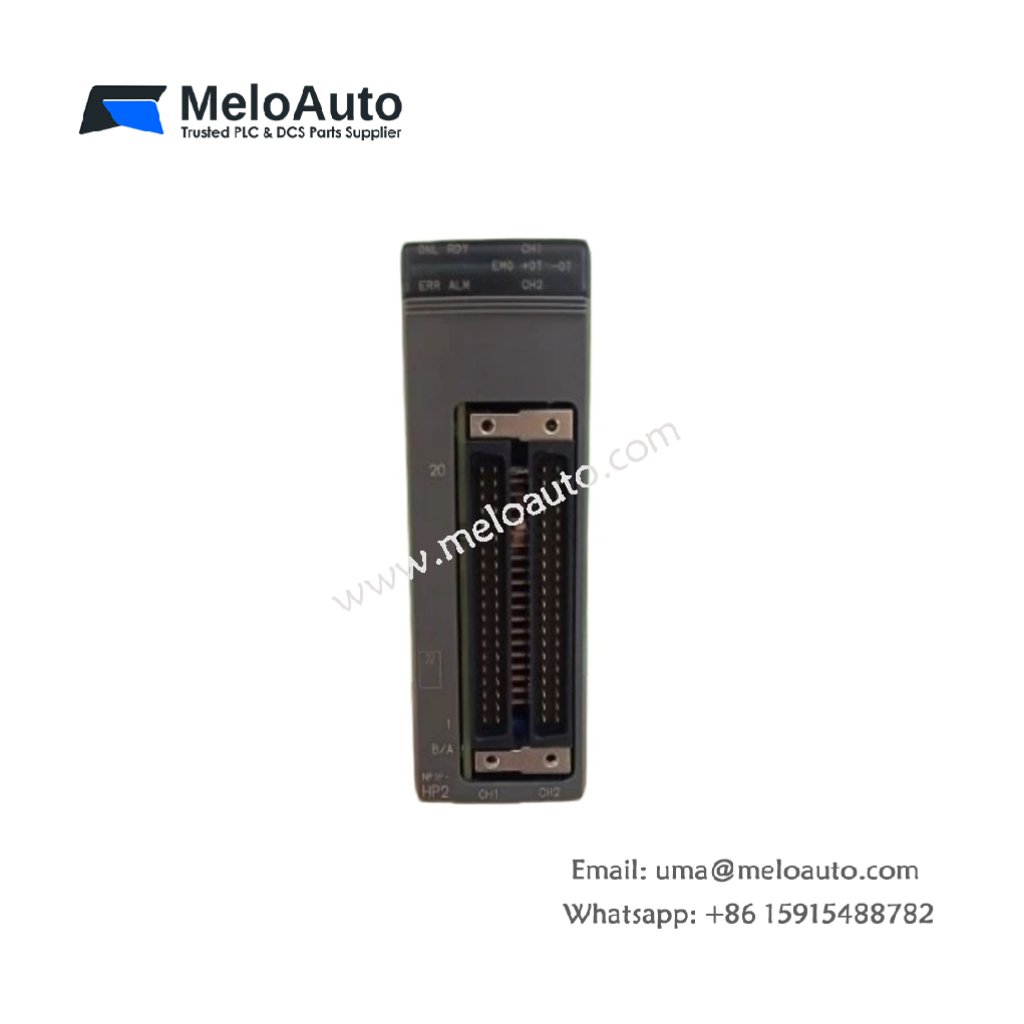
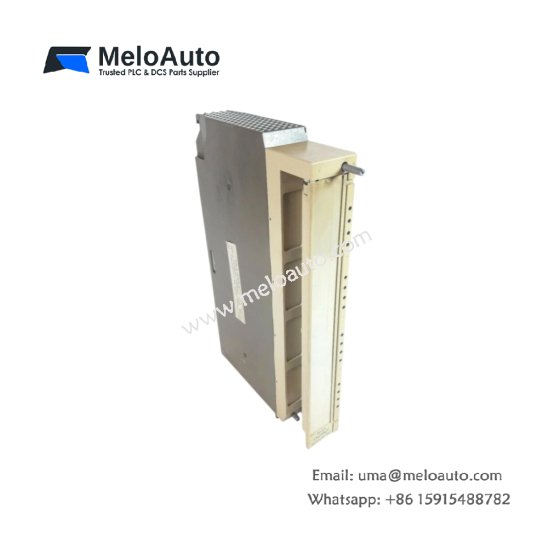
This communication module handles serial data exchange for FUJI MICREX-SX automation systems. It interfaces the PLC with external devices such as HMIs and host computers. Therefore, it enables reliable data transfer in industrial network environments.
Physical and Communication Specifications
The FUJI NP1L-AS2 measures 13.0 cm in length and 9.5 cm in width. Moreover, its module weight equals approximately 0.28 kg for rack mounting. A single 48-pin male connector links this module to the MICREX-SX backplane. Additionally, the unit includes two independent serial communication ports.
| Parameter | Specification |
|---|---|
| Brand | FUJI Electric |
| Full Model | NP1L-AS2 |
| Category | Communication Module |
| Dimensions (L x W x H) | 13.0 cm x 9.5 cm x 6.0 cm (5.12″ x 3.74″ x 2.36″) |
| Module Weight | 0.28 kg (0.62 lbs) |
| Backplane Interface | 1 x 48-pin Male Connector (MICREX-SX Rack) |
| Power Supply Input | 5 VDC from Backplane (0.5 A Typical) |
| Power Consumption | 2.5 W (Typical) |
| Processor Type | 8-bit Microcontroller (8 MHz) |
| Program Memory | 16 kB ROM (Firmware) |
| Data Memory | 8 kB RAM (Battery Backed) |
| Backup Battery | Internal Lithium (3V, 5 Year Life) |
| Communication Ports | 2 x 9-pin D-Sub Male (RS-232C) |
| Supported Protocols | Modbus RTU (Master/Slave) + FUJI Proprietary + ASCII |
| Baud Rate Range | 300 to 38400 baud |
| Data Bits | 7 or 8 Bits (Configurable) |
| Parity Options | None, Even, Odd |
| Stop Bits | 1 or 2 Bits |
| Cable Length Maximum | 15 meters (49 feet) per Port |
| On-Board Components | 1 Microcontroller + 2 UARTs + 2 Memory Chips + 2 Line Drivers + 2 Optocouplers + 6 Protection Diodes + 1 Voltage Regulator |
| Energy Storage | 2 x 100 µF Electrolytic Capacitors (35V) + 2 x 10 µF Tantalum (25V) + 1 x CR2032 Backup Battery |
| Battery Backup Time | 5 Years (Typical for RAM Retention) |
| Operating Temperature | 0°C to +55°C (32°F to 131°F) |
| Storage Temperature | -25°C to +85°C (-13°F to 185°F) |
| Mounting Type | MICREX-SX PLC Rack (Single Slot) |
| Status Indicators | 1 Green LED (Power) + 1 Green LED (Run) + 2 Yellow LEDs (Port Activity) + 1 Red LED (Fault) |
Communication Protocols and Connectivity
The FUJI NP1L-AS2 supports multiple industrial communication protocols for flexibility. Specifically, Modbus RTU connects to third-party HMIs, drives, and SCADA systems. In addition, the FUJI proprietary protocol ensures compatibility with legacy equipment. Furthermore, ASCII protocol allows connection to barcode scanners and printers directly. Consequently, this module connects MICREX-SX PLCs to a wide range of external devices.
Dual Serial Port Configuration
Two independent RS-232C ports provide flexible connectivity for external devices. For instance, you can connect an HMI to port one and a printer to port two. In addition, each port supports adjustable baud rates from 300 to 38400 baud. Moreover, the module buffers incoming data to prevent loss during high traffic. Thus, this communication module handles simultaneous data exchange on both ports.
Energy Storage and Data Retention
This communication module stores energy using four onboard capacitors for power filtering. Specifically, two electrolytic capacitors smooth the 5 VDC supply for stable processor operation. In addition, two tantalum capacitors provide high-frequency noise suppression for UART circuits. Furthermore, a replaceable lithium battery retains communication parameters and buffer data. Therefore, the FUJI NP1L-AS2 preserves configuration settings for up to five years.
Installation and Diagnostic Indicators
Five LED indicators provide operational status at a glance on this module. First, a green Power LED lights when the 5 VDC backplane supply is present. Second, a green Run LED flashes during normal firmware execution. Third, two yellow Port Activity LEDs illuminate during data transmission or reception. Finally, a red Fault LED indicates hardware errors or watchdog timeouts. Thus, you can diagnose communication status instantly without external tools.












WeChat
Scan the QR Code with wechat