 MeloAuto-Trusted PLC & DCS Parts Supplier
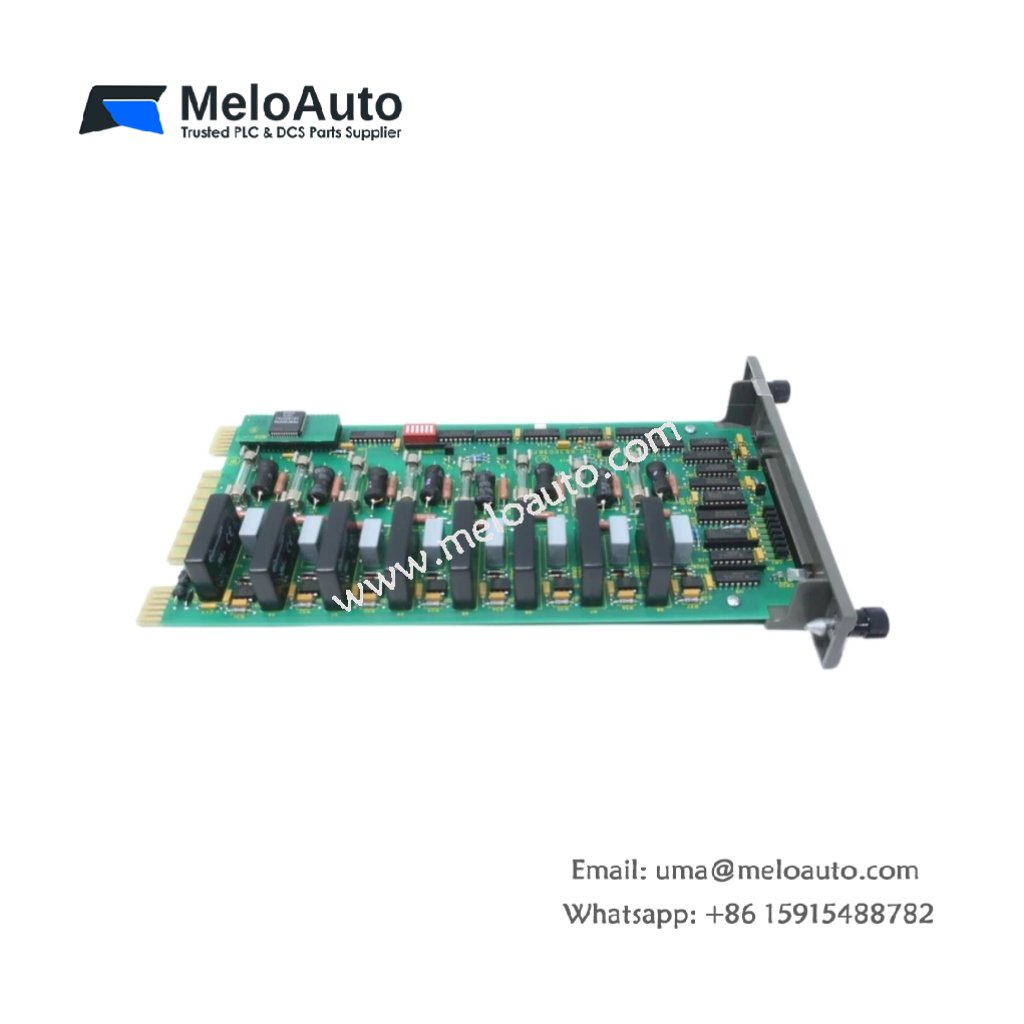
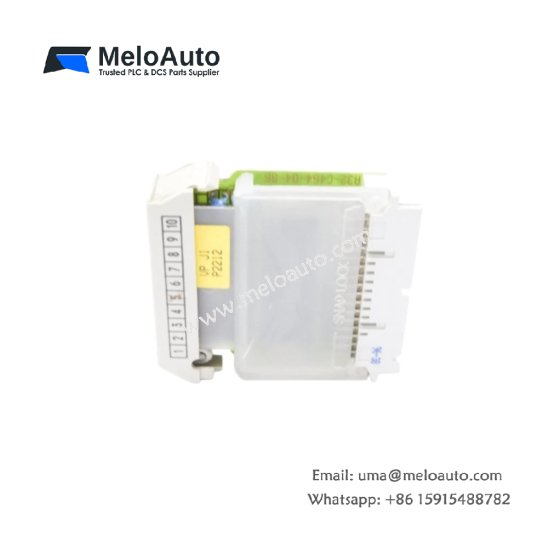
The ABB Bailey NBIM02 connects INFI 90 controllers to third-party devices and networks. This interface module converts Bailey plant bus protocols to Modbus and serial formats. You can link your DCS to PLCs, SCADA systems, and intelligent instruments. It handles data mapping, error checking, and message buffering automatically. Consequently, this module opens legacy Bailey systems to modern communication standards.
Technical Specifications Overview
| Parameter | Detailed Specification |
|---|---|
| Model | ABB Bailey NBIM02 |
| Category | INFI 90 Network Interface Module (Plant Bus) |
| Supported Protocols | Modbus RTU, Modbus ASCII, DNP 3.0, vendor-specific |
| Physical Interfaces | RS-232 (DB9), RS-485 (terminal block), 20 mA loop |
| Data Rates | 300 baud to 38.4 kbaud (software selectable) |
| Number of Ports | 2 (configurable as master or slave) |
| Data Buffer | 8 KB RAM (battery-backed) |
| Maximum Devices | 32 slaves per RS-485 segment |
| Internal Memory | 32 KB Flash (firmware storage) |
| Operating Voltage | 5V DC from backplane (800 mA typical) |
| External Supply | 24V DC (100 mA for RS-485 termination) |
| Energy Storage | Lithium battery for buffer RAM retention |
| Battery Life | Approximately 2 years |
| Dimensions (approx.) | 250 mm x 180 mm x 30 mm |
| Weight | 0.72 kg (720 grams) |
| Indicators | 4 LEDs (power, run, TX, RX, error) |
| Operating Temperature | 0°C to 60°C |
Functional Features and Communication Capabilities
The ABB Bailey NBIM02 acts as a protocol gateway between Bailey systems and external networks. You can configure this module as a Modbus master or slave for each port independently. It automatically maps plant bus data to Modbus registers for seamless integration. Furthermore, the module handles CRC error checking and message retransmission on communication failures.
The onboard buffer stores up to 500 data points for burst transmission. The backup battery preserves configuration and buffered data during power outages. Additionally, the module supports both polled and exception-reporting communication models. You can update the firmware in the field through the serial port.
Installation and Configuration Steps
First, insert the ABB Bailey NBIM02 into any INFI 90 I/O slot. Next, connect the plant bus cables to the rear termination panel. Then, attach your external device to the appropriate serial port (RS-232 or RS-485). Finally, configure the communication parameters using Bailey CADENCE software.
You must set the correct baud rate and parity for your external device. The module does not auto-detect serial line settings. Always use shielded cables for RS-485 runs longer than 10 meters. Furthermore, terminate both ends of the RS-485 network with 120-ohm resistors.
This interface module works perfectly for connecting Bailey DCS to PLC networks. It also links to weigh scales, barcode scanners, and analyzers. The ABB Bailey NBIM02 supports both point-to-point and multi-drop configurations. You can replace older proprietary gateways with this single module.












WeChat
Scan the QR Code with wechat