 MeloAuto-Trusted PLC & DCS Parts Supplier
Why This Display Module Enhances Your Operator Interface
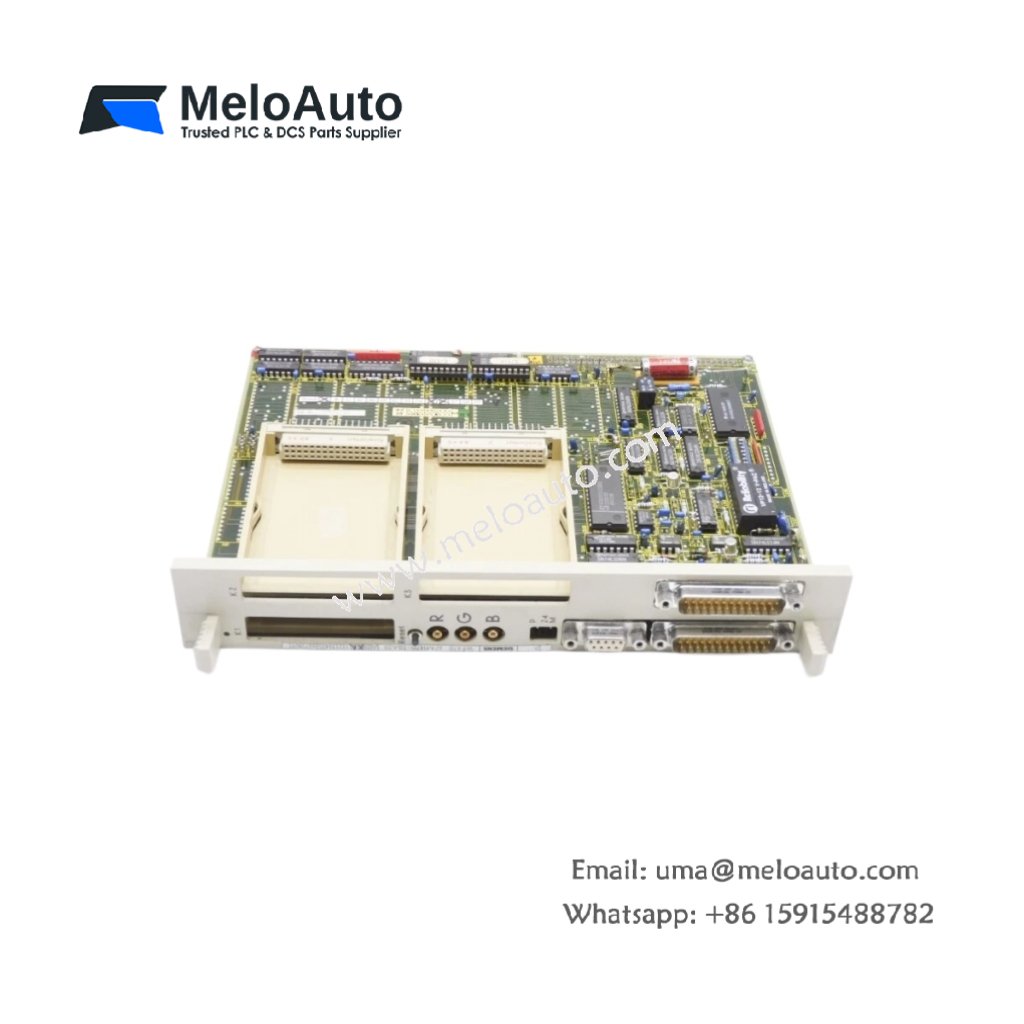
This display module provides clear visual feedback for machine status and alarms. You get a compact Siemens 6FM1470-3BE20 for SIMATIC S5 operator workstations. It shows alphanumeric messages and process values on its screen. Therefore, operators can monitor system conditions without opening the control cabinet.
Technical Specifications and Physical Details
The Siemens 6FM1470-3BE20 features a backlit LCD with two lines of text. Each line displays up to twenty characters of information. This module mounts flush into a control cabinet door. Its dimensions measure approximately 140 mm in width and 70 mm in height. The unit weighs around 0.35 kg for straightforward installation. This display module stores no process data internally. Instead, the CPU sends all screen content via the backplane. Consequently, you lose no messages during a display power cycle.
Below is the detailed breakdown of the hardware specifications.
| Parameter | Specification |
|---|---|
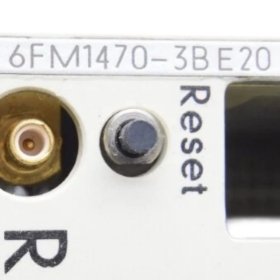
| Product Model | 6FM1470-3BE20 |
| Product Type | Display Module |
| Brand | Siemens |
| Family | SIMATIC S5 |
| Display Type | Backlit LCD |
| Display Format | 2 lines x 20 characters |
| Mounting Type | Flush panel mount |
| Dimensions (W x H) | Approx. 140 x 70 mm |
| Approx. Weight | 0.35 kg |
| Communication | S5 backplane |
| Energy Storage | None (passive display) |
| Component Count | Single integrated unit |
Installation and Connection Notes
This module connects directly to the S5 backplane via a ribbon cable. You must assign a unique address using the DIP switches on the rear. The Siemens 6FM1470-3BE20 requires specific function blocks in your PLC program. Therefore, call the display driver in each scan cycle for updates. Always clean the display window with a soft, dry cloth only. Abrasive cleaners will scratch the plastic surface and reduce visibility.












WeChat
Scan the QR Code with wechat